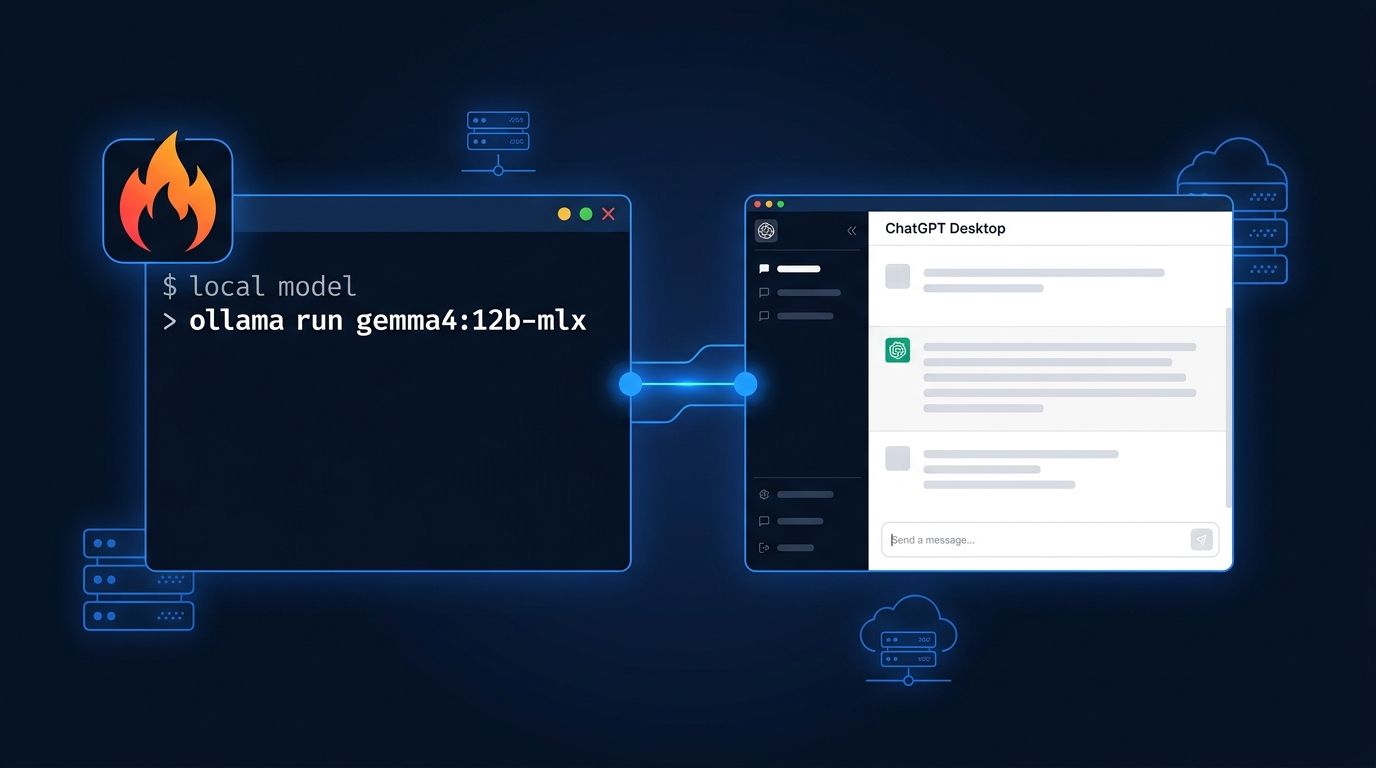
Ollama 0.34 landed on September 5 and it does two things that will make developers do a double take. First: your local Ollama models now run inside ChatGPT Desktop on macOS, so the app you already have open is no longer locked to GPT-4o. Second: Ollama now offers cloud models — large open-weight models that run on Ollama’s own servers, pulled with the same ollama run command you already know. A tool synonymous with local AI is quietly becoming something bigger.
ChatGPT Desktop Now Runs Your Local Models #
This is the headline feature and the most counterintuitive thing in this release. Ollama v0.34.0 integrates directly with ChatGPT Desktop on macOS — the app millions of developers already use for Projects, file uploads, and MCPs. Swap the underlying model to Gemma 4 or Llama running on your own hardware and zero prompts leave your machine to OpenAI’s servers.
Setup is macOS-only in v0.34 (Windows and Linux support is expected but not yet shipped). The steps are short:
brew upgrade ollama

ollama pull gemma4:12b-mlx
Ollama rewrites ChatGPT’s local configuration to redirect requests to 127.0.0.1:11434. Once enabled, the model switcher in ChatGPT Desktop lists your Ollama models alongside GPT-4o. You can expose up to five local models. Projects, conversation history, and file attachments continue working normally. What doesn’t transfer: DALL-E image generation, voice mode, and O1 reasoning — those depend on OpenAI’s infrastructure and remain unchanged.
The privacy implication is worth noting for teams. Conversations routed to a local Ollama model never touch OpenAI’s servers. If your organization has data handling concerns about cloud AI, this path runs entirely on your hardware through ChatGPT’s interface. Check Ollama’s ChatGPT Desktop docs for the full setup walkthrough.
Cloud Models: Ollama Extends Its Reach #
Alongside the local model integration, Ollama now offers a cloud tier. Models with a :cloud suffix run on Ollama’s own datacenter hardware rather than your GPU — same CLI syntax, different compute location.
ollama signin

ollama run kimi-k2.6:cloud

ollama search --filter cloud
Current options include kimi-k2.6:cloud (Moonshot’s 1T-parameter model), deepseek-v4-pro:cloud, qwen3-coder-480b:cloud, and several others — see the full list at ollama.com/search. Pricing is billed by GPU time rather than tokens. Free tier has session limits that reset every five hours. Pro runs $20/month for 50× the free quota. Max is $100/month and currently closed to new signups.
The privacy caveat is direct: cloud model prompts leave your machine and route through Ollama’s servers. If you need local inference, use a local model. If you need a 480B coding model and don’t have a rack of H200s, qwen3-coder-480b:cloud is there.
Gemma 4 on MLX Gets Images and Audio #
Apple Silicon users get a notable addition: gemma4:12b-mlx and gemma4:31b-mlx now accept image and audio inputs through the MLX engine. Long audio clips are automatically chunked — no manual splitting needed. Unsupported model checkpoints fall back to text-only gracefully rather than crashing. For multimodal pipelines on Mac, this is a real capability gain. Put image or audio content before text in your prompt; that’s the recommended input order per the release notes. Background on the MLX performance story is on the Ollama MLX blog.
Two Smaller Fixes Worth Knowing #
Structured output — JSON mode, grammar-constrained decoding — is now faster on Apple Silicon. Ollama now uses Metal kernels for tokenization during constrained decoding on M-series chips. Tool-calling heavy workloads get a meaningful speedup. Separately, 0.34 now honors the default parameters embedded in GGUF files: temperature, context length, and others. Community GGUF models now behave the way their creators intended without requiring a custom Modelfile override. This one has been requested for years.
What This Release Means #
Ollama was the tool you used to avoid being locked into a cloud AI vendor. With 0.34, it’s becoming the inference layer that works across local and cloud open-weight models and now bridges into OpenAI’s own desktop client. That’s not a contradiction — it’s a product strategy. Ollama raised $88M this summer and cloud inference is how that investment gets a return. The ChatGPT Desktop integration is also user acquisition: if developers can run Gemma inside ChatGPT without changing their workflow, they’ll install Ollama to do it.
The practical result is useful regardless of how you feel about the strategy. Update to 0.34 if you’re on macOS and use ChatGPT Desktop, run the Integrations setup once, and your local models are available immediately. Cloud models are worth testing for large-parameter tasks you can’t run locally — the free tier is enough to evaluate quality before committing to Pro.