"use cache"
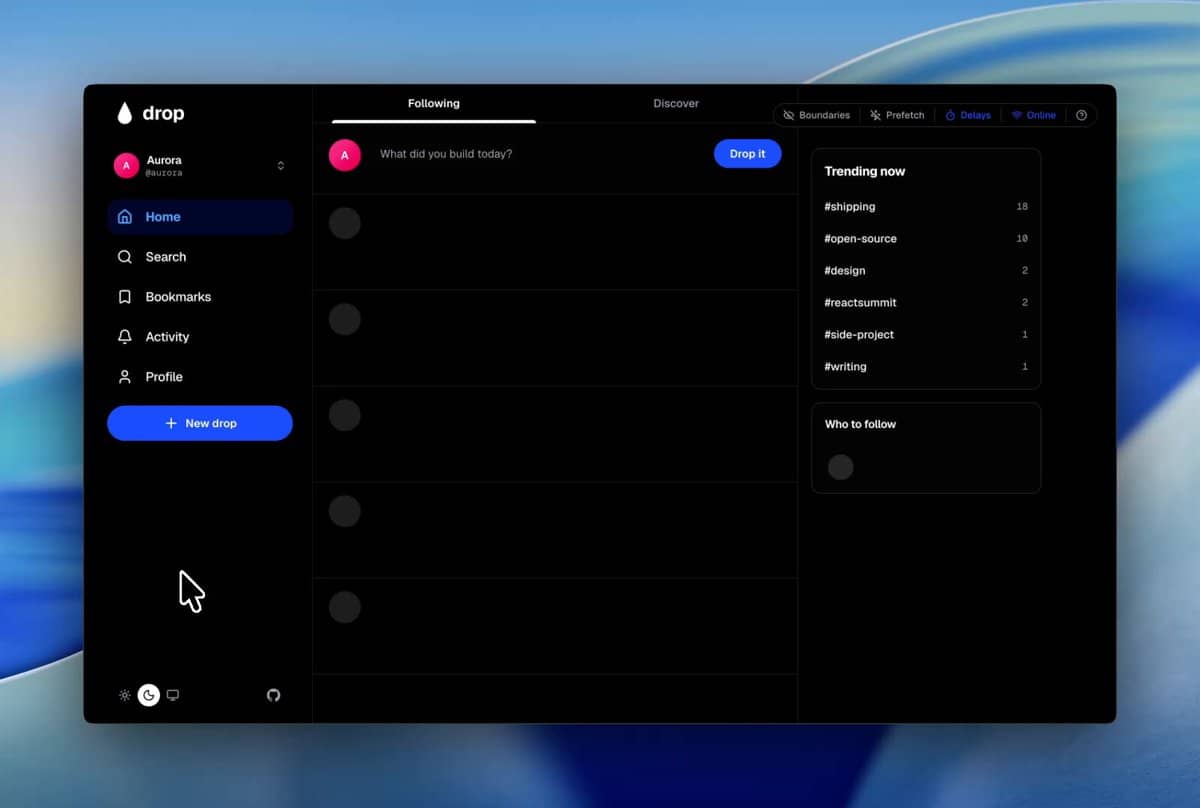
, which is a much more intuitive mental model than the previous version.If you're trying to eliminate those jarring states, the combination of Partial Prefetching and the new Cache Components is where the real productivity gains are. You can now cache specific fragments of a page while streaming the rest via Suspense
, effectively keeping the shell instant while the heavy data loads in the background.
Optimizing the AI Workflow for Next.js #
When building these complex layouts, I've found that using an LLM agent like Claude Code helps immensely with managing the boundary between RSC (React Server Components) and client state. Managing the intersection of TanStack Query, URL state, and server data can get messy quickly.
For anyone diving into a deep dive of the new caching primitives, here is the basic logic for the new directive:
// Example of the new caching pattern
async function getUserData(id: string) {
  "use cache"; // Opt-in to caching for this specific function
  const user = await db.user.findUnique({ where: { id } });
  return user;
}
You can further refine this using cacheLife
to set expiration or cacheTag
for precise invalidation.
Tools for the Modern Next.js Stack #
Beyond the core framework, a few utilities are making the development loop much tighter:
RSC Boundary: A lifesaver for debugging. It visually marks where your server components end and client components begin directly in the browser, so you stop guessing why a hook isn't working.Canvas UI: If you need high-performance visuals (shaders, fluid simulations) without abandoning your framework, this is a solid framework-agnostic option.TypeScript 7 Support: If you're on the bleeding edge, Next.js 16.3 Preview allows TS 7 support viaexperimental.useTypeScriptCli
in your config.
For those setting up a project from scratch, I highly recommend mapping out your data boundaries before coding. Deciding what stays on the server and what needs to be interactive prevents the "client component waterfall" that kills performance.
Next Openship: Stop letting your PaaS eat your VPS RAM →