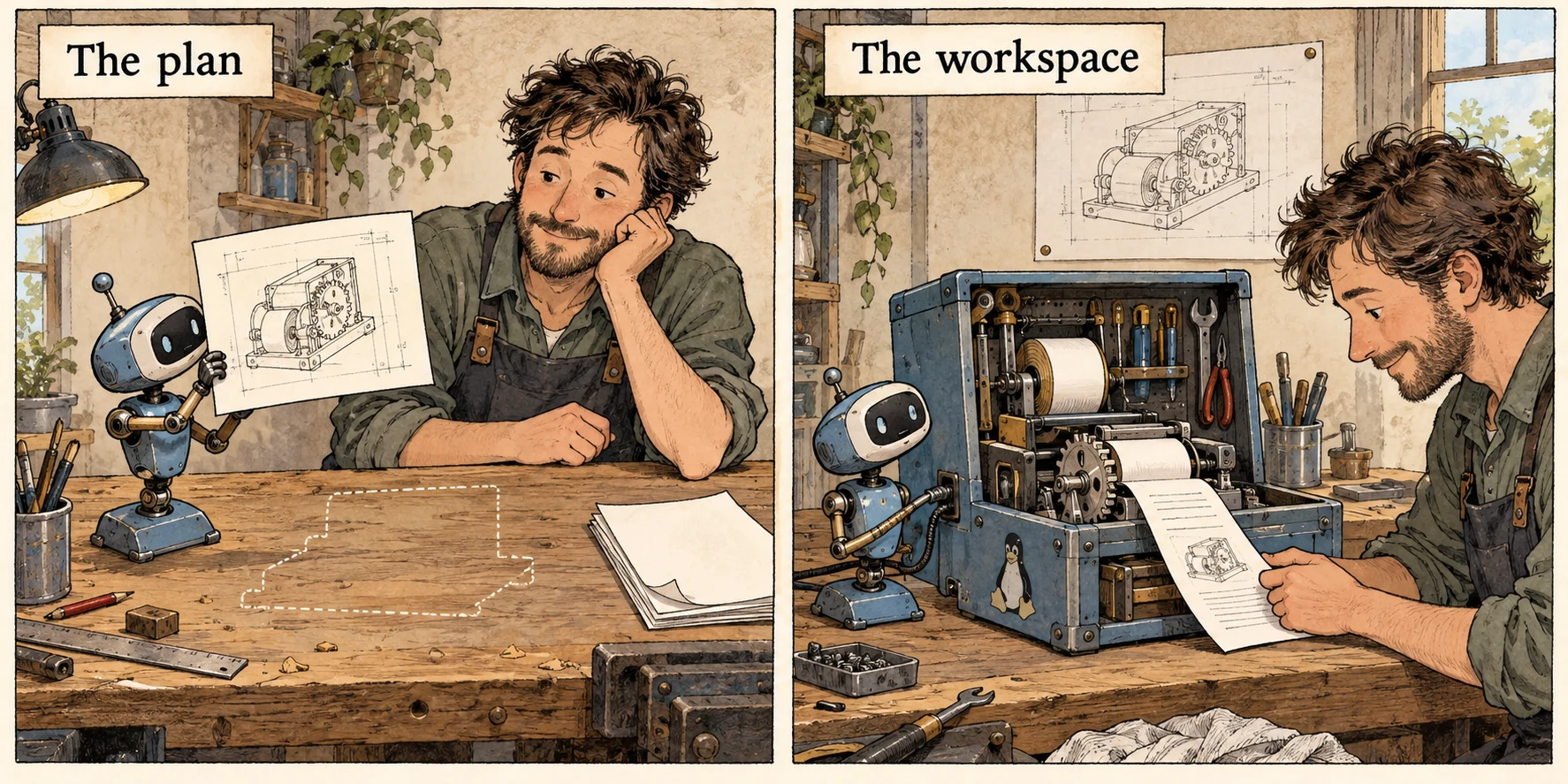
Ask a model to turn a CSV into a report and it can hand you a perfectly plausible Python script. Ask it to run that script and suddenly the interesting questions involve a filesystem, a process, and who gets to pay for the machine. The code block in the chat window has acquired an infrastructure department.
Deep Agents, LangChain’s “batteries-included agent harness,” supplies much of the machinery between a request and a finished job. We’ve built a Mainbrella sandbox adapter so that machinery can work in our Linux containers, including a local deployment you can inspect on your own computer.
The implementation is in our fork. Issue #6856 asks the maintainers about adding it upstream; as of October 8, it’s an open feature request. The commands below use that fork. This is a working integration with an upstream conversation ahead of it.
What comes in the harness? #
A tool-calling model can request that a program execute a function, read the result, and decide what to do next. That gets you an agent loop. A useful agent also needs somewhere to put intermediate work, a way to track a plan, and a strategy for surviving a conversation longer than its context window.
Deep Agents packages those decisions. It can keep a task list, read and edit files, search a workspace, delegate work to subagents with separate contexts, load reusable skills, and summarize a growing conversation. Large tool outputs can be moved into files rather than repeatedly occupying the model’s attention. Your application can supply tools and arrange human approval of consequential actions.
For our CSV job, that means the agent can inspect the input, write a script, execute it, read the error, fix the script, and produce the report. An analyst subagent might investigate a suspicious column while the main agent keeps the overall task moving. The files carry useful work between those steps. You don’t have to write every piece of that scaffolding before finding out whether your agent can analyze the CSV.
The architecture has three layers: LangGraph drives execution and state; LangChain’s create_agent assembles the basic agent; Deep Agents adds its opinionated defaults through middleware. You can replace those defaults. Choosing a sandbox doesn’t require replacing the model, the planning logic, or the whole agent loop.
There’s also a ready-made terminal coding agent, dcode, in the repository. The SDK is for building your own application; dcode is something you can sit down and use. Our integration covers both.
The socket was already there #
Deep Agents already documents sandbox integrations including E2B and Daytona. They solve the same basic problem: give the agent a real working environment and return what happened there. Adding Mainbrella follows that existing extension point.
The new langchain-mainbrella package wraps the official Mainbrella Python SDK. Its MainbrellaSandbox implements the backend’s command execution, binary upload, binary download, and identity. The shared BaseSandbox builds higher-level operations on those primitives: reading, writing, editing, listing, globbing, and searching files.
This is a pleasing place to draw the boundary. Deep Agents already knows how to help a model edit a file. Mainbrella knows how to put bytes into a particular Linux machine. The adapter joins those capabilities without teaching the agent a second set of provider-specific file tools.
Separate subagent contexts don’t imply separate machines. With one shared sandbox backend, delegated workers can touch the same workspace. That’s useful when the analyst’s script should read the main agent’s CSV; if workers need independent environments, arrange those explicitly. Swapping the provider doesn’t decide your application’s isolation policy for you.
The practical benefit is a choice about where the work happens. Mainbrella can be a hosted dependency, a local service backed by Docker or OrbStack, or a service you operate in your own Cloudflare account. The base_url setting chooses the API origin. You can keep your agent code while moving the sandbox service you’re developing against.
That’s particularly useful if the infrastructure is part of your product: a classroom with per-student workspaces, an agent application with customer compute budgets, or a team that wants to change the control plane itself. The rain article explains what we share in the backend and web client, including accounts and budget enforcement. Operating your own deployment still takes work; pointing at another URL doesn’t move existing files or accounts for you.
For someone already happy with E2B or Daytona, the meaningful addition is another operating option inside the same harness. This integration contains no comparative speed or price benchmark. Its case is that you can inspect, run, and adapt the sandbox service along with the agent.
A container needs a birthday #
Our CSV agent starts a workspace, writes its script, and eventually exits. A cleanup handler stops its machine. Easy enough—until the machine has already stopped and its slot has been reused.
Imagine a delayed cleanup message addressed to slot small. Yesterday that name meant the CSV job. Now it means another job. Deleting “small” is an admirably concise way to stop the wrong computer.
The adapter therefore exposes an identity containing both the slot and its creation timestamp:
small@2026-10-08T09:25:17.059Z
This is the actual form returned by the backend. The timestamp identifies the generation of the machine, so attachment and deletion can insist on the same incarnation. Bare slot IDs are rejected. If the old generation is gone, reconnecting fails; it doesn’t quietly borrow whoever has the name now.
Creation has the complementary problem: a reply can disappear while the machine boots successfully. A stable idempotency key lets a retry reconcile the original creation instead of consuming another start. The provider accepts an explicit key, and SDK creation errors preserve it when reconciliation is needed. The lost-reply article follows that case further into the backend.
The same reasoning does not make shell commands safe to repeat. If an HTTP reply disappears after a command changes a file, submitting the command again may change it twice. The adapter doesn’t automatically retry commands or writes. Reliability here means knowing which operation you can replay, rather than enthusiastically trying everything again.
There are two lifecycle choices in the code. MainbrellaSandbox wraps a machine you already own and leaves its lifetime to you. MainbrellaProvider can create, attach to, and delete one. In dcode, a newly created sandbox is cleaned up on exit; an explicitly attached sandbox is left running. Opening a terminal session to inspect a workspace shouldn’t make closing that session destroy it.
Give the agent an honest result #
A shell tool needs more than stdout. The CSV script might print half a report and then time out. It might exit with an error after writing reassuring progress messages. It might produce more output than the API can return. “Here is some text” would let the agent mistake all three for success.
The adapter returns combined output, an exit code, and a truncation flag. Stderr is preserved in a labeled block. A timeout retains partial output, adds an explanation, and reports exit code 124. When the provider truncates output, the adapter preserves that flag and the unknown exit status. The model has evidence to act on; your application can inspect the same structured result.
| The boundaries travel with the backend | |
|---|---|
| Operation | What the adapter does |
| --- | --- |
| Command, up to 60 seconds | Uses foreground HTTP execution; the default timeout is 60 seconds. |
| Command, 61–900 seconds | Starts a managed job and waits for its result; this uses a retained job slot. |
| Binary upload or download | Transfers bytes, with a 1 MiB limit per file and an absolute guest path. |
| Stop the machine | Discards unsaved guest files; export your report before cleanup. |
Those limits are part of choosing the provider. A longer deadline doesn’t make the harness stream a live terminal back to the model: execute waits for a result. Mainbrella’s underlying API also has managed streaming, cancellation, previews, and saved workspaces; the adapter in this commit exposes the narrower Deep Agents backend contract. It doesn’t automatically turn those extra API features into agent tools.
Likewise, checkpointing the conversation doesn’t preserve a stopped machine’s disk. A resumed agent can remember that it wrote report.html while the file itself has vanished. Download the output, or explicitly arrange filesystem persistence through Mainbrella’s APIs. Remembering where you left your umbrella isn’t the same as still having an umbrella.
The battery compartment says Python #
Our local test initially connected to a healthy API with only the Node image advertised. Commands and binary transfers worked on that image. The inherited file tools still needed python3, because BaseSandbox runs Python helpers inside the guest. A Linux machine can be quite alive and still be the wrong machine for the harness.
The provider defaults to Mainbrella’s Python catalog image for that reason. A custom image needs Python, /bin/sh, and GNU coreutils too. We added npm run dev:all to the backend’s local launcher so it can advertise and build all five existing catalog images: Node, Python, Rust, Go, and DevOps. The regular npm run dev keeps the lighter Node-only setup.
Once the local plan had access and the Python image was available, we ran the live tests against http://localhost:8787. The results were:
- 8 backend tests passed: command errors, timeout output, managed execution, the 1 MiB binary round trip, file limits and errors, inherited file tools, and async operations.
- 8 CLI sandbox integration tests passed: creation and single, multiple, binary, and partial-success file transfers. Eight existing error-case tests in the shared suite remained skipped.
- Cleanup completed: no test containers remained.
The CLI run also caught a pytest deprecation in our new class-scoped fixture. We made it a class method and reran, rather than hiding the warning. Separately, the API verifier returned hello from mainbrella with exit code 0 and verified binary files, managed streaming and retained results, cancellation, and cleanup.
These are live integration checks on the local service, with the Python backend suite and API verifier exercising their respective paths. They establish that the plumbing works. They don’t measure whether a particular model will finish your CSV analysis correctly, or establish comparative production reliability. That part still needs a real workload and an evaluation.
Plug it into a real task #
To try the coding agent, check out the implementation linked above, provision MAINBRELLA_API_KEY, and configure credentials for your chosen model. From libs/code:
uv sync --extra mainbrella
uv run --extra mainbrella dcode --sandbox mainbrella
For a local backend, start npm run dev:all there and set MAINBRELLA_API_URL=http://localhost:8787 in the coding-agent process. Use that deployment’s API key; local accounts and plans are separate from production. An API key authenticates you, but active plan or trial access supplies the compute allowance. Keep the key in your local environment, outside the guest.
For an application using the SDK, the connection is equally small. This excerpt assumes you’ve already configured model as a LangChain chat model and prepared the input in /workspace:
from deepagents import create_deep_agent
from langchain_mainbrella import MainbrellaSandbox

backend = MainbrellaSandbox(sandbox=handle)
agent = create_deep_agent(model=model, backend=backend)
result = agent.invoke({"messages": [{
    "role": "user",
    "content": "Analyze /workspace/input.csv and write a report.",
}]})
The owner of handle remains responsible for down the report and stopping that exact generation. The package’s README has the lifecycle examples. Your agent can keep its existing instructions, tools, and model while the backend changes underneath it.
I like that division of labor. Deep Agents gives the CSV job a plan, tools, and a way to keep working. Mainbrella supplies the workbench and an address that still means the right machine when cleanup arrives late. Now the useful question is what happens when the script meets the actual CSV.