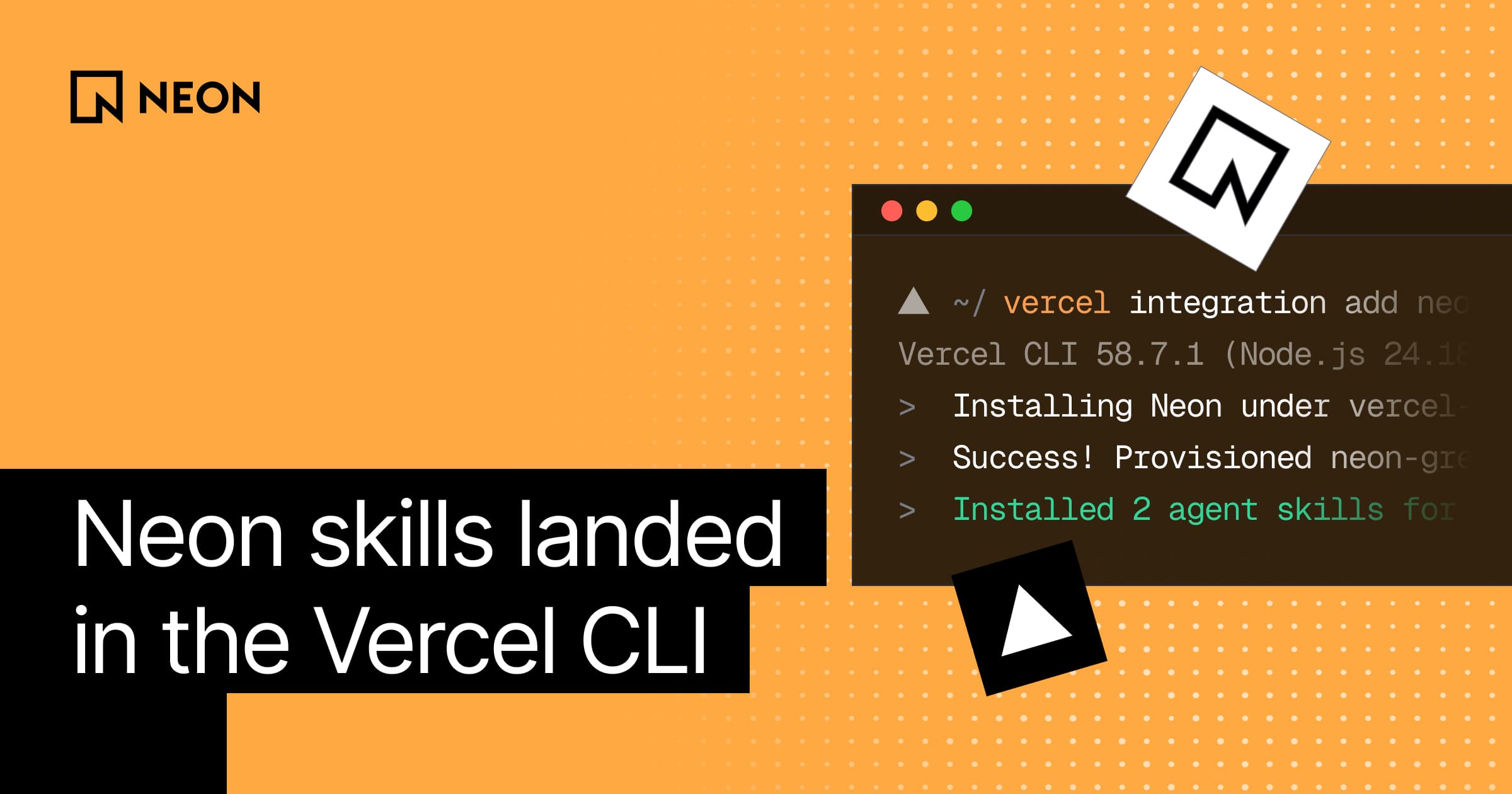
Vercel just gave their CLI a new trick: when you install a Marketplace integration from the terminal, it also installs that provider's agent skills. A single command now provisions a Neon database on your Vercel project and hands your coding agent the instructions it needs to actually use it:
Provision Neon from the Vercel CLI #
If you deploy to Vercel, you've probably used the CLI mostly for vercel deploy
or vercel env pull
. The part that matters here is a different subcommand, vercel integration, which manages Marketplace integrationsfrom the terminal. You can use this command to provision a resource from a Marketplace integration (e.g. a Neon backend), and if that integration isn't installed on your team yet, it installs it first. (It's also available as
vercel install
(alias vercel i
), so vc i neon
gets you to the same place.)If you run the command plain, it prompts you for the choices it needs, like the billing plan and region - but if you run it with flags, it skips the prompts entirely, which is what makes it perfect for agents:
This command would:
-
Provision a Neon database ( Lakebase Postgres) from the Vercel Marketplace - Connect it to your Vercel project, injecting connection variables like
DATABASE_URL -
Pull those variables into your local environment via
vercel env pull
, so your agent can start using the connection string right away - Install Neon's agent skills from
skills.sh
into the project, so the agent knows how to work with what it just provisioned (more about this later)
On billing and account shape
vercel integration add neon installs the Vercel-Managed Integration. If you don't already have a Neon account, it creates one for you, and billing runs through your Vercel invoice.
If you already have a Neon account and want to keep billing with Neon, use the Neon-Managed Integration instead.
There’s more integration
subcommands you can run without leaving the terminal, e.g.
vercel integration discover
browses available providersvercel integration categories
lists how they're grouped (databases, AI, observability, and so on)vercel integration guide neon
prints setup snippets,- and
vercel integration open neon
opens the Neon console
Preview branches, included #
Once Neon is connected with Preview enabled, every Vercel Preview Deployment gets its own isolated Neon branch. A Neon branch is an instant, isolated copy of your backend: same Postgres schema, same data, ready in about a second. Under the hood it starts as a pointer to existing storage - data is only copied when that branch diverges from its parent, so you can spin up many short-lived environments without paying for full copies each time.
That maps cleanly onto how Vercel already works with PRs. If you push a feature branch, Vercel opens a Preview Deployment, and Neon opens a matching database branch for it - so any tests or migrations all run against that copy. Reviewers hit a real URL with a real database behind it; when the PR ships or the preview goes away, you clean up the branch the same way you'd clean up the deployment.
Cleaning up branches
Cleanup timing depends on which path you chose. The Vercel-Managed path follows Vercel's deployment retention policy, while the Neon-Managed path can follow Git branch deletion. The details, and a few ways to tighten it up, are in Managing Vercel preview branch cleanup.
PS: If you've turned on Managed Better Auth on the production branch, preview deployments also receive NEON_AUTH_BASE_URL
, so auth works in each isolated preview too.
Skills now load automatically #
When you tell your agent to deploy Neon via Vercel, you’d want your agent to know Neon already and what to do with it. To make sure this is the case, now when you install a Marketplace integration from the CLI, it now also pulls that provider's agent skills from skills.sh:
Instead of guessing and reinventing workflows, your agent will gets Neon's own guidance on how to work with Postgres and the rest of the primitives.
By the way if you ever want the skills without provisioning anything, you can also install them directly:
Tell your agent to deploy Neon #
Agents are the first-class interface for deploying Neon. There’s a few ways to get Neon context and tooling in front of an agent - the Vercel CLI adds one more:
| Path | Provisions a database? | MCP / tooling | Best when |
|---|---|---|---|
Vercel CLI vercel integration add neon |
Yes - on your Vercel project | No MCP setup. Connection vars via vercel env pull |
You’re working on Vercel |
| Cursor plugin | |||
claude plugin install neon@claude-plugins-official
npx neon@latest init
Try it, and if you get stuck, you'll find us in the Discord.