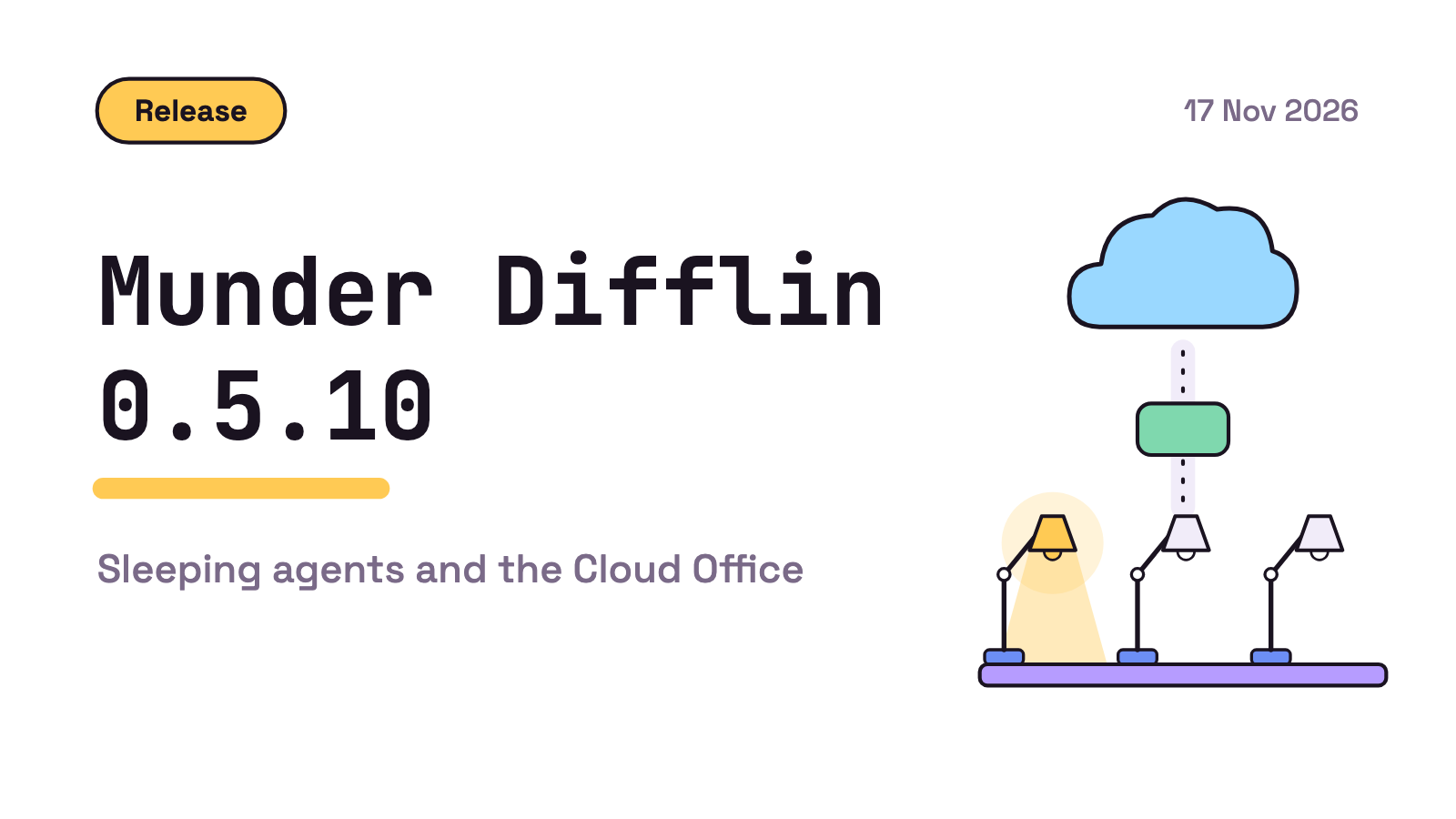
In 0.5.10 only the orchestrator starts with the app and other agents wake when a message arrives. You can also drag an agent to your Cloud Office and back.
Munder Difflin 0.5.10 lets agents sleep. Only the orchestrator starts with the app. Every other agent wakes when a message arrives and sleeps again after 60 minutes of inactivity, a time you can change. You can also drag an agent onto your Cloud Office to run it there, and drag it back. The rest is fixes, listed at the end.
Munder Difflin is free and open source: a desktop app that runs a team of AI agents for all kinds of knowledge work, coding included, on your own computer. The agents message, route and remember on their own, led by an orchestrator you talk to, on your computer or in a Cloud Office.
Munder Difflin 0.5.10 changes how the office starts. Agents from earlier versions stay asleep when the app starts, instead of all starting at once. Each one wakes when a message arrives for it or you wake it. Everything below comes from the 0.5.10 release notes, read 17 Nov 2026.
When do agents sleep and wake? # #
Only the orchestrator starts with the app. Every other agent sleeps until a message arrives for it or you wake it. After 60 minutes of inactivity it goes back to sleep. The 60 minutes is a default, and you can change it in Settings, General.
You can see which state an agent is in. It shows Sleeping while it rests and Waking up while it starts again, and its buttons wait until it is awake.
How do I wake an agent myself? #
You do not have to send a message to wake an agent. There are three ways to do it by hand:
- the Wake button on its screen
- Wake in its right click menu
- a click on its Sleeping label
Background jobs let it sleep #
Background jobs leave sleeping agents asleep. That covers the hourly compact, compact and clear requests, the clear that runs when a Codex conversation grows too large, and the circuit breaker’s steer. A sleeping agent stays asleep until a message arrives or you wake it.
How do I move an agent to the Cloud Office? # #
The Cloud Office is an office that runs on a machine in the cloud, so its agents keep working when your computer is closed. Your computer and the Cloud Office never sync; their agents message each other.
In 0.5.10 you move an agent there by dragging it. Drag it onto your Cloud Office from its row, or from the dots handle under its avatar. To bring it back, drag its Cloud copy to your Main Office the same way.
The move sheet says what it is checking while it checks. When the Move button stays grey, the sheet says why.
What else got fixed? # #
The rest of 0.5.10 is fixes, grouped here by where you would notice them: the engines, the agent browser, webhooks, Windows and the app around them.
Engines
- Opening a Codex terminal reuses its prepared screen instead of requesting the conversation again.
- Long Antigravity messages arrive through a local message file instead of typing every character into the prompt.
- Antigravity runs queued
/clearcommands instead of leaving them in its command menu. - Agents that are not Claude still know who they are in the office after
/clear.
Browser
- The browser opens our GitHub page at most once per app start, including after a failed connection.
- Agent browser commands open tabs in the background without bringing the browser window to the front.
- In the agent browser, key presses and clicks work in tabs that stay in the background.
Webhooks
- Webhooks on your computer answer the sender properly through the tunnel instead of with a 502 error.
- A message the sender sends again does not make a second task.
Windows
- The roster names each git project by its folder again. It showed
MD-GITand a code that changed at every restart.
Around the app
- The Theme button is in the top bar on every screen, not only on Home.
- In the top bar, a usage limit reset that is days away shows its day over its time.
- Agents contact you outside the app, for example by Slack direct message, only on a channel you chose.
Get 0.5.10 # #
Download it from harnessmd.com/download. If this is your first look,
[your first hour with Munder Difflin](https://munderdiffl.in/blog/your-first-hour-with-munder-difflin/) is the fastest way in,
[why we built it](https://munderdiffl.in/blog/why-we-built-munder-difflin/) explains the idea behind the office, and the
[0.5.3 post](https://munderdiffl.in/blog/munder-difflin-0-5-3/) covers an earlier release.

A star on [Munder Difflin](https://github.com/HarnessMD/munder-difflin) and on the
[capabilities list](https://github.com/HarnessMD/awesome-agent-capabilities) helps us reach more people.
FAQ #
What is new in Munder Difflin 0.5.10?
Sleeping agents: only the orchestrator starts with the app, and every other agent wakes when a message arrives and sleeps after 60 minutes of inactivity, a time you can change in Settings, General. You can also drag an agent onto your Cloud Office and back. The rest is fixes for engines, the agent browser, webhooks, Windows and the app around them.
How do I wake a sleeping agent?
Send it a message, or wake it yourself: the Wake button on its screen, Wake in its right click menu, or a click on its Sleeping label.
Can I change how long an agent waits before it sleeps?
Yes. The default is 60 minutes of inactivity, and you can change it in Settings, General.
How do I move an agent to the Cloud Office?
Drag it onto your Cloud Office from its row or from the dots handle under its avatar. Drag its Cloud copy back to your Main Office the same way. The move sheet says what it is checking while it checks, and says why when Move stays grey.
Is Munder Difflin free?
The desktop app is free and open source. Download it from harnessmd.com/download.