2026/08/25 - Jordan Tigani
MotherDuck Acquires Tower to power Data AgentsRead
- 9 min read
BYOne prompt and 45 seconds of CLI time. That's what it took an agent to sign up for MotherDuck, load a dataset into a pipeline, and publish a dashboard on top of it. That's the session I'll walk through in this post, with Claude Code driving the new MotherDuck CLI.
Since launching our MCP server in November 2025, we've been investing in making MotherDuck work well with AI. But agents don't all live in chat windows anymore. A big chunk of them run in coding tools, CI jobs, and sandboxes where the natural interface is a shell. And a shell is where the rest of your infrastructure already lives: your CI, your deploy scripts, your Makefiles.
So we built a CLI. Use it to give your agent a MotherDuck environment it can operate directly, or use it on your own to deploy and manage MotherDuck resources as code. Same commands either way.
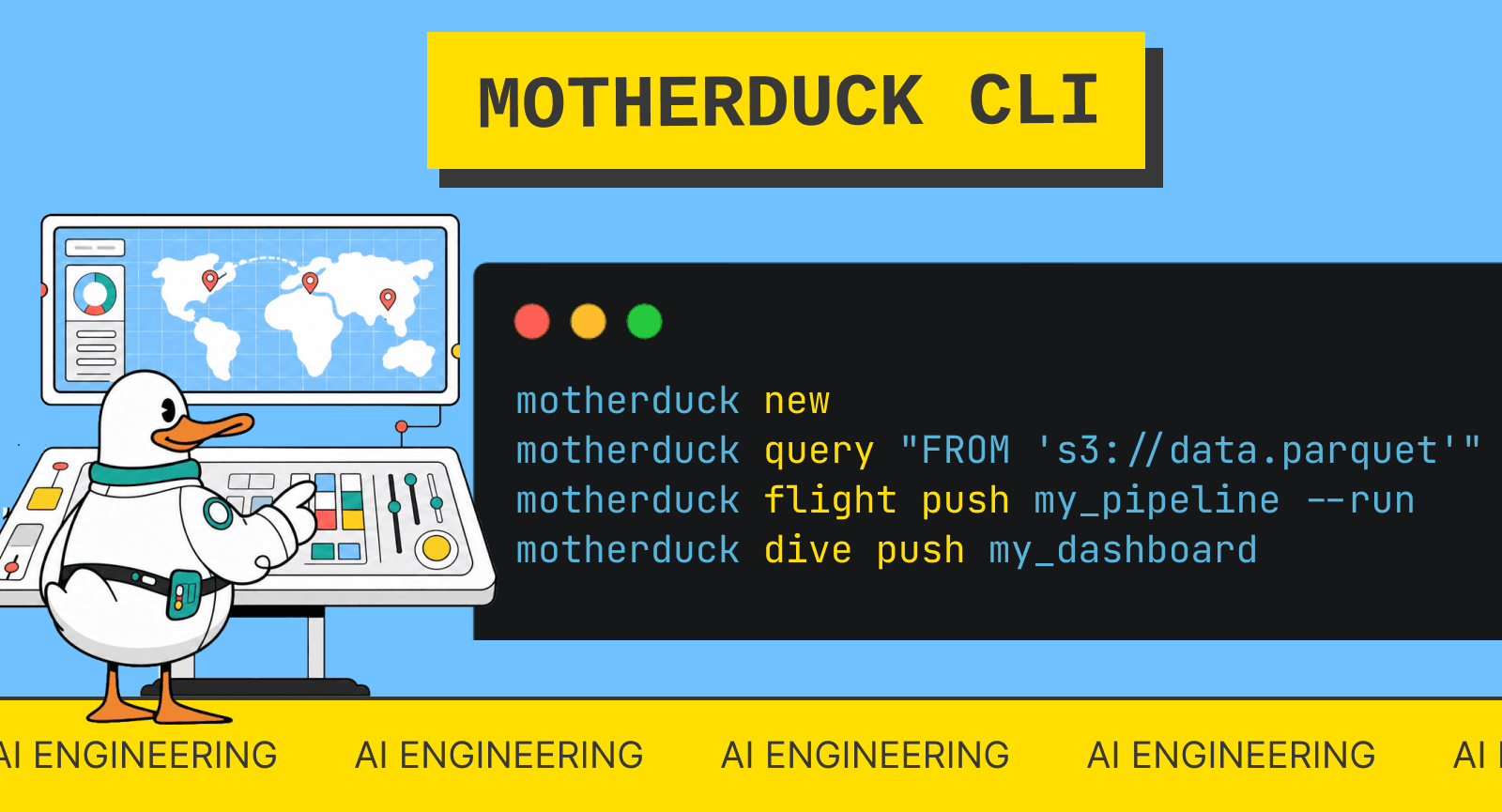
With the MotherDuck CLI, creating an org, a pipeline, and a dashboard is a handful of commands, whether a human or an agent is typing them:
curl -s https://install.motherduck.com | sh    # install the CLI
motherduck login                               # existing user? browser login
motherduck new                                 # or: free org, no signup needed
motherduck query "FROM 's3://bucket/data.parquet' LIMIT 10"
motherduck flight push my_pipeline --run       # publish + run a Python pipeline
motherduck dive push my_dashboard              # publish a hosted dashboard
In this post, I'll walk through why we built it, run a real end-to-end session with Claude Code driving the CLI (with actual timings from my terminal), and explain when to reach for the CLI vs our existing MCP server.
MCP has been great for getting started. You go to the Claude or ChatGPT connector directory, authenticate to MotherDuck in a few clicks, and your agent gets a bunch of tools. That flow works well when the agent lives in a chat client.
A CLI puts the work where the agent already lives. MCP tools are remote calls: every result comes back through the model. A CLI runs in the agent's local environment, next to grep, git, and the filesystem. motherduck flight push hn_flight
does the same thing whether a human types it, a CI job runs it, or Claude Code calls it, and the agent only spends tokens on the decision, not on the execution.
It also keeps the work outside the context window. Every MCP tool result lands in the context, and you pay tokens for it. With a CLI, the agent can pipe motherduck query
into a file, grep the three rows it cares about, or diff two dive sources on disk, and only the relevant part ever reaches the model. DuckDB runs locally too, so file-shaped work (authoring code, staging data) happens on the machine and ships to the cloud in one call. Fewer round trips through the model means fewer tokens burned.
And since it's a plain command, it's scriptable. The same CLI you hand to an agent is the one you put in a Makefile or a GitHub Action to deploy flights and dives as code. No AI required.
Second reason: setup with no browser. An agent running in a CI job or a sandbox can't click through an OAuth screen. (You can run the MCP server with a token too, but the CLI makes it the default path.) With the CLI, one curl command and the agent has everything it needs. If you already have an account, motherduck login
gets you in. If there's a MOTHERDUCK_TOKEN
in the environment (the CI case), the CLI picks it up automatically. If neither, motherduck new
creates a temporary org for free, no signup, and stores the token. You also get a claim URL to attach that org to a human account later, so the agent can do the work first and you take ownership after.
Third: one surface. MotherDuck started as a DuckDB extension, which meant installing DuckDB first. The CLI ships with DuckDB inside, so motherduck query
works locally and against the cloud from one install. Admin operations live in a REST API. The CLI puts queries, pipelines, dashboards, and account management behind a single interface to manage all your MotherDuck resources and assets, for humans and agents alike.
Can you use the motherduck cli to analyze this dataset : https://us.data.motherduck.com/hacker_news/parquet/hacker_news_2021_2022.parquet
This is a minimalist prompt on purpose. I gave it to Claude Code and let it figure out the rest. The dataset is 3.87M Hacker News items (stories, comments, polls). Here's what the agent did, with the wall-clock timings from my session.
The agent searches for the install command and finds:
curl -s https://install.motherduck.com | sh
This installs the MotherDuck CLI. In my case a token was already present, so the CLI connected straight to my org.
Before writing any pipeline code, the agent inspected the data with motherduck query
, reading the parquet straight from our public datasets host (zero credential setup):
DESCRIBE
for the schema: 1.8sHere's the schema inspection, exactly as it ran:
motherduck query "DESCRIBE SELECT * FROM 'https://us.data.motherduck.com/hacker_news/parquet/hacker_news_2021_2022.parquet'"
column_name  column_type  null  key  default  extra
-----------  -----------  ----  ---  -------  -----
title        VARCHAR      YES
url          VARCHAR      YES
text         VARCHAR      YES
dead         BOOLEAN      YES
by           VARCHAR      YES
score        BIGINT       YES
time         BIGINT       YES
timestamp    TIMESTAMP    YES
type         VARCHAR      YES
id           BIGINT       YES
parent       BIGINT       YES
descendants  BIGINT       YES
ranking      BIGINT       YES
deleted      BOOLEAN      YES
And the row breakdown that told the agent what it was dealing with:
motherduck query "SELECT type, count(*) AS n FROM 'https://us.data.motherduck.com/.../hacker_news_2021_2022.parquet' GROUP BY type ORDER BY n DESC"
type     n
-------  -------
comment  3530415
story    334153
pollopt  1123
job      915
poll     134
That exploration pass paid off: the pipeline SQL that came out of it quoted the reserved "by"
column, filtered on the dead
and deleted
flags, and picked the timestamp
column over the raw epoch one. The agent found the sharp edges before they became bugs.
This is my favorite part. The CLI ships its own agent-facing docs:
motherduck flight guide
motherduck dive guide
Each prints a full authoring guide: supported APIs, runtime limits, gotchas like pinning the duckdb version or converting BigInt values before charting. If your org has authored its own flight or dive guidance, the CLI appends it here too. They run locally, so the agent gets everything it needs without a single web search. In my session, both the pipeline and the dashboard worked on the first try, and I credit the guides for that.
A Flight is a Python data pipeline that runs on MotherDuck, on demand or on a cron schedule. The agent scaffolded one locally, wrote the ingestion logic, and shipped it:
motherduck flight init hn_flight --name hn_ingest   # 0.04s
motherduck flight push hn_flight                    # 8.9s
motherduck flight run hn_flight                     # 3.0s to submit
The run itself ingested all 3.87M rows into three aggregate tables (daily activity, top domains, top stories) in 11.5 seconds of server-side compute. The agent then checked the exit code with flight list-runs
and verified the output tables with one more query (2.0s) before moving on.
A Dive is an interactive dashboard authored as a single React file and hosted on MotherDuck. The agent wrote one index.tsx
querying the tables the flight produced: KPI tiles, a daily time series with a metric toggle, a top domains chart, and a top stories table.
motherduck dive init hn_dive --title "Hacker News 2022 Pulse"   # 0.04s
motherduck dive push hn_dive                                    # 2.2s
Push returns a live URL. Since the dive reads the flight's output tables, re-running the flight refreshes the dashboard for free.
The dive created:
(placeholder: dive demo video goes here in the final post)
End to end: one prompt, about 45 seconds of CLI time, from no account to a scheduled-ready pipeline plus a hosted dashboard.
A few design choices make the CLI pleasant for agents specifically:
init
, guide
, --help
) run instantly with no network call.-o json
for programmatic parsing:
motherduck flight list-runs hn_flight -o json
flight list-runs
returns exit codes and flight logs
returns what the run printed. When a pipeline fails, the agent reads the logs, fixes the source, and pushes again. Versions are tracked on every push, so nothing is lost.flight push --run
collapses publish and execute into one call, which saves a round trip in tight loops.Both let an agent work with MotherDuck. The deciding question is whether the agent has a shell and a filesystem. If there's a local environment with compute available, the CLI is your best friend: it keeps big results out of the context window and lets the agent filter locally. If there's no shell (Claude or ChatGPT on the web), MCP is the way in:
With the CLI, agents get a smooth way to set up and use MotherDuck: one curl to install, one command for a free org, built-in guides so they don't guess, and JSON output so they don't parse tables. The CLI is the same tool either way: paste the prompt above into your favorite agent (and try it with your own dataset), or wire the commands into your CI. Both get a predictable MotherDuck experience. Watch the ducking magic happen.
2026/08/25 - Jordan Tigani
2026/08/26 - Jordan Tigani
Today Duck Labs, the developers of DuckDB, announced they are being acquired by Amazon. This is big news in the duck-iverse, and many people are wondering what this will mean for everyone’s favorite duck-powered database, MotherDuck.