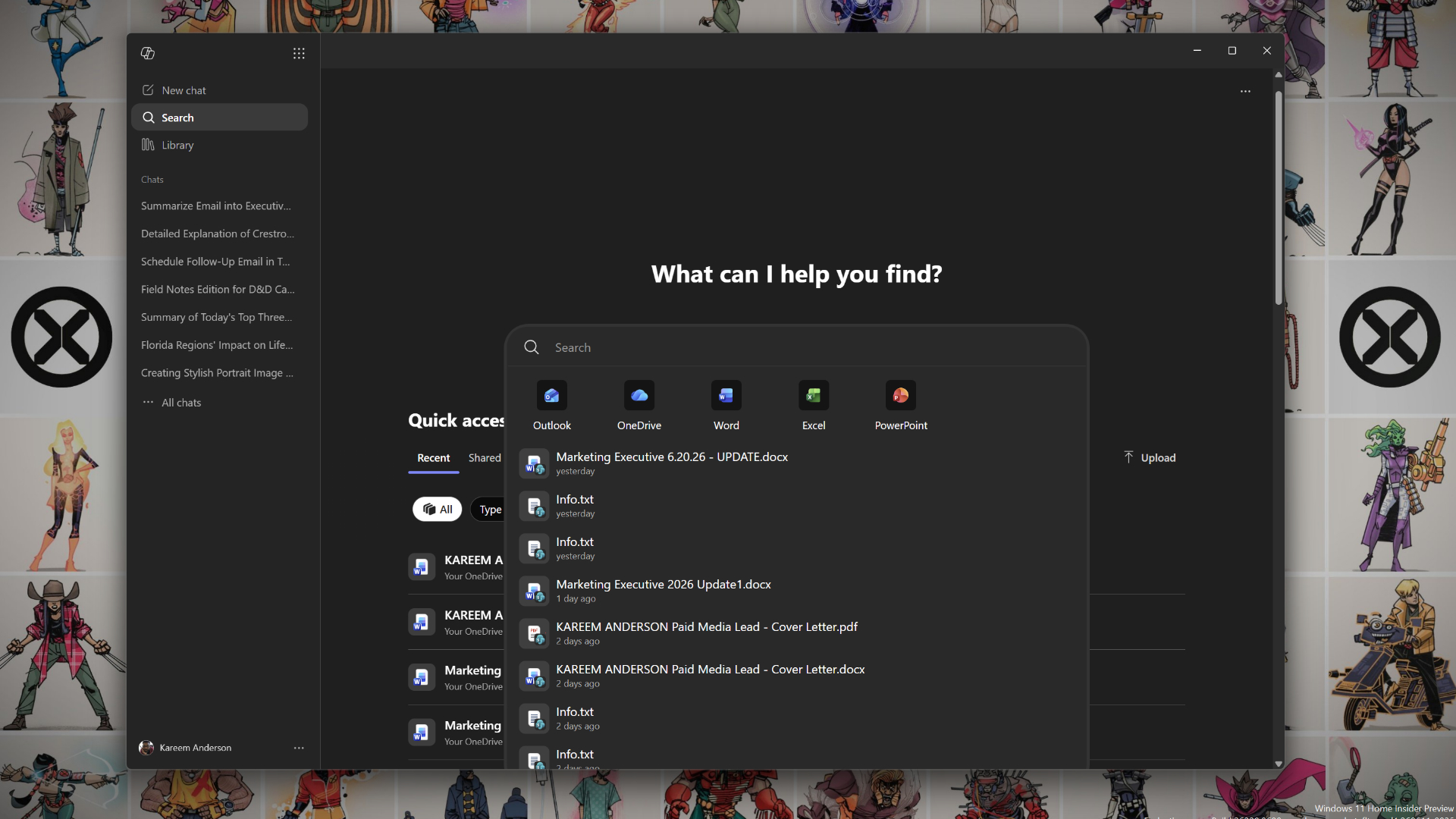
Microsoft updated deployment documentation to resume automatic installation of the Microsoft 365 Copilot app on eligible Windows devices that have Microsoft 365 desktop apps. According to an updated Microsoft document quoted by Windows Latest, "Starting June 2026, we will resume the automatic installation of the Microsoft 365 Copilot app to eligible devices with the Microsoft 365 desktop apps," with a roll-out window reported as mid-June to mid-July 2026 (Windows Latest). Microsoft Learn's deployment guide covers admin controls and automatic-install behavior for the Copilot app (Microsoft Learn). Reporting by PCMag and How-To Geek earlier documented prior automatic-install plans; outlets noted an EEA exemption under regulatory rules such as the Digital Markets Act, and multiple outlets note that enterprise admins can block or opt out of the automatic install via Microsoft 365 admin controls (PCMag; How-To Geek; Windows Latest).
What happened
Microsoft updated its deployment documentation and will resume an automatic installation of the Microsoft 365 Copilot app to eligible Windows devices that already have Microsoft 365 desktop apps, according to an updated Microsoft document quoted by Windows Latest. Windows Latest reports the rollout window as between mid-June and mid-July 2026, and cites the document wording, "Starting June 2026, we will resume the automatic installation of the Microsoft 365 Copilot app to eligible devices with the Microsoft 365 desktop apps." The same reporting notes administrators must "opt out" if they do not want the app to appear automatically on organizational devices (Windows Latest).
Technical details
Per the Microsoft Learn deployment overview for the Microsoft 365 Copilot app, the documentation explains admin deployment options, Intune deployment paths, and automatic-install behavior for eligible devices with Microsoft 365 desktop apps. The Microsoft docs describe administrative controls for deploying or blocking the Copilot app and detail scenarios where automatic installation is enabled by default (Microsoft Learn).
Context and significance
Public technology outlets previously covered earlier automatic-install plans and subsequent pushback. PCMag and How-To Geek reported that Microsoft had signaled automatic installation of a Copilot app in prior communications. How-To Geek and Windows Latest reported that the European Economic Area (EEA) is exempted under regulatory constraints such as the Digital Markets Act (How-To Geek; Windows Latest). TechPowerUp and other outlets documented community backlash and a temporary to automatic installs earlier in 2026, which sets the background for this resumed rollout (TechPowerUp). Editorial analysis: For enterprise and IT teams, automatic installation controlled by platform defaults changes the operational surface that must be managed. Administrators who oversee Microsoft 365 fleets will likely need to verify current admin-center policies and Intune configuration to confirm whether the Copilot app will land on managed devices, and to apply documented opt-out or blocking controls if desired (Microsoft Learn; Windows Latest). For privacy, compliance, and endpoint-management teams, the EEA exemption noted in coverage means different regional policies and workflows will apply to European deployments (How-To Geek; PCMag).
What to watch
Observers should watch Microsoft 365 admin-center notifications and the Microsoft Learn deployment pages for exact timing and administrative steps. Reporting outlets will likely follow with screenshots or admin-center guidance that show how the opt-out toggles and Intune policies are exposed. For practitioners, changes to update/telemetry behavior, package size, and uninstallability are practical items to check on test devices once the rollout begins.
Editorial analysis: Wider reactions from enterprise security teams, managed-service providers, and regulatory watchers will indicate whether Microsoft adjusts defaults or admin UX in response to uptake and feedback. Public reporting of installation telemetry or large-scale opt-outs would be the most actionable signals for downstream toolchains and configuration baselines.
Scoring Rationale #
The story affects enterprise IT, endpoint management, and privacy/compliance teams who must handle a new automatic deployment surface. It does not alter core AI models or APIs, so its impact is notable but not industry-shaking.
Practice with real Banking data
90 SQL & Python problems · 15 industry datasets
[Suspicious Online TransactionsEasy](https://letsdatascience.com/problems/sql/suspicious-online-transactions)

[Delinquent Loans Over 30 DaysMedium](https://letsdatascience.com/problems/sql/delinquent-loans-over-30-days)

[Credit Card Utilization Risk ReportHard](https://letsdatascience.com/problems/sql/credit-card-utilization-risk-report)
250 free problems · No credit card