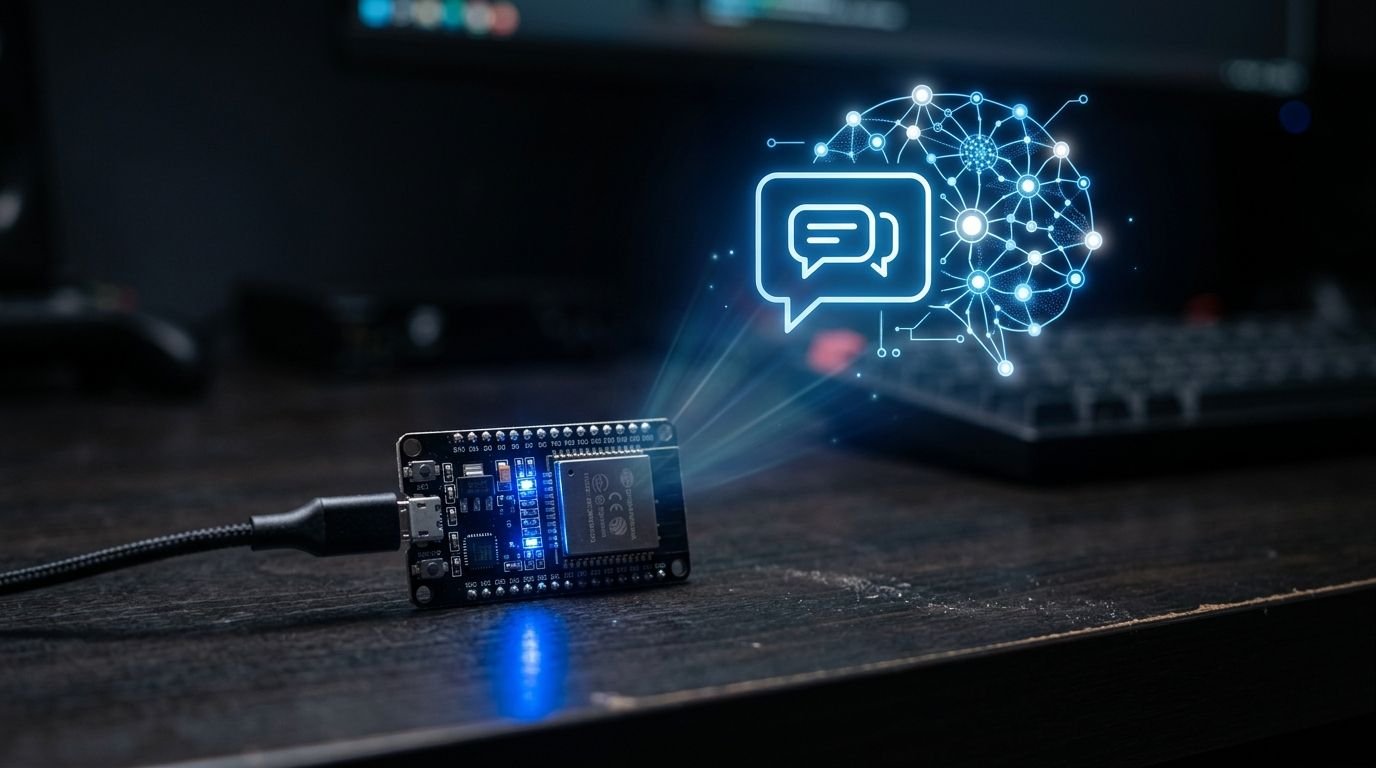
Meta dropped an open-source SDK this week that wires its Muse AI agent into any ESP32 or Raspberry Pi you have lying around. Seventy-two hours in, the GitHub repo had 400 stars and a Hacker News thread split between “this is the early days of voice assistants all over again” and “you’re not a hacker, you’re a sharecropper.” Both takes are worth understanding before you flash anything.
Two SDKs, One Agent #
The Muse Gadgets SDK ships in two parts. The ESP32 firmware connects a microcontroller to Muse over Bluetooth LE and drives whatever you attach — screens, buttons, microphones, speakers, sensors. The Linux service runs on a Raspberry Pi or any Linux box and exposes four commands Muse can call on your machine: system.run, file.read, file.write, and device.health.
The hardware does not run any AI model locally. It is an interface. Your ESP32 talks to Muse in Meta’s cloud, which talks back. If you want a fully offline setup, this is not it — and the project is honest about that. If you want to build something physical that responds to Muse queries in an afternoon, it is exactly that.
Getting Started #
The setup is simpler than the ESP32 ecosystem usually lets it be. You need an SDK token from gadgets.muse.ai, Developer Mode enabled in the Muse app (Settings > Devices), and either an ESP32 board or a Linux box with Bluetooth LE. For the Linux service:
bash install.sh --sdk-token <your_token> --run-as USER
The installer refuses to run as root — deliberate design. Pair via Bluetooth LE within the ten-minute window, and your device shows up prefixed “MuseGadget” in the app.
The repository also includes AGENTS.md files in each SDK directory. Point any coding agent — including Muse Code — at the cloned repo and it can build your gadget for you. Within hours of release, someone had packaged a TypeScript SDK from those files. That tells you something about the community interest.
Which Hardware to Buy #
Fifteen ESP32 boards are listed in the SDK. If you are starting out: the ESP32-C5 DevKitC-1 is the lowest-cost entry (status light only, good for testing the pairing flow). For a screen: the M5Stack StickS3 ships with a full Muse UI, push-to-talk, and menu navigation out of the box. The Seeed SenseCAP Indicator gives you a four-inch display if you want something desktop-sized.
On the Linux side: Raspberry Pi 3B+, 4, 5, and Zero 2 W are all confirmed. Any Linux machine with Bluetooth LE works. If you are building a home assistant bridge — integrations exist for Philips Hue, Sonos, Google Nest, Apple TV, and Samsung TVs — a Pi 4 or Pi 5 is the right choice for the overhead.
The Linux Service Deserves Specific Attention #
The system.run command executes arbitrary bash commands as the account you installed for. If that account has sudo, Muse has sudo. Meta documents this clearly and even checks for it during install, but it bears repeating: create a dedicated limited-privilege user account before you run the installer. The logs record that commands ran and their exit codes, but deliberately omit the parameters and output — so your audit trail is partial at best.
For a dev box you own, in a trusted environment, this is fine and genuinely useful. Muse can read files, run scripts, and report device health on request. On any machine that touches production, reconsider the scope of what you grant it.
The Honest Assessment #
The code is Apache 2.0 — genuinely open. The platform is not. Every device requires a Meta-issued SDK token and an active Muse account. The terms explicitly say this is “not a supported developer platform and can change or stop working without notice.” The Hacker News thread captured the tension well: someone called it “a petting zoo with a revocable leash.”
That framing is fair for anyone thinking about building a product on this foundation. For weekend tinkering, learning how AI hardware interfaces work, or prototyping ideas before committing to a production stack, the platform risk does not matter much. For anything real, Home Assistant plus ESPHome gets you comparable smart-home integration without the vendor dependency. The Hacker News thread has several developers who went that direction and explain why.
Why Meta Is Doing This #
The Llama parallel is the right frame. Meta open-sourced its model weights to build an ecosystem and commoditize the model layer. The same play is running here: open the SDK, build a developer community around Muse hardware, ship the premium consumer devices later. The Muse Charm — a keychain device with fingerprint sensor and a small avatar screen — is scheduled for December 2026. The SDK seeds the developer ecosystem before consumer hardware arrives.
If that strategy works, Meta gets a hardware ecosystem it did not have to build alone. If it fails, the SDK gets deprecated and the sharecroppers move on. The code stays open either way; the agent does not.
The repo is at facebookincubator/muse-gadget-sdk. Get your SDK token at gadgets.muse.ai. There is a community Discord linked in the repo for build help. If you are working through the ESP32 setup with a coding agent, start with AGENTS.md — it is written specifically for that workflow.