Member-only story
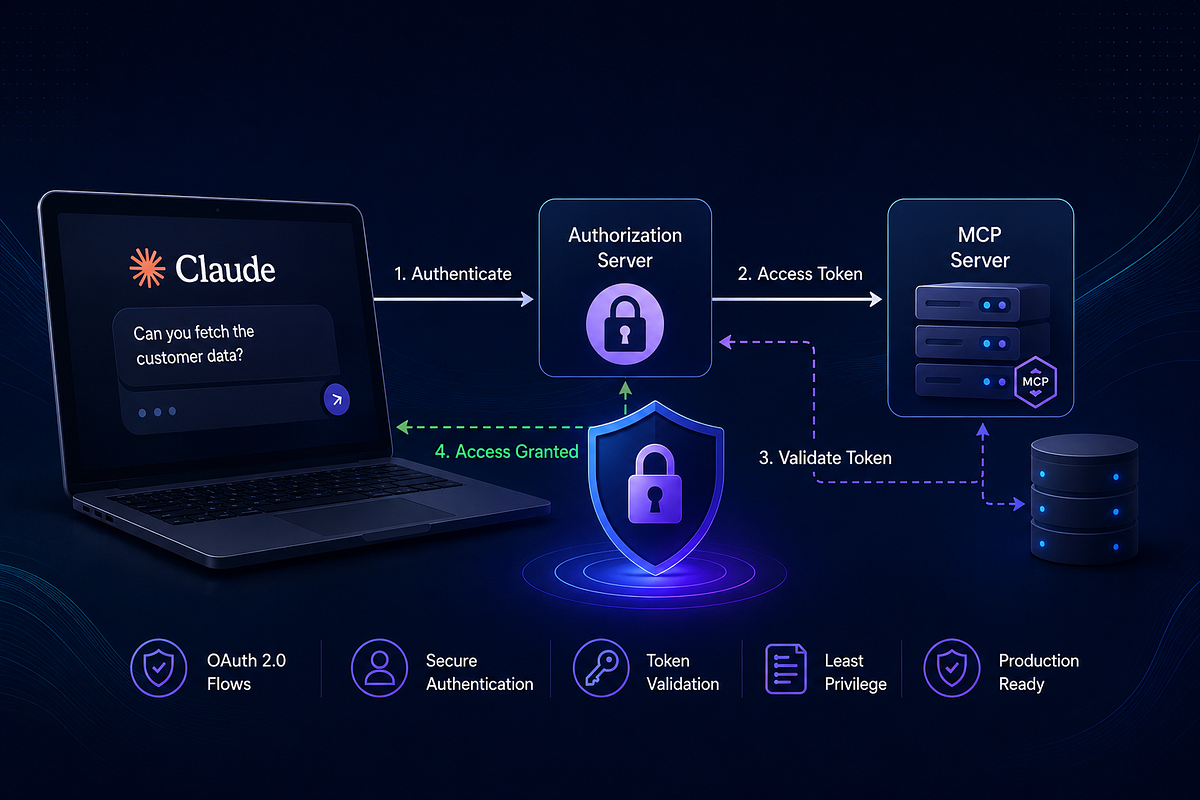
Your MCP server is about to give Claude access to your company’s most sensitive data. Here’s how to make sure only the right people get that access. #
It was a Tuesday afternoon when the security team asked the question everyone dreads.
“How does Claude authenticate to your MCP server?”
The engineer d. Then admitted: “It doesn’t. Claude just… has access.”
The follow-up was worse: “So anyone who has access to Claude Desktop could use your MCP server?”
Yes. Any user could point Claude at your MCP server and access it. No authentication. No authorization. No audit trail.
This is the situation I see repeatedly as teams rush to deploy MCP servers. They focus on the functionality (can Claude query my database?) and skip the security (should Claude be able to query my database?).
OAuth for MCP solves this. But MCP’s OAuth is different from traditional OAuth because the authentication flow isn’t browser-based. It’s system-to-system. And getting it wrong is a different kind of failure than getting JWT wrong.