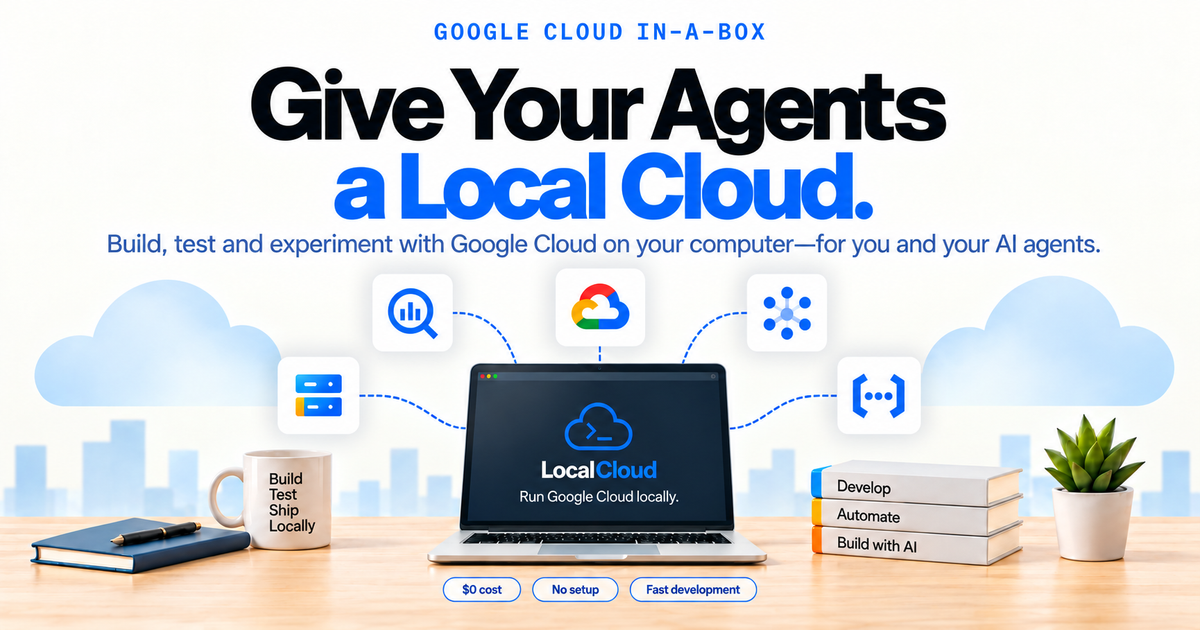
Give your coding agent a free local cloud environment to build, test, and debug Google Cloud applications. MCP supplies the services, SDK settings, and diagnostics; your application runs its integration tests against the local runtime.
Install and connect #
Install LocalCloud CLI 0.1.9 or newer and have Docker running. Use runtime 0.1.5 or newer for validated strict-client tool schemas. On macOS, or Linux with Homebrew:
brew install LocalGCloud/tap/localcloud
lc --version
lc doctor
lc mcp install --client cursor
Reload Cursor and enable localcloud. The bridge starts or reuses your local runtime automatically. The client guide also covers Claude Code/Desktop, Codex, VS Code, Cline, Gemini CLI, Antigravity, and Windsurf, plus installation without Homebrew.
Give the agent a task #
Ask for a small test with observable results:
Use LocalCloud MCP to list local services, check readiness, and obtain SDK settings.
Check compatibility before writing a small Cloud Storage, Pub/Sub, and BigQuery integration test.
Use only the returned local endpoints and uniquely named test resources.
Assert the actual results and clean up only resources created by the test.
Stop if a required operation is unavailable; do not fall back to real Google Cloud.
The agent starts with localcloud_list_services, localcloud_check_readiness, and localcloud_get_env. Returned SDK settings account for the runtime's actual port mappings, so the test does not guess endpoints or request real cloud credentials.
Three cloud workflows #
- Cloud Storage: create a uniquely named bucket, upload a known string, read it back, and check the exact content.
- Pub/Sub: create a topic and subscription, publish a known message, pull and verify its bytes, then acknowledge it.
- BigQuery: run
SELECT 1 AS mcp_smokeand check that the result contains exactly one row with value 1.
These assertions exercise application behavior through standard Google Cloud SDKs. The example removes its own bucket, topic, and subscription in cleanup. Read the workflow guide for individual agent prompts.
Run the example #
Start an independent runtime for the three services. Dynamic ports allow it to run beside your everyday environment:
lc start --image agentcloud/localcloud:0.1.5 \
  --data-volume localcloud-mcp-demo \
  --services gcs,pubsub,bigquery --local-only --accept-dynamic-ports
From the public CLI repository, run the example with its optional Python SDK dependencies using uv:
git clone https://github.com/LocalGCloud/localcloud-cli.git
cd localcloud-cli
uv run --with mcp==2.0.0 --with google-cloud-storage \
  --with google-cloud-pubsub --with google-cloud-bigquery \
  examples/mcp_workflows.py --data-volume localcloud-mcp-demo
The demonstrated result through CLI 0.1.9 and the full packaged runtime 0.1.5 candidate was:
PASS MCP: localcloud_list_services
PASS MCP: localcloud_check_readiness
PASS MCP: localcloud_check_compatibility
PASS MCP: localcloud_get_diagnostics
PASS MCP: SDK configuration validates against its output schema
PASS MCP: BigQuery query returns the expected row
PASS Cloud Storage: upload and read back the exact content
PASS Pub/Sub: publish, pull, verify, and acknowledge
PASS BigQuery: SELECT 1 returns the expected row
Cleanup complete: only uniquely named example resources were removed
When finished, use lc stop --data-volume localcloud-mcp-demo to stop the example runtime. Its named volume remains available for reuse.
Diagnose a failure #
Give the agent the failing assertion and ask it to inspect readiness, diagnostics, and recent requests before changing the test. A service can be present in the catalog while disabled in the running environment; use its current readiness and compatibility records.
If an existing runtime predates 0.1.5, follow the runtime upgrade and troubleshooting instructions. Updating the CLI or installing another client configuration does not replace an existing container.
Local data and verification #
The SDK workflows above passed through a published macOS ARM64 CLI and a full Linux ARM64 runtime image, without mounted source or JAR overlays. This local evidence is separate from Google Cloud production parity and verification on every platform.
Use test-owned resources and explicit cleanup. The default data volume is shared; a logical project is not a security boundary between agents. Choose a separate named volume when you need an independent runtime. MCP management writes and destructive actions require explicit runtime permission settings.
MCP setup guide · More SDK examples · CLI source and releases