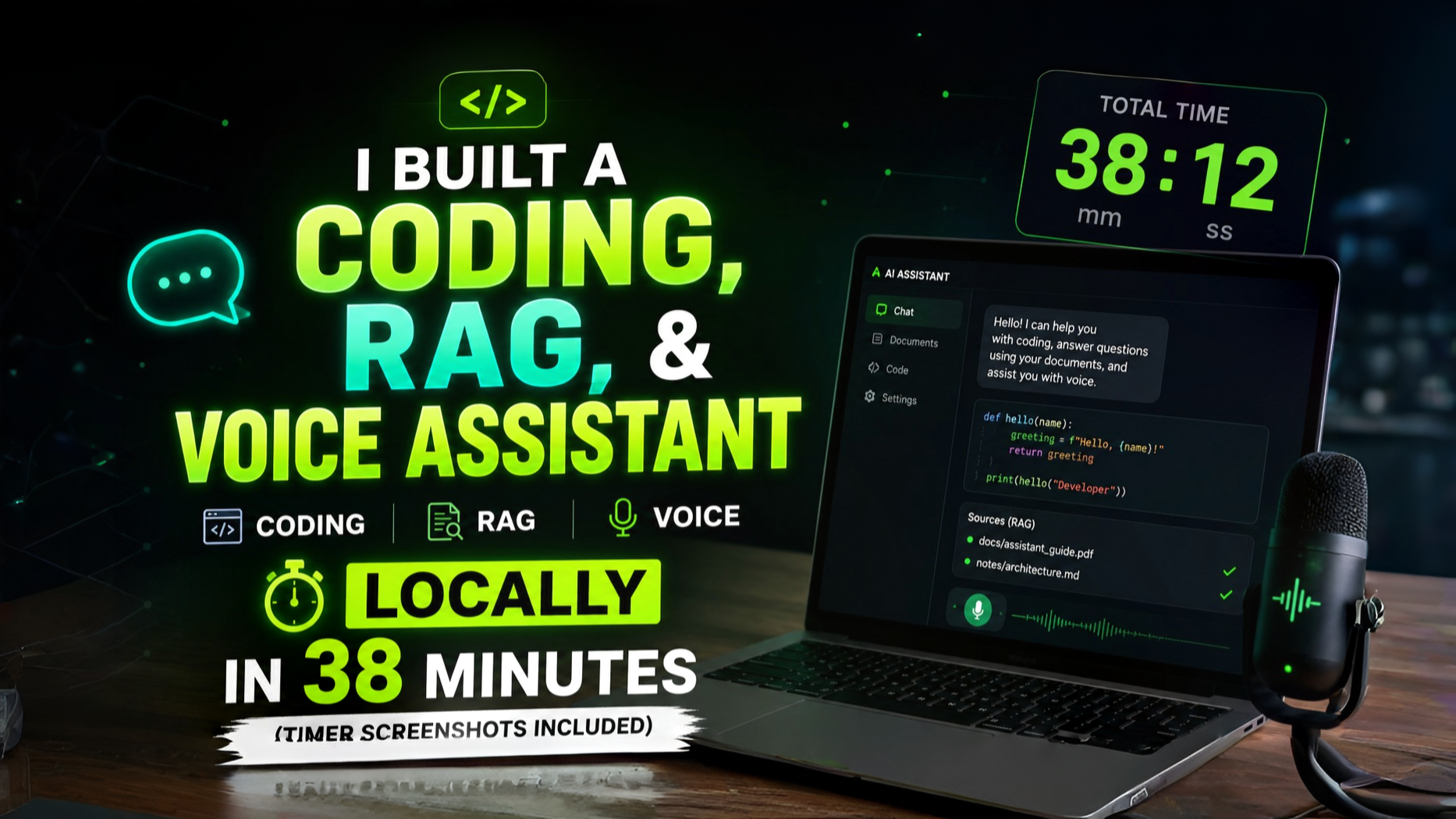
RAG(Retrieval-Augmented Generation) system, and a voice interface running locally without relying on a single cloud API.
For anyone wanting a practical tutorial on avoiding subscription fatigue and data leaks, this is the blueprint.
The Technical Stack #
To pull this off, I used a combination of tools that prioritize low latency and ease of deployment:
-
Ollama: This is the backbone for running LLMs locally. It handles the model weights and provides a clean API for other tools to hook into.
-
AnythingLLM: This serves as the all-in-one interface. It handles the RAG pipeline, meaning you can throw PDFs or text files at it, and it manages the vector database internally so you can chat with your documents.
-
Open WebUI: For a ChatGPT-like experience that supports voice input and advanced prompt engineering.
Deployment Steps #
If you want to replicate this from scratch, follow this order:
- Install Ollama and pull the models you need (Llama 3 or Mistral are solid bets for general use; DeepSeek-Coder is better for the coding side).
ollama run llama3
-
Launch AnythingLLM via Docker or the desktop app. Point it to your Ollama instance.3. Upload your local documents into a "Workspace" in AnythingLLM to enable the RAG functionality.
-
Connect Open WebUI to Ollama to enable the voice-to-text features and a more polished chat interface.
Is it worth it? #
The trade-off here is hardware. If you have a decent GPU (RTX 3060 or higher), the performance is snappy. The biggest win is the privacy—your codebase and personal docs never leave your machine. While cloud models are still smarter for complex reasoning, this local AI workflow is more than enough for daily coding tasks and document querying.
Next Liso: Turning Web Highlights into Audio →