November 4, 2026 · 5 min read
Use GitHits list to browse Pi's source tree, find session tests and documentation, and choose the files to inspect next.
To check Pi’s session storage, an agent needs its implementation, file-format guide and tests. These live in different directories. Our list tool shows the files and folders so the agent can find the parts it needs to inspect.
The grep post followed calls through Pi’s session manager. This time, we’ll browse the coding-agent directory to find the related tests and documentation.
Open a directory #
The repository identifier passed to GitHits is called a target. In this example, github:earendil-works/pi@9c9ce854 selects Pi’s repository at the commit used in the earlier posts.
githits list github:earendil-works/pi@9c9ce854 packages/coding-agent --limit 30
The directory listing includes these entries:
packages/coding-agent/CHANGELOG.md
packages/coding-agent/README.md
packages/coding-agent/docs/
packages/coding-agent/examples/
packages/coding-agent/package.json
packages/coding-agent/src/
packages/coding-agent/test/
packages/coding-agent/vitest.config.ts
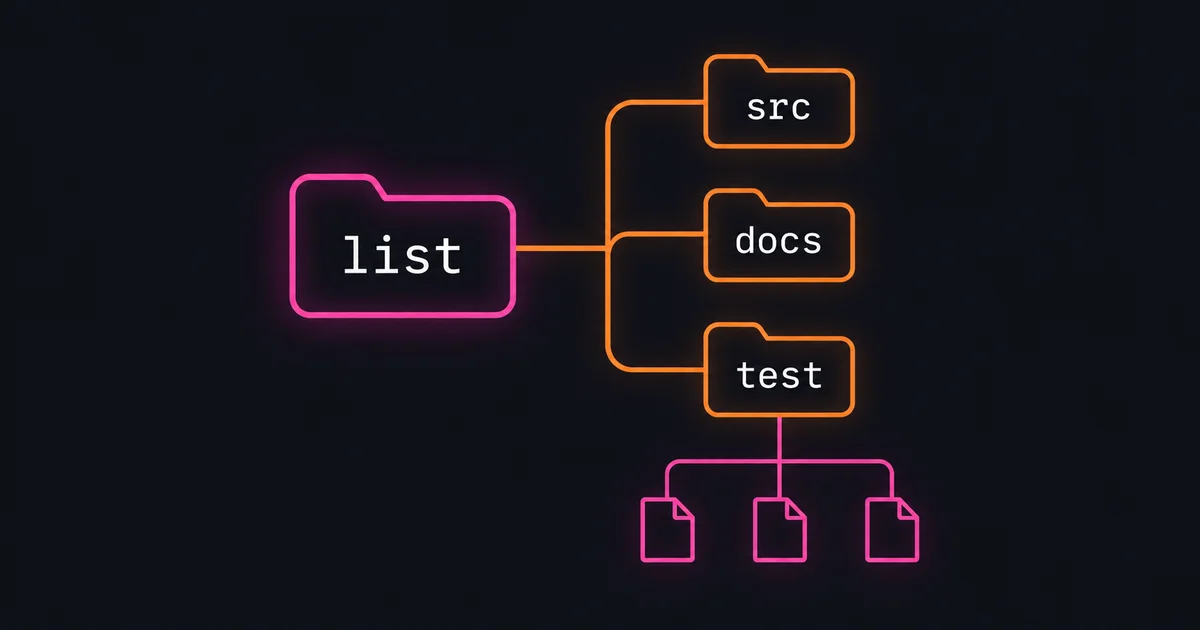
Directories end in /. By default, the result shows the selected directory’s immediate children. Here we can see that tests live in test/, documentation in docs/, and implementation code in src/.
Through MCP, the same list request is:
{
  "target": "github:earendil-works/pi@9c9ce854",
  "paths": ["packages/coding-agent"],
  "limit": 30
}
Omitting paths lists the repository root. A package name and version can also select the repository source used to build that release. In that case, browsing starts at the package’s source directory within the repository. A published package isn’t required to browse a public repository.
Find the session tests #
The agent knows the subject is session storage, so it can narrow the test filenames:
githits list github:earendil-works/pi@9c9ce854 'packages/coding-agent/test/*session*' --limit 50
The * characters form a glob, a pattern for matching paths. This pattern selects immediate children of test/ whose names contain session. The results include sdk-session-manager.test.ts, session-file-invalid.test.ts and a session-manager/ directory.
Expanding that directory gives a smaller set of tests to inspect:
githits list github:earendil-works/pi@9c9ce854 packages/coding-agent/test/session-manager/ --recursive --limit 50
packages/coding-agent/test/session-manager/build-context.test.ts
packages/coding-agent/test/session-manager/custom-session-id.test.ts
packages/coding-agent/test/session-manager/file-operations.test.ts
packages/coding-agent/test/session-manager/labels.test.ts
packages/coding-agent/test/session-manager/load-entries.test.ts
packages/coding-agent/test/session-manager/migration.test.ts
packages/coding-agent/test/session-manager/save-entry.test.ts
packages/coding-agent/test/session-manager/tree-traversal.test.ts
--recursive expands selected directories to include files below them. A glob can also specify deeper paths, such as **/*.test.ts. Glob depth is controlled by the pattern itself.
Inspect a file from the listing #
save-entry.test.ts looks relevant to saving sessions. Opening it shows what it actually tests:
githits read github:earendil-works/pi@9c9ce854 packages/coding-agent/test/session-manager/save-entry.test.ts --lines 1-55
The test creates an in-memory session, adds messages and a custom entry, then checks their IDs and positions in the session tree. For file handling, the nearby file-operations.test.ts contains tests for valid files, missing headers and malformed JSON.
Browsing exposed both files. Reading their setup and assertions tells us which one covers the question we’re investigating.
Find the related source and guides #
A single request can select paths from several directories:
githits list github:earendil-works/pi@9c9ce854 'packages/coding-agent/docs/*session*' 'packages/coding-agent/src/core/*session*' --limit 30
This returned two guides, session-format.md and sessions.md, alongside six source files. The source results include session-manager.ts, session-export.ts and agent-session.ts.
The session-format guide describes how entries are stored. The source and test paths found above give us places to inspect how Pi creates, loads and traverses those entries.
For larger directories, list also supports language, file-classification and purpose filters. For example, --language typescript selects TypeScript files and --intent test selects files classified as tests. The list reference documents the available filters.
Browse hosted documentation #
list also browses indexed documentation sites. A documentation search for Express returned site:expressjs.com, which can be used to browse its guides:
githits list site:expressjs.com en/guide/ --limit 10
The first page included guides for routing, middleware, error handling and database integration. Each page path can be opened with read, for example:
githits read site:expressjs.com en/guide/error-handling
That listing also returned a continuation cursor because more guides were available. Adding its value with --after retrieves the next page using the same target and filters. The --limit option controls page size, up to 500 entries per request.
Repository documentation belongs to the selected commit. A hosted site’s pages can change as its maintainers update them. The documentation guide explains browsing and reading both.
Finding the files worth opening #
Our list tool browses directories and documentation pages, matches path patterns, and filters source inventories by language or file purpose. Recursive listings expose nested files, and pagination makes larger inventories manageable.
In Pi, we found the coding agent’s source, documentation and test directories. We narrowed the session tests, inspected the difference between an in-memory entry test and file- tests, and found the related guides and implementation files.
Agents already browse directory trees and filenames when working in a local codebase. GitHits gives them that way of exploring public repositories, dependency source and hosted documentation before opening the relevant content with read.
With GitHits connected, try asking your agent:
Use GitHits list to find Pi’s session-manager tests and documentation. Open the tests that cover file and explain which cases they check. Keep the repository files on the same commit.