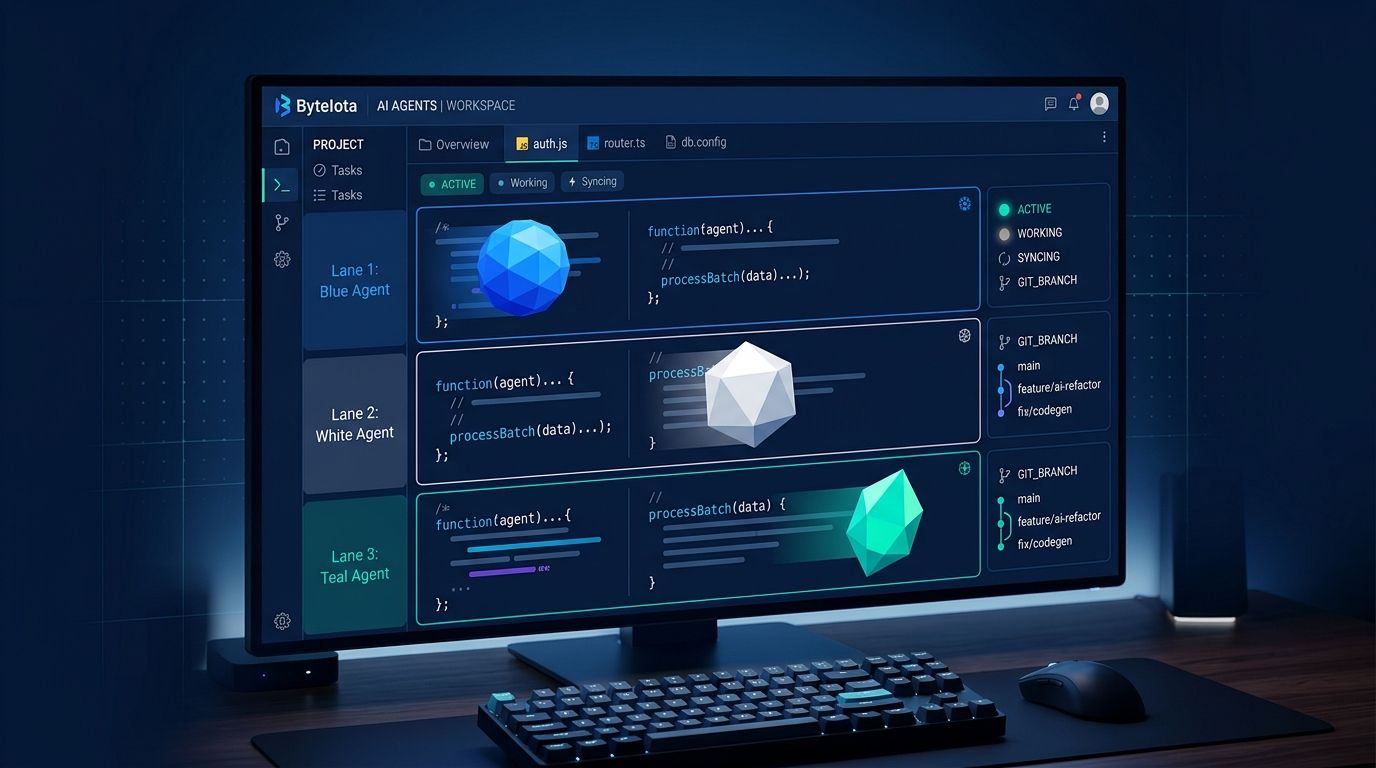
JetBrains launched the Early Access Program for Air inside its IDEs this week — IntelliJ IDEA, PyCharm, WebStorm, CLion, and RustRover. You can now orchestrate multiple AI coding agents from inside the editor you already use, without switching to Cursor, Windsurf, or any other AI-native fork. The EAP is free, takes five minutes to install, and supports Claude Agent, Codex, GitHub Copilot, Gemini, and Junie running in parallel.
What JetBrains Air Does in Your IDE #
Air is not another chat panel bolted to your sidebar. It is a workspace for running concurrent agent sessions, each isolated in its own Git worktree or Docker container. That isolation matters: you can have Codex working on one module, Claude Agent refactoring another, and Junie writing tests — all at the same time — without any of them stepping on each other’s changes.
The central interface is the Global Prompt, accessible from anywhere in the IDE. When you open it, you describe a task and optionally attach context: a file, a selection, a symbol, test results, VCS changes, console output, or a screenshot. Air hands that to whichever agent you assign. A dashboard then shows you the live status of every session — activity, unread updates, changed files, outgoing commits, and API cost — so you can switch between tasks and step in when an agent goes sideways.
How to Install JetBrains Air #
There are two paths, depending on whether you want to stay on your current stable build or try the 2026.3 EAP directly.
Plugin route (recommended for most): Open the JetBrains Marketplace from inside your IDE and search for “Air.” Install the Air plugin (ID: 33314). This works on any stable 2026.2 or later build of IntelliJ IDEA, PyCharm, WebStorm, CLion, or RustRover.
EAP build route: Download a 2026.3 EAP build of your IDE. Air ships built-in — no plugin required. This gives you the latest Air features as they land but comes with the usual EAP stability caveats.
Once installed, sign in with a JetBrains Account to unlock free Junie Lite runs. For Claude, Codex, Copilot, and Gemini, you bring your existing subscription or API key. Nothing extra to pay during the EAP period.
Which Agents Work With JetBrains Air #
Air supports five agents out of the box: Junie (JetBrains’ own), Claude Agent, Codex, GitHub Copilot, and Gemini. OpenCode, the open-source option, is also supported. Beyond those, any agent implementing the Agent Client Protocol (ACP) can connect without custom integration work.
ACP is co-developed by JetBrains and Zed as an open standard for how coding agents and development environments communicate. It means JetBrains is not just building a delivery vehicle for Junie — it is positioning Air as the orchestration layer for whatever agent stack you’re already running. If you pay for Claude Pro and Copilot, both plug in. You don’t pick one.
JetBrains Air vs Cursor and Windsurf #
Most of the agentic IDE story in 2026 has been about switching editors. Cursor is a VS Code fork. Windsurf is a VS Code fork. To get the best of their agentic features, you migrate. For developers deep in Java, Kotlin, Python, or Rust, that migration means giving up years of IDE intelligence — custom inspections, framework-specific refactoring, deep type system awareness.
JetBrains Air’s bet is that you don’t have to trade one for the other. The same IDE that understands your Spring Boot application, Django models, or Rust lifetimes is now also where your agents run. That 26-year investment in code understanding is available to every agent you connect.
| Tool | Agent approach | Requires new editor? |
|---|---|---|
| Cursor | Single model, inline assistant | Yes (VS Code fork) |
| Windsurf | Single autonomous agent | Yes (VS Code fork or plugin) |
| GitHub Copilot | Single model embedded | No (plugin) |
| JetBrains Air | Multi-agent orchestration | No (existing IDE) |
That comparison is not to declare a winner. Cursor’s inline agentic editing is faster for single-file changes. Windsurf’s Cascade agent remains the most autonomous option for solo devs who want to hand off an entire feature. Air’s advantage is scope: parallel tasks across a real codebase, in the tool you have been using for years.
Air Teams and Governance #
Air in IDEs is one part of a three-tier system. Air Teams handles shared cloud environments for team workflows — automations triggered by repository events, dependency updates, and scheduled code reviews running agents in the cloud rather than on developer laptops. Air Governance (formerly JetBrains Central) adds org-level policy, cost attribution, and model controls. Air Teams is already available to business customers; individual access is planned for later.
How to Get Started Today #
Install the Air plugin from JetBrains Marketplace or download a 2026.3 EAP build. JetBrains has called this “one of the most significant steps in our 26-year history” — the New Stack writeup is the best independent take on why that claim holds up. For the full Teams and Governance picture, the September 22 system announcement covers it all.