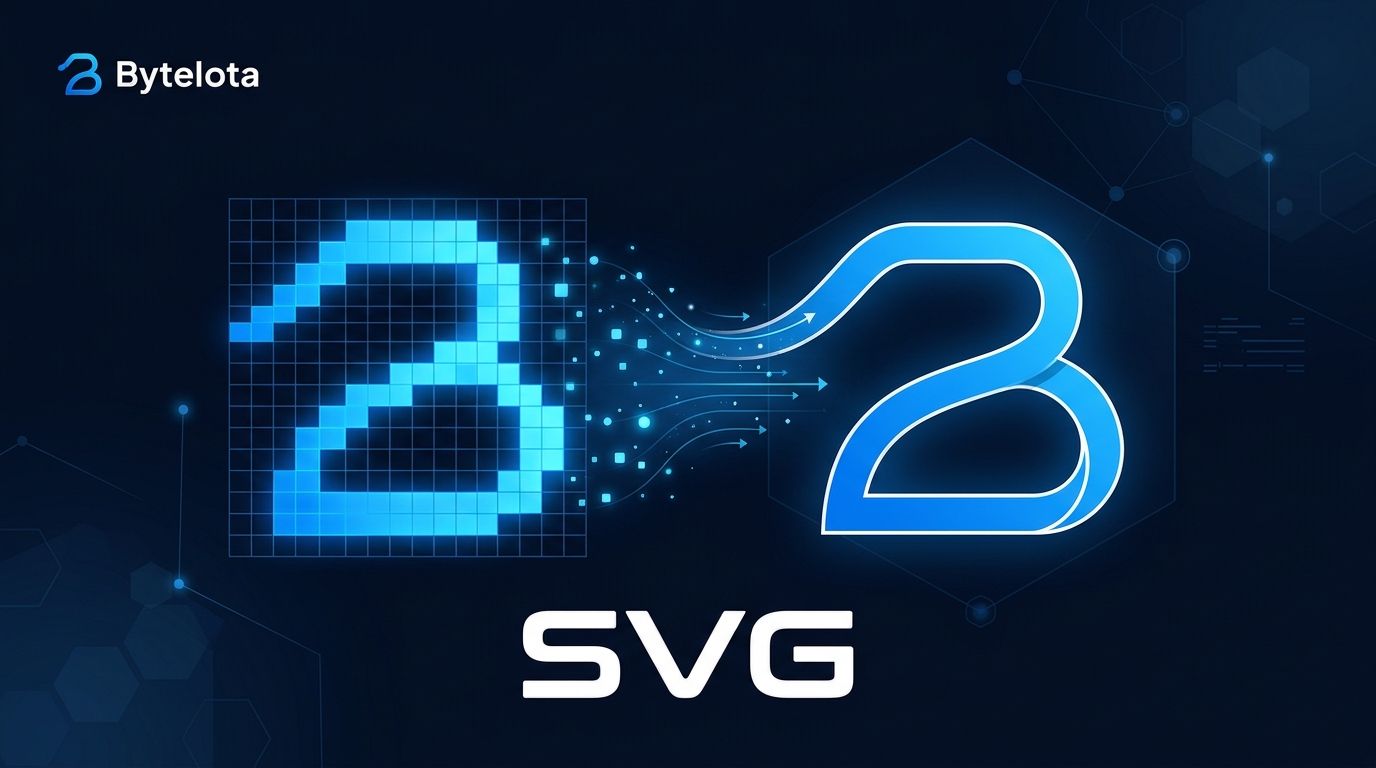
Ideogram shipped Vector 1.0 on October 22 — its first model that outputs SVG, not pixels. That is not a formatting preference. For print, laser cutting, embroidery, screen printing, or vinyl, raster files don’t just look worse at scale: they fail outright. AI image generation has spent two years producing increasingly beautiful PNGs. Vector 1.0 is the first time Ideogram has shipped a file the production floor can actually use.
Two Endpoints, One Purpose #
The model splits into two calls. POST /v2/svg/generate/ideogram-vector-1 draws an SVG from a text prompt up to 9,500 characters, with optional reference images, quality tiers, and up to eight outputs per request. POST /v2/svg/vectorize/ideogram-vector-1 takes a JPEG, PNG, or WEBP up to 50 MB and traces it into vector paths. Both return image/svg+xml, filename vector.svg. Full endpoint documentation is available in the Ideogram API reference.
The file is clean: zero embedded rasters, zero base64 payloads. Typography arrives as outlined paths rather than live text elements — which means you can scale it to a billboard or engrave it on metal without losing a single edge. Shapes are individually addressable in Illustrator, Figma, or any SVG editor: move, rotate, recolour, adjust gradients.
import requests

response = requests.post(
    "https://api.ideogram.ai/v2/svg/generate/ideogram-vector-1",
    headers={"Api-Key": "YOUR_API_KEY"},
    json={
        "prompt": "minimalist coffee shop logo, blue and white",
        "quality": "high",
        "aspect_ratio": "1:1"
    }
)

data = response.json()
generation_id = data["id"]
Pricing #
Vector 1.0 charges per call, not per token. Low quality is $0.13, medium is $0.16, high is $0.20, and high with reference images is $0.32. Image vectorization is a flat $0.10. There are no output token charges. If you want to check the cost before committing, pass dry_run=true as a query parameter — you get a price quote without a bill.
| Quality | Price per call |
|---|---|
| Low | $0.13 |
| Medium | $0.16 |
| High | $0.20 |
| High + reference images | $0.32 |
| Image-to-vector | $0.10 |
The Pipeline: 4.5 and Vector 1.0 Together #
Ideogram Vector 1.0 launched alongside an already-established raster counterpart. Ideogram 4.5, released September 30, is a raster model built for multi-turn editing — you prompt, tweak, prompt again, adjust composition. Vector 1.0 has no editing capability at all. This is not a gap; it is the product design. The intended workflow is to use 4.5 to explore and get the composition right, then call Vector 1.0 once you know what you want. Generate in pixels, produce in paths.
What It Cannot Do Yet #
The vectorizer’s group parameter — which is supposed to group shapes into layers — is documented in the API but marked as not yet available. Converted raster images arrive as a flat pile of paths, not organized geometry. Text-to-vector does produce individually addressable elements, but if you are converting an existing image, plan to do your own layer organization afterward. There are also no brand style presets or controls, which Recraft offers and which matter if you are running high-volume logo work. A detailed breakdown of what the SVG file actually contains confirms the path count can vary from 7 paths for a simple logo to over 2,000 for a complex illustration.
Where It Sits #
Recraft V4.1 Vector is the established native-SVG competitor and still leads on general logo benchmarks. Ideogram wins when text is central to the design — when the logo is mostly lettering and the typography has to be precise. Adobe Firefly has a text-to-vector feature baked into Illustrator but no standalone API. If you are already calling Ideogram’s raster API, Vector 1.0 is now the obvious next call in your pipeline rather than a trip to a separate tool. For a full API-level comparison, APIScout’s FLUX vs Ideogram vs Recraft breakdown is worth reading.
Bottom Line #
If your output ever needs to leave a screen — printed, cut, stitched, or engraved — Vector 1.0 closes the gap that every raster AI tool leaves open. The vectorizer layer-grouping issue is a real limitation for image conversion work. Text-to-vector is the stronger of the two endpoints right now. At $0.13 to $0.20 per call, the price is low enough to test in an existing pipeline today.