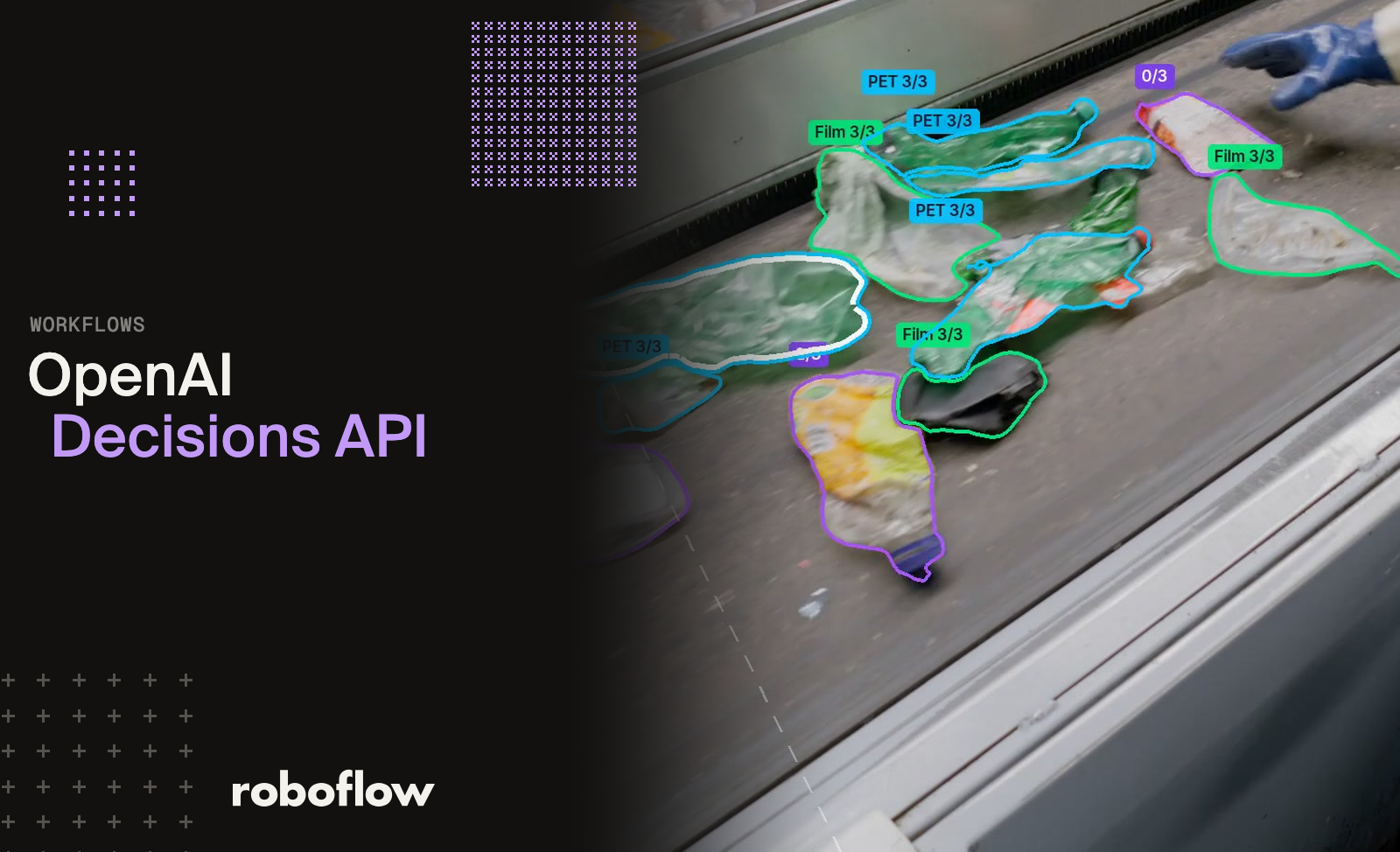
The OpenAI Decisions Switch block routes each image in a Roboflow Workflow to one branch. It prompts GPT-6 Luna on the OpenAI Decisions API with one multiple-choice question about the image, then runs the branch whose answer clears a probability threshold. The two examples below sort items on a recycling line and dispatch road crews based on the air temperature.
How the switch works
The answer options are your cases plus a built-in "none of these", and the API returns a probability for each.
Example 1: sort a recycling line
RF-DETR instance segmentation segments and tracks every item on the belt. The switch gets a crop of each item, outlined in magenta so overlapping items don't confuse it, and picks one of six streams: PET, HDPE, film, multilayer, paper or aluminum.
The video calls the Decisions API directly to draw the probabilities, checks each item three times as it moves, and averages the answers. Gray tags mark items whose top stream stayed below 0.5.
Example 2: add non-image data with context
Crews pave potholes with hot asphalt only in warm weather (10 °C or above here) and use cold patch otherwise. The photo can't show the temperature, so the workflow takes air_temperature_c from a weather feed and passes it in context. The case descriptions refer to it by name. For example, cold_patch reads: "The road has potholes or a broken surface but air_temperature_c is below 10, too cold for hot asphalt, so fill them with cold patch for now."
Results at min_confidence 0.8:
Photo
Air temperature (°C) Model's answer
Probability
What ran
Pothole on a rural road
20
hot_asphalt_repair
0.99
Paving crew
The same photo
4
cold_patch
0.95
Pothole patrol
Dry, intact asphalt
20
none of these
0.65
Nothing
Close-up of snow with tire tracks
-3
spread_salt
0.65
Nothing (below 0.8) The snow close-up scored 0.65 for spread_salt, below 0.8, so nothing ran. In production, route default_next_steps to a dispatcher. context accepts any workflow value, such as a sensor reading, OCR text or a detection count.
Block settings
A case runs when it is the top answer and its probability is at least min_confidence (default 0.9). Otherwise the image goes to default_next_steps, or the workflow stops if that list is empty. At most one branch runs per image.
You set a question, the cases (each pointing at the first step of its branch), a one-sentence case_descriptions entry per case, and optional context: named values sent with the image as JSON, for facts the image can't show.
If a detector can make the decision, a model cascade is cheaper. Choosing min_confidence
Raising min_confidence trades wrong routes for more photos in review. We measured it on 100 photos from a public garbage dataset, with its six classes as cases.
Set it by the cost of a wrong route. An unsure recycling item stays on the belt for the manual sorters, so 0.5 is enough. A wrong road dispatch sends a crew out for nothing, so that workflow uses 0.8. To see probabilities while tuning, run the OpenAI Decisions block in questions mode with the same question; its answers output lists each option's probability.
Try it Add the OpenAI Decisions Switch block to a workflow and connect images.
Write the question, add one case per action, and describe each in one sentence.
Set Default Next Steps and Min Confidence.
Test on real photos with sinks disabled (wire a dry_run input to each sink's disable_sink). If good photos land in review, fix the descriptions before lowering the threshold.
The block bills Roboflow credits by default, or your own OpenAI key. Each photo is one request with a few hundred to a few thousand input tokens.