← all posts How to evaluate AI agents: six dimensions to measure, three levels to test at, sandbox vs mocks vs replay, benchmarks, and a release scorecard.
To evaluate an AI agent, you run it on a set of realistic tasks, several times each, and measure six things: whether it finished the task, whether it took an acceptable path to get there, whether it broke any rule, how consistently it succeeds, what each success costs, and whether its replies are correct and clear. You measure them at three levels, a single step, a whole task and a whole conversation, before release and again on production traffic.
Most teams measure only the first and the last: did it finish, and does the reply read well. Those are the two an agent can fake. It can say "your refund is on its way" without calling the refund tool, and finish a task by a route that broke policy on the way.
This guide is the map: what to measure, at which level, against which environment, and how the pieces turn into a release decision. For writing a single eval and its graders, see
What to measure: six dimensions of agent evaluation #
An agent evaluation that reports one number hides the trade-offs you are trying to make. Score each dimension separately, with the cheapest grader that can check it.
| Dimension | Question it answers | Typical metric | Grader |
|---|---|---|---|
| Task success | Did the agent do what was asked? | Success rate on the outcome | Code, on the end state |
| Trajectory | Did it call the right tools, with the right arguments, without waste? | Tool-selection and argument accuracy, redundant calls per task | Code, on the trace |
| Policy and safety | Did it break a rule that must always hold? | Violations per run, target zero | Code on the trace, a judge for leaks |
| Reliability | Does it succeed every time, or only sometimes? | pass^k: share of tasks solved in all k trials | Repeated runs |
| Efficiency | What does a success cost, and how long does it take? | Cost per successful task, steps, p95 latency | Arithmetic on the run |
| Interaction | Is the reply correct, honest and clear, and did it ask when it should have? | Pass rate per written criterion | Calibrated LLM judge |
Three of these deserve more than a row.
Reliability is its own dimension, not a footnote to success. An agent's run is a chain of model calls, and one different tool call changes every step after it. In τ-bench, a benchmark of agents serving simulated airline and retail customers, GPT-4o solved about 61% of retail tasks on a single trial, and about 25% in all eight of eight trials (Yao et al., 2024 ↗). Each customer gets one trial. The second number is the one they experience.
Efficiency belongs in cost per successful task, not cost per run. A cheaper model that fails more often can cost more for every task it actually resolves:
| Cost per run | Success rate | Cost per successful task | |
|---|---|---|---|
| Current model | $0.040 | 90% | $0.044 |
| Cheaper candidate | $0.025 | 55% | $0.045 |
The candidate is 38% cheaper per run and more expensive per resolved task, before you count the escalations the other 45% turn into. The new model was 59% cheaper and 75% faster walks through a migration where the saving was real and the agent still failed.
Policy is graded as a count, not a rate. "98% compliant" means two customers in a hundred got a refund without the policy check. Write each rule as a check on the trace (verify identity before any write, look up policy before a refund, charge a card at most once) and gate on zero violations.
Three levels of agent evaluation #
The same agent can be evaluated one step at a time, one task at a time or one conversation at a time. Each level catches failures the others miss, and the cost rises with each.
Step level. Freeze the agent at one point in a real run: the conversation so far and the tool
results it has seen. Ask the model for its next action and compare it with the action that should
come next. This is the cheapest and most precise level. It tells you exactly which decision went
wrong, such as choosing cancel_order instead of lookup_order, or passing the amount in cents.
It cannot show compounding errors, or whether the agent recovers when a tool fails, because the
context is fixed.
Task level. Give the agent a task and let it run to the end against an environment, then grade the outcome and the trace. This is where most evaluation effort belongs, because it is the level at which success is defined. It catches the failures step-level checks cannot: loops, early stops, a wrong turn in step two that leaves step five unrecoverable.
Conversation level. Multi-turn agents talk to someone who answers back, changes their mind and leaves details out. Evaluating them needs a counterpart: a person, production traffic, or a simulated user. This level catches failures in clarifying questions, in context carried across turns, and in handoffs between agents or to a human. It is the slowest and the noisiest.
A useful split: step level for every change, task level for every release, conversation level for the routes where a bad conversation costs most.
Where the agent runs: live sandbox, mocked tools, or replay #
An agent under evaluation still calls tools, and something has to answer them. The choice decides what you can grade.
| Live sandbox | Mocked tools | Replayed results | |
|---|---|---|---|
| Who answers tool calls | Real services on test data | Stub functions you write | Results recorded from production runs |
| Can you grade the end state? | Yes | Only what the mock tracks | No, you grade the calls |
| Speed and cost | Slowest; state must be reset between trials | Fast | Fast, no side effects |
| Determinism | Lowest | High | High, until the agent leaves the recorded path |
| Best for | End-to-end checks before release, capability evals | Edge cases that are hard to trigger: timeouts, errors, empty results | Regression on a model or prompt change, against real traffic |
A sandbox is the only environment where "one refund of $59.00 exists on order A1042" can be checked directly, and it is also the hardest to keep honest: shared state leaks between trials unless every trial starts from a fresh copy.
Replay has the opposite trade-off. The inputs and tool results are real, so the suite reflects what customers actually ask, but the outcome is never re-executed. When a candidate model calls a tool the recording has no result for, the replay cannot continue that path. That is still a finding, since the candidate behaved differently from the recorded run, but it is a finding about the path, not the outcome.
Most teams end up using all three: replay to catch regressions cheaply on every change, mocks for the failure cases production rarely shows, and a sandbox for the final check on the routes that move money or data.
Evaluating multi-turn agents with simulated users #
When an agent needs a conversation to do its job, you need someone to talk to it. Hand-scripted user turns break as soon as the agent asks something the script did not expect. The usual answer is a second model playing the user, given a persona and a goal it reveals only when asked, which is how τ-bench runs its tasks.
A simulated user is a model too, and it fails in its own ways:
- +It solves the task for the agent. A helpful simulator volunteers the order number before the agent asks for it, and the agent never has to. Instruct it to answer only what it is asked.
- +It drifts. Change the simulator's model or prompt and every conversation-level number moves, whether or not the agent changed. Pin the simulator's model and instructions like any other test fixture.
- +It is too cooperative. Real users give partial answers, contradict themselves and switch goals. Write a few personas that do, and tag results by persona.
Grade the conversation the same way as a single task: the outcome in the world first, trace rules second, a judge for the replies last.
Public benchmarks: useful for choosing a model, not for evaluating your agent #
Agent benchmarks measure models on tasks someone else defined. They are worth reading before you shortlist a model, and they tell you little about your agent.
| Benchmark | What it measures | How it grades |
|---|---|---|
| [SWE-bench Verified ↗](https://openai.com/index/introducing-swe-bench-verified/) | Resolving real GitHub issues in Python repositories, 500 human-validated tasks | Runs the repository's tests |
| τ-bench ↗ | Customer-service agents following written policy, with a simulated user | Compares the database state with the expected one | | GAIA ↗ | General assistant questions that need browsing, files and tools | Exact match on the final answer | | WebArena ↗ | Tasks on self-hosted websites: shopping, forums, code hosting, maps | Functional checks on the answer and the resulting site state | | BFCL ↗ | Function-calling accuracy across many tool schemas | Checks the calls' structure and arguments, and executes some |
When they were published, these benchmarks showed how far agents trailed people: on GAIA, human respondents answered 92% of questions and GPT-4 with plugins 15%; on WebArena, people completed 78% of tasks and the best GPT-4 agent 14%. Models have closed much of that gap since, and every widely published benchmark eventually saturates or leaks into training data.
The deeper limit is that a benchmark grades its tools, its policies and its users, not yours. A
model that tops a function-calling leaderboard can still pass amounts in the wrong unit to your
issue_refund, or skip the policy lookup your support team requires. Use benchmarks to decide
which models are worth trying, then evaluate those models on your own tasks.
Offline and online evaluation #
Offline evaluation runs a fixed suite before a change ships. Online evaluation grades what the agent does with real users after it ships. You need both, because each sees what the other cannot.
| Offline | Online | |
|---|---|---|
| Inputs | A frozen suite of tasks | Live traffic |
| When | Before a change merges or ships | Continuously, after release |
| Answers | Did this change make the agent better or worse? | Is the agent working right now, on what users actually ask? |
| Graders | Code, judges, repeated trials | Trace rules on every run, a judge on a sample, user signals |
| Blind spot | Only knows the cases in the suite | Finds problems after users have met them |
Online, the cheapest signals are the ones you already log: escalations to a human, users rephrasing the same request, abandoned conversations, tool error rates and runs with an unusual step count or cost. Run the same trace rules you gate on offline against every production run, and an LLM judge against a sample.
The two halves form a loop. Every production failure worth fixing becomes a task in the offline suite, so the next change is tested against it. Build a golden eval suite from production traffic covers that loop.
How to evaluate an AI agent, step by step #
The six steps below turn the dimensions, levels and environments above into an evaluation you can make a release decision on.
Step 1: write down the job and the failures you cannot ship #
Describe what the agent is for in terms of outcomes, route by route: "issues refunds within policy for damaged or late orders", not "handles refunds". Then list the failures that would be unacceptable even once: a refund without a policy check, a write without identity verification, a charge made twice, a promise the agent cannot keep. Those become policy rules with a budget of zero. Everything else is a rate you can trade off.
Step 2: pick one metric per dimension and decide which ones gate #
For each of the six dimensions, choose one metric and a threshold, and mark it as blocking or advisory. A scorecard for a support agent might read:
| Dimension | Metric | Threshold | Gate |
|---|---|---|---|
| Policy and safety | Trace rule violations | 0 | Blocking |
| Task success | Success rate per route | No route below its baseline beyond noise | Blocking |
| Reliability | pass^3 on customer-facing routes | At least 90% | Blocking |
| Trajectory | Tool-selection accuracy against expected tools | At least 95% | Blocking |
| Efficiency | Cost per successful task, p95 latency | At most 20% and 30% above baseline | Blocking |
| Interaction | LLM judge on reply criteria | Reported | Advisory until calibrated |
Write the thresholds before the run. A threshold chosen after seeing the numbers is a description of the numbers.
Step 3: build the task set from real traffic #
Start with 20 to 50 cases that already went wrong, then add 100 to 300 production inputs, stratified so that every route you would act on has about 20 cases. Strip personal data, tag each task with its route, and store the expected outcome and expected tool calls on the task.
[How many eval cases do you need?](https://www.evalshift.dev/blog/how-many-eval-cases-do-you-need) explains the sizing, and
[AI evals for agents](https://www.evalshift.dev/blog/ai-evals-for-agents) covers writing the graders.
Step 4: choose the level and environment for each check #
Assign each metric to the cheapest level and environment that can measure it. Tool selection and arguments: step level, on replayed traffic. Task success on routes that move money: task level, in a sandbox. Clarifying questions and context across turns: conversation level, with a pinned simulated user. Failure handling: mocked tools that time out or return errors on purpose.
Step 5: run against a baseline, several times per task #
Absolute numbers are hard to act on. "Task success 84%" says little until you know the current agent scores 88% on the same tasks. Run the current version and the candidate on the same frozen suite, three to five trials per task, and compare per route and per dimension. When the current version already disagrees with itself on a task, a different result from the candidate on that task is noise, not a regression.
Change one thing per comparison. A new model and a rewritten prompt in the same run leave nobody able to say which one moved the score.
Step 6: keep evaluating in production, and feed failures back #
After release, run the trace rules on every production run, a judge on a sample, and watch the user signals from the online section above. When something fails, read the trace, fix the agent, and add the case to the suite in its own commit, so the next comparison starts from a known baseline and the same failure cannot ship twice.
Common mistakes in agent evaluation #
- +Choosing a model from a leaderboard. Benchmarks shortlist models. Only your tasks, tools and policies evaluate your agent.
- +One number for everything. An average across dimensions lets a cost saving hide a policy violation. Report each dimension, and gate on the ones that matter.
- +Cost per run instead of cost per success. A cheaper model that fails more can cost more for every task it resolves.
- +Evaluating only at the task level. You learn that something failed, not which decision. Step level evals point at the decision.
- +An unpinned simulated user. If the user model changes, every conversation-level metric moves with it.
- +Stopping at release. Offline suites only know the cases you gave them. Production finds the rest, and they belong in the suite.
Evaluating agents with EvalShift #
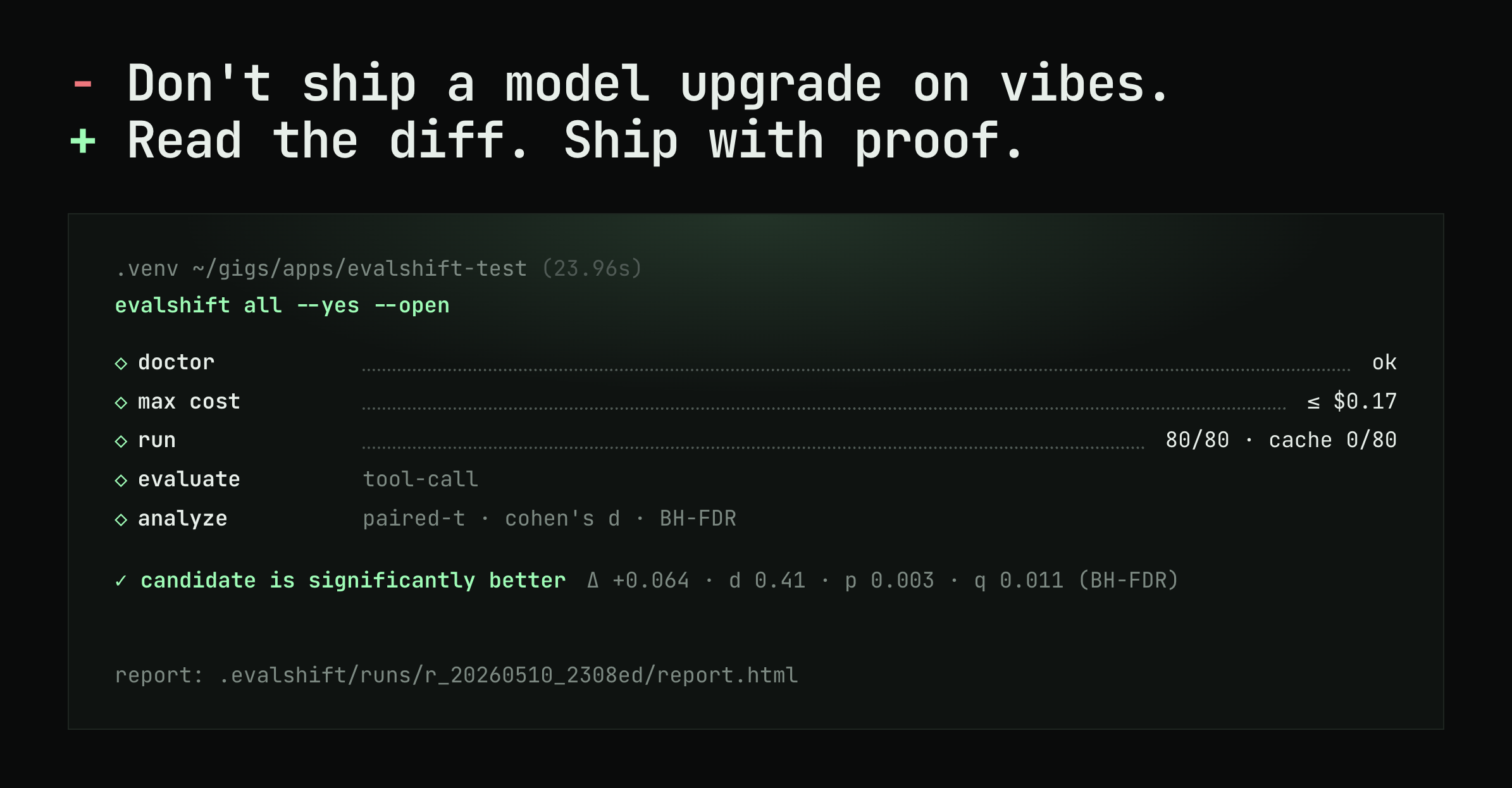
EvalShift covers the regression side of agent evaluation, for the change teams make most often and test least: switching or upgrading the model, or changing the prompt. It runs the current model and a candidate on the same frozen suite and turns the differences into a verdict.
- +Tasks from real traffic. The capture SDK records production runs, including the tools the
agent was offered, the calls it made and the results it got back.
evalshift capture syncturns them into a golden suite. - +Step-level replay. With
--rounds all, every round of a recorded agent loop is replayed with the recorded tool results, so both models see identical context at each step and each round is graded against the calls the recorded agent made. - +Trajectory and policy graders.
tool_selection,tool_argumentsandtool_trace_structuregrade the calls, andtrace_invariantsholds both models to your rules, withmax_invariant_violationsas a count budget. - +Efficiency and reliability in the verdict.
max_cost_increaseandmax_latency_increaseset the efficiency budget,defaults.samples_per_examplesends each task several times, and judges start advisory.
What it does not do: it does not execute tools against a live system, and it does not drive conversations with a simulated user. It grades the calls a model makes against recorded results, not the state they would leave behind, so task-level outcome checks in a sandbox and conversation-level tests stay in your own test setup. The agents docs cover replay
in detail, and migration policy lists every budget.
FAQ #
How do you evaluate an AI agent? Run it on a set of realistic tasks, several times each, and measure six things separately: task success, the trajectory of tool calls, policy violations, reliability across trials, cost per successful task and latency, and the quality of its replies. Evaluate at the step, task and conversation level, compare against the current version on the same frozen suite, and keep grading production runs after release.
What metrics are used for AI agent evaluation? Task success rate graded on the outcome, tool-selection and argument accuracy on the trace, the number of policy violations, pass^k for reliability, cost per successful task, steps and p95 latency for efficiency, and pass rates on written criteria for reply quality, usually graded by a calibrated LLM judge.
What is the difference between agent evaluation and LLM evaluation? LLM evaluation grades one response to one prompt, usually its text. Agent evaluation grades whole runs: the tools called, their arguments and order, the state left behind, the rules followed, the cost and the reply, across several trials, because an agent can write a correct-sounding reply after doing the wrong thing.
Are public benchmarks enough to evaluate an AI agent? No. Benchmarks such as SWE-bench Verified, τ-bench, GAIA, WebArena and BFCL measure models on tasks, tools and policies someone else defined. They are useful for shortlisting models, but only your own tasks, tools and policies show how your agent behaves.
Should you evaluate agents with real tools or mocked ones? Both, for different jobs. A live sandbox is the only place you can grade the end state, but it is slow and needs resetting between trials. Mocked tools reproduce rare failures such as timeouts. Replaying recorded production tool results is the fastest way to catch regressions on a model or prompt change, but it grades the calls rather than the outcome.
How do you evaluate a multi-turn agent? With a counterpart that answers back: production traffic, people, or a second model playing the user with a persona and a goal it reveals only when asked. Pin the simulated user's model and instructions, stop it from volunteering information, and grade the conversation on its outcome first.
Keep reading #
- +[AI evals for agents](https://www.evalshift.dev/blog/ai-evals-for-agents) : what an eval is made of, and how to write one
for an agent in seven steps.
- +[Evaluating agent tool calls](https://www.evalshift.dev/blog/evaluating-agent-tool-calls) : the trajectory graders in
depth.
- +[LLM-as-a-judge](https://www.evalshift.dev/blog/llm-as-a-judge) : the interaction dimension, and how to validate a judge.
- +[Build a golden eval suite from production traffic](https://www.evalshift.dev/blog/build-a-golden-suite-from-production-traffic) :
the loop from production failures back into the suite.