Dev blog · Guides · 2026-11-28
Short answer: add MongoDB’s official MCP server, mongodb-mcp-server, to your agent and give it your connection string in the MDB_MCP_CONNECTION_STRING environment variable. In Claude Code that’s one command. The agent can then list databases, read collections, run queries and aggregations, and look at indexes.
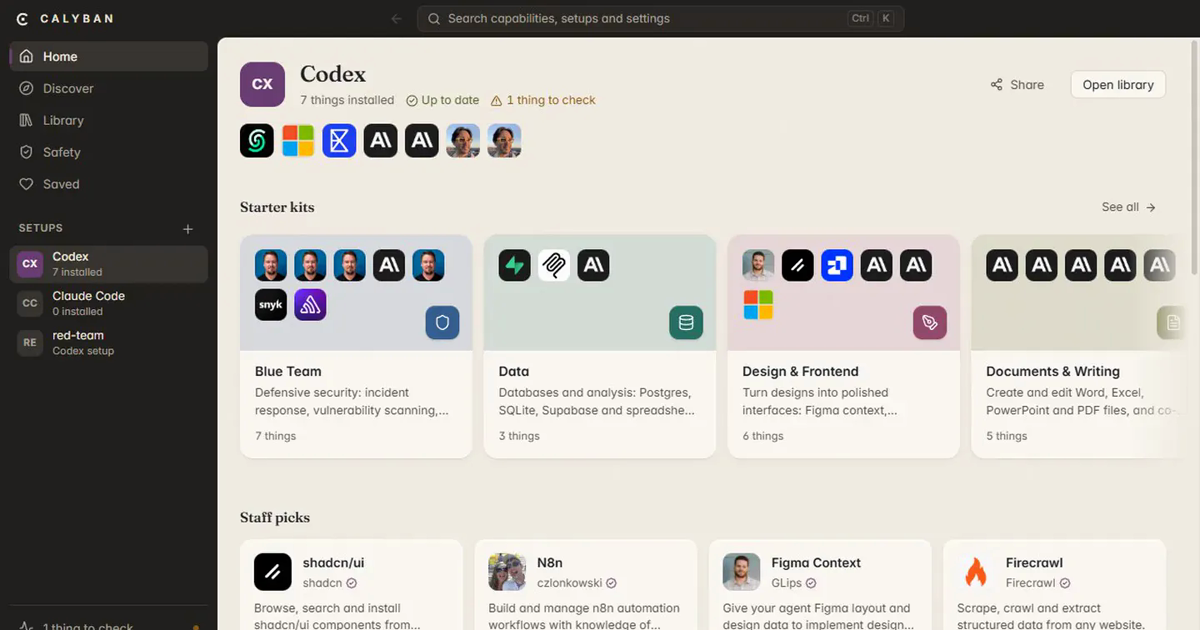
Or skip the config files: Calyban installs the official MongoDB server into Claude Code, Codex, Cursor, GitHub Copilot, Gemini CLI and Claude Desktop in one click, asks for the connection string once, and can undo all of it. Free, no account.
MongoDB publishes and maintains this server itself (mongodb-js/mongodb-mcp-server), and it’s verified in the official MCP Registry. Use it before any third-party one.
Claude Code #
claude mcp add mongodb \
  -e MDB_MCP_CONNECTION_STRING="mongodb+srv://user:pass@cluster0.example.mongodb.net/" \
  -- npx -y mongodb-mcp-server
On Windows, put cmd /c before npx (the reason is in our Windows guide).
There’s also an official Claude Code plugin, mongodb@claude-plugins-official, which bundles the same server with MongoDB skills for query and schema work. If you live in Claude Code, the plugin is the richer option.
Codex #
Codex reads TOML. In ~/.codex/config.toml:
[mcp_servers.mongodb]
command = "npx"
args = ["-y", "mongodb-mcp-server"]

[mcp_servers.mongodb.env]
MDB_MCP_CONNECTION_STRING = "mongodb+srv://user:pass@cluster0.example.mongodb.net/"
Cursor #
In ~/.cursor/mcp.json (or .cursor/mcp.json for one project):
{
  "mcpServers": {
    "mongodb": {
      "command": "npx",
      "args": ["-y", "mongodb-mcp-server"],
      "env": { "MDB_MCP_CONNECTION_STRING": "mongodb+srv://user:pass@cluster0.example.mongodb.net/" }
    }
  }
}
Keep it read-only first #
An agent with write access to a production database is one confident mistake away from a bad afternoon. Two habits keep it safe:
- Use a read-only database user. In Atlas, create a database user with the built-in “Only read any database” privilege (or a custom
readrole on just the databases you want the agent to see), and put that user in the connection string. The database enforces it, whatever the agent decides. - Point it at a copy. A staging cluster or a local
mongodb://localhost:27017is the right place for an agent to try writes.
The server has a lot of switches (over 50 MDB_MCP_* settings, including ones to disable tools or require confirmation). The connection string is the only one you need to start.
Atlas admin, not just data #
With Atlas API credentials (MDB_MCP_API_CLIENT_ID and MDB_MCP_API_CLIENT_SECRET), the same server can also manage Atlas itself: list projects and clusters, check access lists, create database users. Skip those two variables if you only want the agent near your data.
The Calyban way #
Search “mongodb” in Calyban and open mongodb-mcp-server. Press Install, tick the agents that should have it (Claude Code, Codex, Cursor, GitHub Copilot, Gemini CLI, Claude Desktop), and paste the connection string when it asks. Calyban writes each agent’s file in its own format, with cmd /c on Windows, and checks the npx package against the OpenSSF malicious-packages list before anything runs. Updating to a new version keeps your connection string, and Undo puts every file back the way it was.
Calyban is free for Windows and Linux at /#download. Questions about a specific setup go to Discord.