Dev blog · Guides · 2026-11-28
Short answer: all three have official MCP servers, and each signs in differently. Notion takes an integration token (or its hosted server with sign-in). Asana’s V2 server needs your own Asana OAuth app. Miro is a hosted URL, https://mcp.miro.com/, that signs you in through the browser.
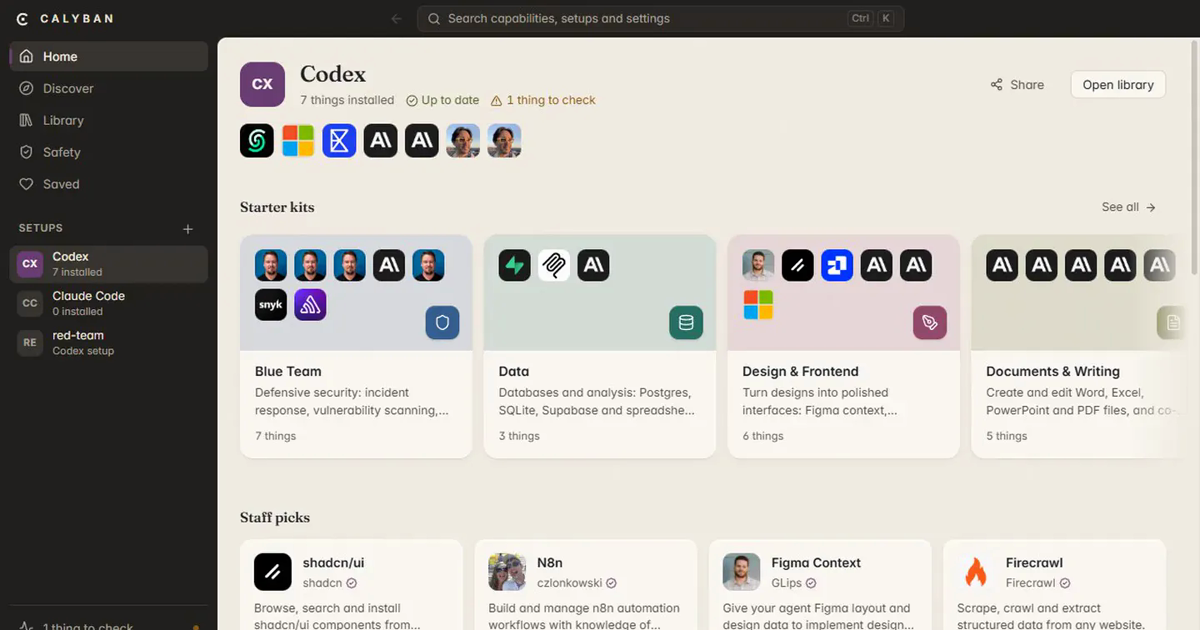
Or let Calyban write the configs: it installs all three into Claude Code, Codex, Cursor and the rest in one click each, asking only for what each one needs. Free, no account.
The signing in is where most setups stall, so that’s what this guide is about.
Notion #
Notion has two servers. The hosted Remote Notion MCP is the one Notion actively supports and recommends; its setup is on developers.notion.com/docs/mcp. The local one, @notionhq/notion-mcp-server, runs on your machine with an integration token:
claude mcp add notion -e NOTION_TOKEN="ntn_..." -- npx -y @notionhq/notion-mcp-server
Create the token at notion.so/profile/integrations as an internal integration. Then the step everyone misses: share pages with the integration. Open a page, the … menu, Connections, and add your integration. Until you do, the token works and every search comes back empty, because the integration can’t see anything yet.
Asana #
Asana’s old V1 server (https://mcp.asana.com/sse) shut down on 5 August 2026, so guides that use it no longer work. The V2 server is at https://mcp.asana.com/v2/mcp, and it doesn’t support automatic client registration, so there’s no zero-config connect. You bring your own OAuth app:
- In the Asana developer console , create an app.
- Under OAuth , add the redirect URL
http://localhost:8080/callback. - Copy the Client ID and Client Secret.
- Add the server in your terminal (not inside a Claude prompt; the secret is asked for at a hidden prompt):
claude mcp add --transport http \
  --client-id YOUR_CLIENT_ID --client-secret \
  --callback-port 8080 \
  asana https://mcp.asana.com/v2/mcp
Claude Code keeps the secret in your OS keychain, not on disk.
The official asana@claude-plugins-official plugin wraps the same server and adds an /asana-setup command that prints these steps for you.
Miro #
The easiest of the three. Miro hosts its official server at https://mcp.miro.com/:
claude mcp add --transport http miro https://mcp.miro.com/
The first time your agent uses it, a browser window asks you to sign in to Miro and pick a team. After that, the agent can read board context, create diagrams and docs, and turn a board into code. There’s also a miro@claude-plugins-official plugin if you prefer plugins.
Codex and Cursor #
The same servers work there. Hosted ones go in as a URL (in Codex, a url = "https://mcp.miro.com/" line under [mcp_servers.miro]; in Cursor, a "url" entry in mcp.json). The Notion token goes in the server’s env block.
The Calyban way #
All three are in the catalog: Notion, Miro, and the Asana and Miro plugins. Install writes the hosted URL or the local command in each agent’s own format, asks for the Notion token only because Notion needs one, and keeps that token when you update later. For work tools you only use on some projects, One folder installs them into just that repo instead of every session.
Calyban is free for Windows and Linux at /#download. Which work app should we cover next? Tell us on Discord.