6 October 2026 · Dean Hume
I've been into web performance for as long as I can remember. Back in the day, I cared about it enough to write a book, Fast ASP.NET Websites. My career has since moved into gaming, and while I've kept an eye on web performance, I haven't stayed as up to date as I'd like.
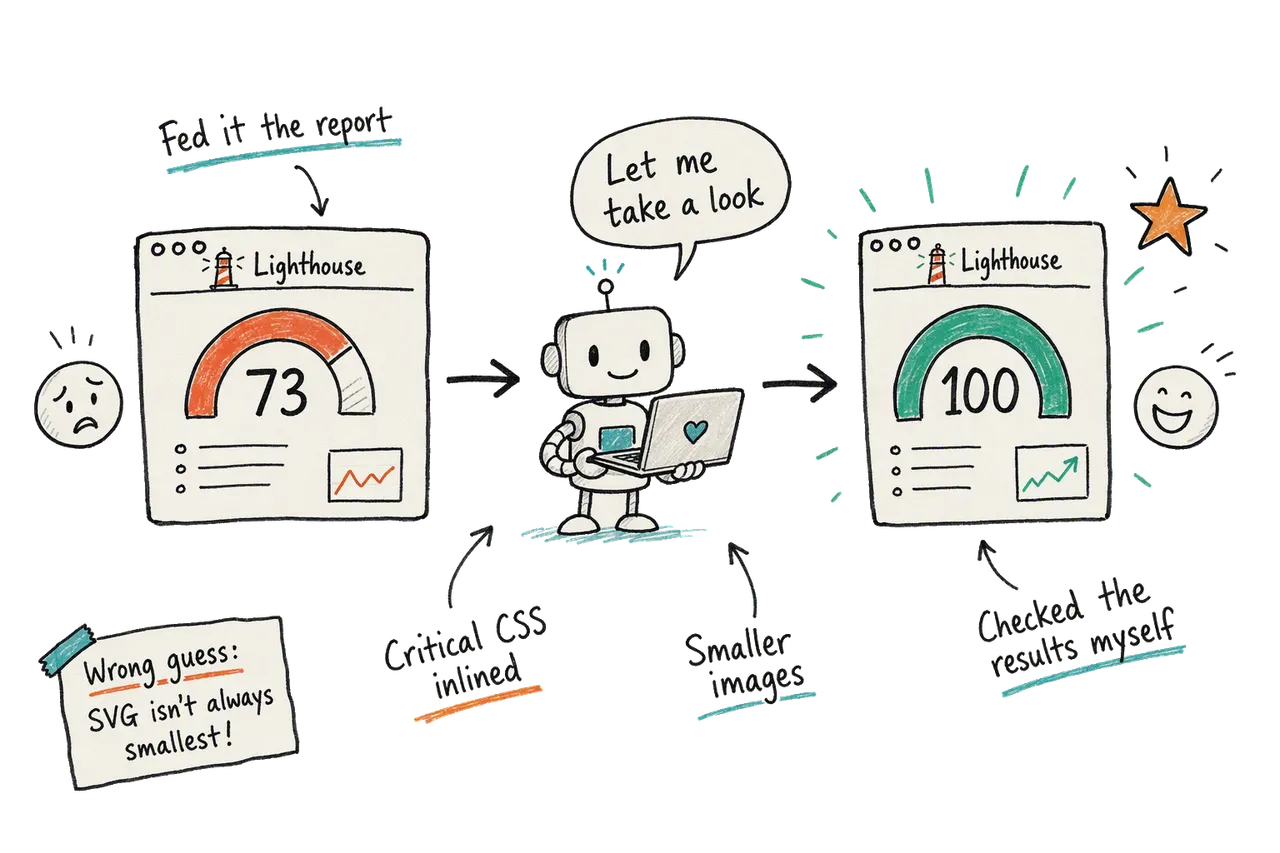
A few of the worst-performing pages on this blog were sitting at a Lighthouse score of 73. I'd been putting off tackling them, but after making some changes to the blog recently, I tried something different: I handed the performance problem to GitHub Copilot, using a mix of Opus and GPT Astra.
I gave AI the Lighthouse output, pointed it at my theme, and asked it to work through the biggest problems first.
I now have a Lighthouse score of 100 on almost all pages including mobile.
It still needs testing on real-world devices, but I've never quite been able to achieve that in the past without a lot of pain.
Where it got it wrong #
It didn't get it perfect the first time round, but it did a pretty amazing job. The AI assumed SVG would be the smallest and best image format for many of the pages. It's a reasonable guess - SVGs are brilliant for the right job - but when I actually tested it, AVIF and WebP came out smaller for my images.
AVIF are a new format for me personally, although they have been around for a while and are well supported.
If I hadn't checked, I'd have shipped a slower site and felt very pleased with myself 😂
Smaller images, measured rather than assumed #
On other pages, AI suggested that the feature image changed from SVG to PNG so it could go through the image build, which already generated responsive WebP versions.
Rather than assume AVIF would win for every image, the build now compares the files. Every generated AVIF width has to be at least 10% smaller than its WebP equivalent. If any width fails that comparison, the site sticks with WebP for that image.
Where AVIF meets the threshold, a <picture> element offers it to the browser with a WebP fallback. The size comparison happens during the build, so the browser doesn't need to download both formats to decide which to use.
Load the important image first #
Smaller files were only part of the work. I also had to think about the order images load in.
On some pages (for example this one), the first image a visitor sees is in the top article card. But it was set to load late, the same as every other image on the page. That meant the most noticeable thing on screen was one of the last things to show up.
The fix was to load that first image straight away and let the rest load as the visitor scrolls. Pages that already have a header image at the top work as before. That first image is a likely candidate for Largest Contentful Paint, or LCP: the metric that tracks when the largest visible image or block of text appears. It's not a good candidate for delaying until later.
The template now gives that image ="eager" and fetchpriority="high". The remaining cards stay lazy-loaded. If the tag already has a header image, the first card doesn't get that extra priority.
You don't need every image to load fast. You need the one people see first to load fast.
Shorten the font request chain #
Lighthouse also flagged a chain of critical requests. For the main font, the browser had to discover the stylesheet, then discover the font through that CSS.
Adding a preload before the stylesheet makes the font discoverable directly from the HTML:
<link rel="preload" href="https://deanhume.com/inter-latin.woff2"
      as="font" type="font/woff2" crossorigin>
Only the main Inter Latin font gets that preload. The other fonts still load when needed, and font-display: swap stays in place so text can appear in a fallback font while the download completes.
What to take from this #
If you've been putting off tricky web performance work on your site, give AI the actual lighthouse report or performance metrics rather than just asking it to "make the site faster". That gives it somewhere useful to start, and gives you specific changes to check.
AI helped me act on performance problems I'd been putting off. The final result still needed a little testing, but I'm really glad with how things turned out!