> Lightweight by design #
A single native C binary with a small dependency set. Starts instantly, and uses a very small amount of memory (just a few MBs) — so more RAM is left for your local LLMs.
> Local models are first-class #
hax auto-discovers the model and runtime capabilities. No custom provider config block needed for the default setup.
llama-server -m [model].gguf
hax --provider llama.cpp
> Respects your terminal #
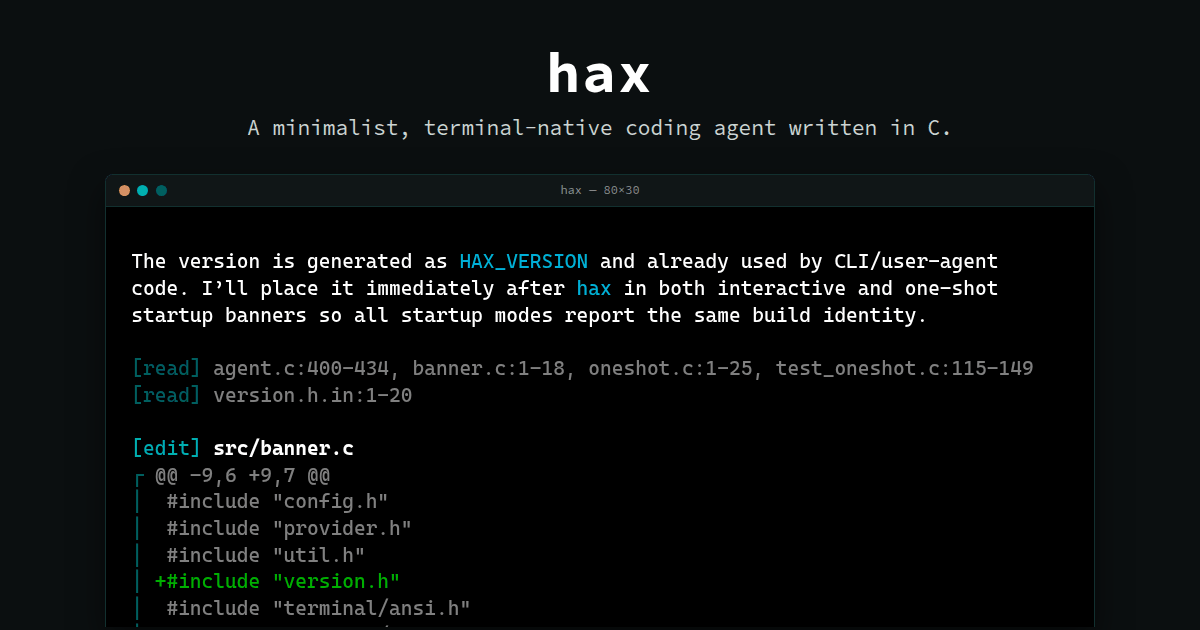
Streaming Markdown and live tool output, reflowed for display in the terminal. Only redraws the current streaming line or the input area, native scrollback is preserved. Does not take over or mess with your terminal.
> Inspectable #
See exactly what was sent to the model and what it replied in a usable transcript view (Ctrl+T). Optionally collect a detailed wire protocol trace.
> Use any provider/model #
Supports OpenAI (+compatible), Anthropic (+compatible), Codex (via ChatGPT subscription), OpenRouter, llama.cpp, etc.
> Well-behaved Unix tool #
XDG paths, clean stdout in -p
one-shot mode with resume hints on stderr, plain-text config and session files, composition via subprocesses instead of plugins.
> Target audience #
Developers who live in the terminal, run local models, audit what their tools do, package software for distros, or run agents where resources are scarce. If you want MCP marketplaces, a plugin runtime, IDE panels, or per-command permission prompts, other agents build exactly that — hax deliberately doesn't, and docs/philosophy.md explains each omission and the pattern that covers the need.
If "fancy new AI tech in an old-school minimalist package" sounds like your vibe, you might like this.
$ Get started #
hax runs on Linux and macOS; on Windows, use it under WSL.
With Homebrew (macOS or Linux):
brew install oleksandrchekhovskyi/hax/hax
On Linux, download the prebuilt static binary for your architecture (x86_64 or aarch64)
from the
latest
release, then unpack the hax
binary into any directory on your
PATH
.
Building from source gives a binary linked against your system's shared libraries instead of a static one:
git clone https://github.com/OleksandrChekhovskyi/hax.git
cd hax
scripts/install_deps.sh   # Debian/Ubuntu, Fedora, Arch, openSUSE, Alpine, macOS
make                      # the binary is now at ./build/hax
make install              # optional; may prompt for sudo
scripts/install_deps.sh
installs the build dependencies — a C compiler,
libcurl, jansson, meson, ninja, and pkg-config — plus fzf
, which hax uses
for @file
completion when available.
Run hax from the project directory you want it to work in:
hax                         # interactive REPL
hax -p "list TODOs"         # run one prompt and print the final answer
printf "explain x" | hax -p # read the prompt from stdin
hax -c                      # continue the latest session for this directory
hax --resume                # pick a past session for this directory
hax --resume=ID -p "next"   # resume a specific session in one-shot mode
The easiest first run is interactive: start hax
, then use
/provider
to see available providers and choose a model. hax remembers interactive provider, model, and effort selections.
See the README for provider setup and the full documentation.