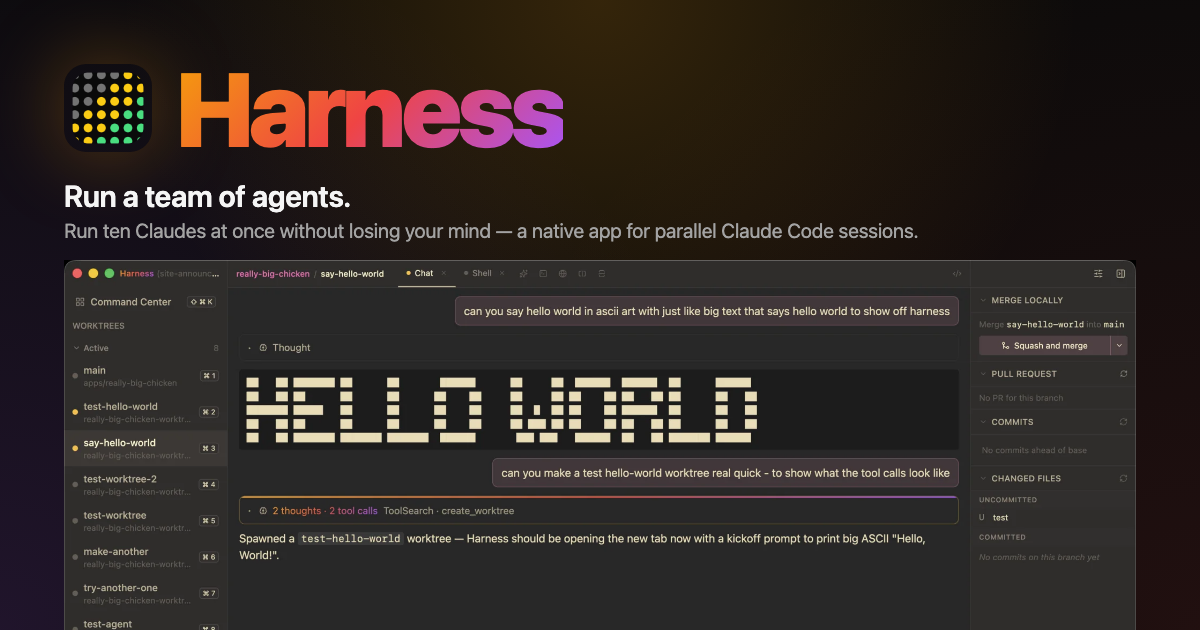
Stop leaving your laptop open #
We built Harness from the ground up to solve a simple problem that we all have with agentic coding these days: the fact that you can't get any work done without leaving your laptop running.
Harness is built to work just like VSCode's "Open a remote" feature. If you can SSH into a machine, then Harness can bootstrap its server there in one click. The UI keeps running on your laptop, but the files & agents are on the server side.
The one click process #
Harness tries to make it as easy as possible to get set up running remote machines. It's Bring Your Own Server so you always know where the files & agents are running. Theoretically it works with any machine you can SSH into.
To run it either:
- Press the
+
button on the bottom-left menu - Go
File → Add Backend… ⌘K
→ Add Backend
It loads whatever is in your ~/.ssh/config
, or
you can specify a new one easily. Once connected it will
install the latest harness-server
binary on your machine, start it up, and connect to a websocket that is tunneled through the SSH connection. Theoretically it's as simple as that (obviously if you have any problems let us know on GitHub).
What's different #
One-click SSH setup
Pick a host from ~/.ssh/config
, click Connect. Harness installs the server, starts it, and tunnels to it — no terminal on the remote required.
Switch with a keystroke
Click a chip, or hit ⌘⇧1..9
to jump to the Nth backend. Local is always 1.
Notifications from every machine
Inactive backends keep streaming in the background. An agent waiting for approval on the box in the closet still pings you.
Works from your phone
Every server also serves a web client. Point any browser at the http://
URL, pin it to your homescreen. Same UI, no install.
Token-authed, localhost by default
Bearer-token auth on every connection. Binds to 127.0.0.1
unless you explicitly opt into LAN. Tokens are encrypted at rest in the desktop app.
Same UI everywhere
Worktrees, terminals, chat, changed files, PR status — the full Harness surface, per backend. Even browser tabs work headlessly, via playwright-core driving system Chrome.
Prefer to set it up yourself? #
The SSH flow is a convenience wrapper around a server you can run entirely by hand — useful when the machine isn't in your SSH config, or you want to manage the process yourself. Three steps:
$ curl -fsSL https://raw.githubusercontent.com/frenchie4111/harness/main/scripts/install-headless.sh | sh

$ harness-server --port 0
[web-client] open http://127.0.0.1:53412/?token=…
[server] listening on ws://127.0.0.1:53412/?token=…
The installer pulls the right tarball for the platform
(darwin-arm64, linux-x64, linux-arm64), verifies the sha256,
and extracts to ~/.harness-server/
. It's
self-contained: embedded Node, bundled claude binary, web
client, MCP bridge. The printed URLs have the auth token
embedded, and the token survives restarts — daemonize with
nohup
, tmux
, or
screen
and paste the same link once.
Try it #
The full setup: LAN exposure, choosing a Chromium for
headless browser tabs, and daemonizing is in the
headless server section of the README.
One macOS note: the tarballs aren't Apple-signed, so Gatekeeper
may quarantine the binary. Clear it with
xattr -d com.apple.quarantine ~/.harness-server/bin/harness-server
.
Get the latest Harness
Remote backends ship in the current release. Free, open source, macOS for now.