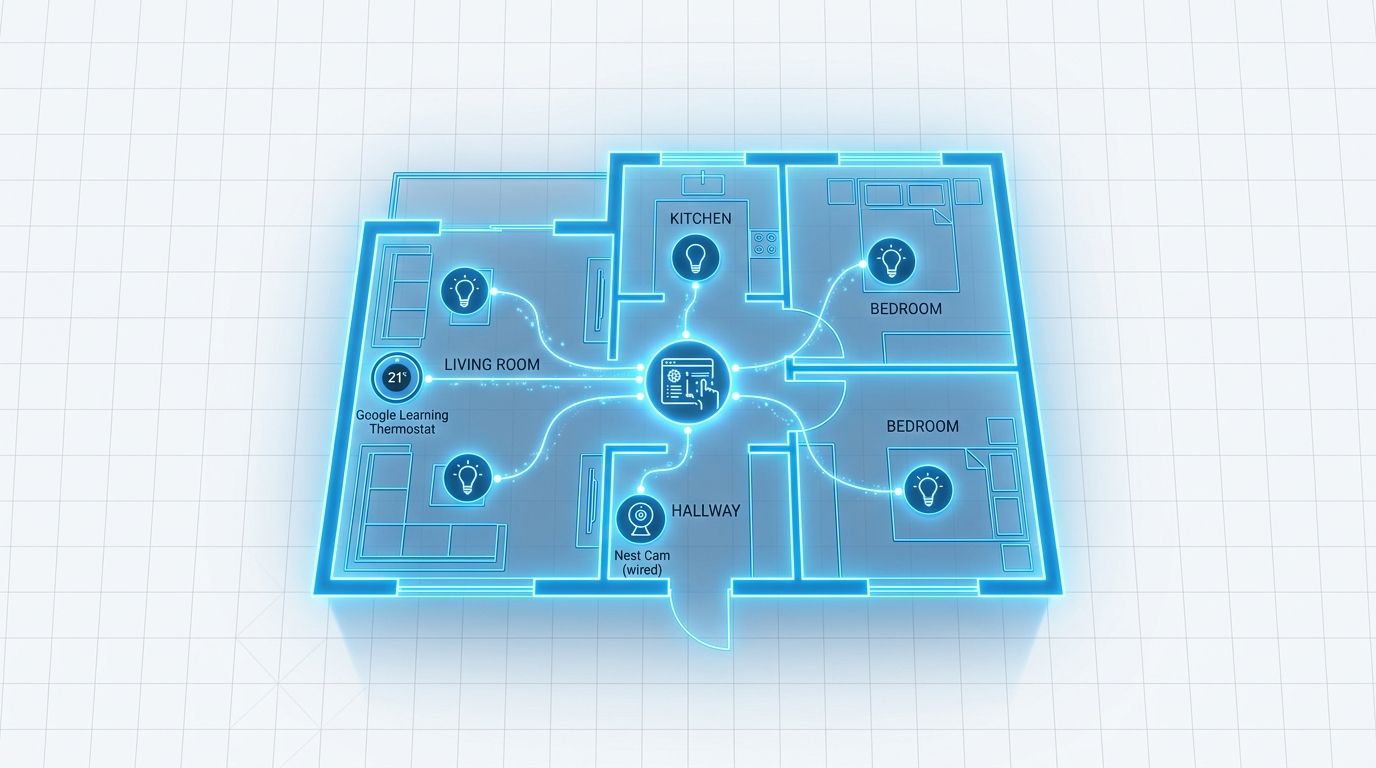
Google launched early access to Home MCP on September 16 — a Model Context Protocol server that lets any MCP-capable AI agent monitor, query, and control devices across your Google Home ecosystem. Claude, ChatGPT, Hermes, and OpenClaw can now enumerate your rooms, check your thermostat, pull camera history, and trigger device actions through the same MCP standard already connecting your coding tools and enterprise apps. The access gate: you need the $20/month Google Home Premium Advanced tier and a US billing address.
What Home MCP Exposes #
The server provides five tools that cover the full smart home loop. Structure discovery lets an agent find homes, rooms, and buildings it can reach. Device enumeration lists every connected device along with the specific commands each one accepts. State reading returns live connectivity status and current device state. Device control — run_home_actions — executes parameterized commands against specific devices. Event history — list_home_history — lets an agent query past state changes and event logs over a defined time window.
In practice, that means an agent can answer “which lights were on in the living room yesterday at 10pm,” summarize camera activity across rooms, adjust the thermostat based on your schedule, or identify devices left running. The scope is broad.
Which Agents Work #
Any agent that speaks MCP can connect. Google named Google Antigravity, Claude, ChatGPT, Hermes, and OpenClaw at launch. If your agent supports MCP tool calls, point it at https://home.googleapis.com/mcp after completing the OAuth setup, and it will enumerate your home.
What Agents Can and Cannot Do #
Agents can control lights, thermostats, cameras, Nest doorbells, and any Works with Google Home or Matter-compatible device linked to your account. They can run commands, read live state, and analyze historical event data. What they cannot do: unlock doors. Automation rule management is also excluded for now.
Google’s decision to block unlock actions is correct. An MCP agent is only as trustworthy as its prompt engineering and the data it processes. Prompt injection — where a bad actor embeds hidden instructions in a document or message the agent reads — is a known attack vector in text-only environments. When the result is a door unlocking, the damage is physical and there is no undo. Google drew the right first line here. The question worth watching is where the next line gets drawn as the protocol matures.
Setting It Up #
This is not a one-click integration. Setup requires creating a Google Cloud project, enabling the Home API under APIs & Services, configuring an OAuth consent screen with External audience, creating an OAuth client ID credential, and completing the OAuth flow to generate an access token. The token expires every hour and must be refreshed. Your agent then requests permissions at sign-in and connects to the endpoint.
That process is straightforward for a developer working with APIs. It is not consumer-ready, and Google is not pretending it is — this is an early-access developer preview. The step-by-step authentication guide is at Google Cloud: Set up authentication to MCP servers.
The Developer MCP: Try It Now for Free #
Alongside Home MCP, Google launched a second server that costs nothing and requires no setup: Home Developer MCP at homedevelopers.googleapis.com. This is for coding tools — Antigravity, Claude Code, Cursor, and GitHub Copilot in VS Code. It exposes a search_documents tool grounded in the complete Google Home API reference, the Matter 1.5.1 spec, and the Thread 1.4.1 spec. There is an unauthenticated trial path on a shared public quota — you can connect your coding assistant right now without creating a Cloud project. For anyone building on the Home API, this grounds your agent in verified documentation rather than whatever your model retained from training.
Why This Moment Matters #
MCP’s arc in 2026 has gone from developer tools (Claude Code, GitHub Copilot) to enterprise workflows (Docusign, WhatsApp Business, JumpCloud IAM) to physical infrastructure. Google Home MCP is the first major first-party server where an agent’s tool call has consequences that cannot be reversed in software. That changes the security calculus and the expectations developers should bring to any agent connected to this endpoint. The standard “review output before trusting it” advice carries different weight when the output controls hardware.
Early access is rolling out now to Google Home Premium Advanced subscribers in the US. Official documentation is at developers.home.google.com/mcp/home.