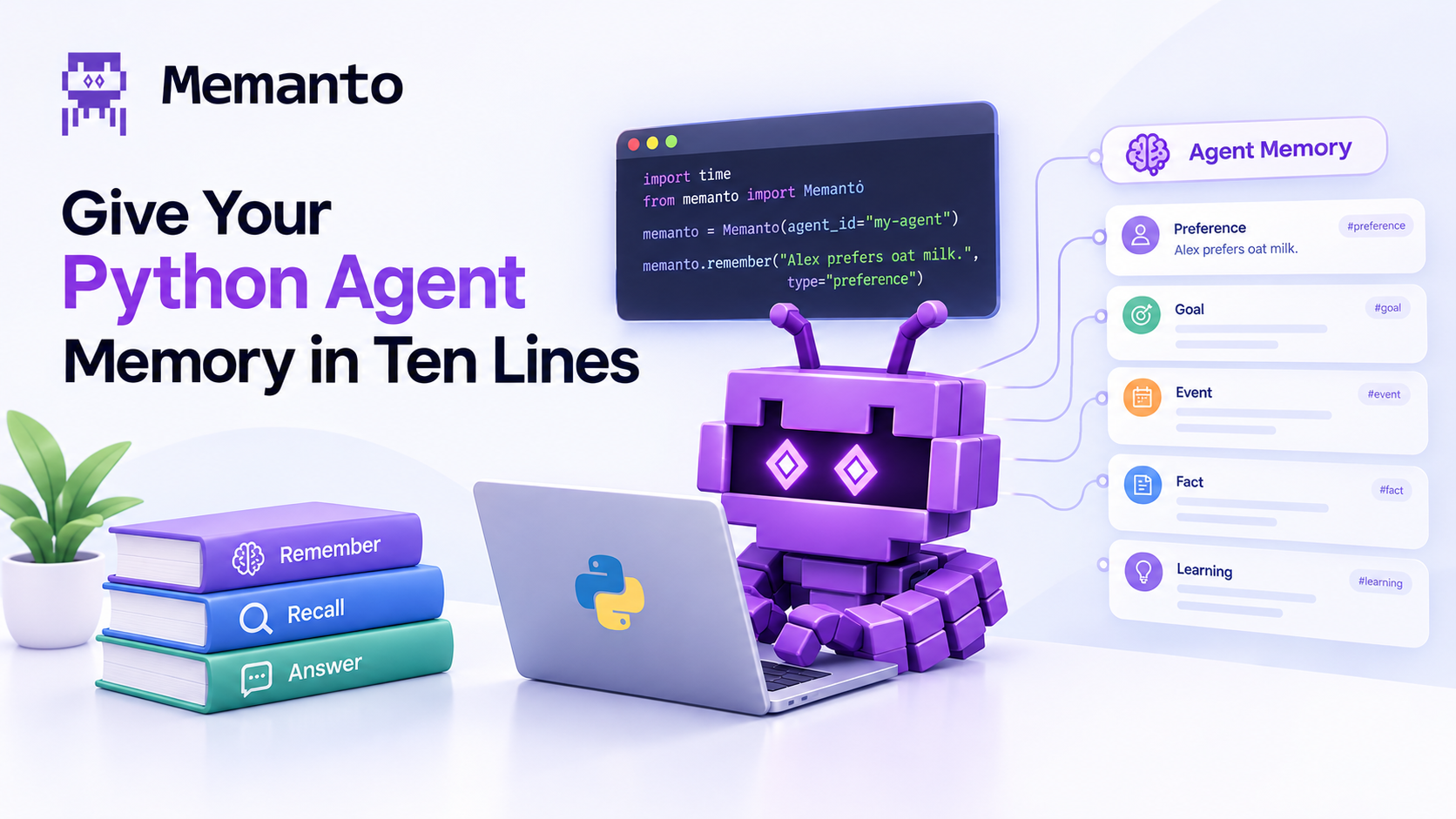
Memanto’s new Python client gives any Python agent persistent memory with one import: typed memories, recall, grounded answers with no LLM key of your own, extraction straight from chat turns, and point-in-time recall. Every snippet here was run against memanto 0.2.28, outputs included.
Your Python agent forgets everything the moment the process exits. The usual fix is a weekend of plumbing: pick a vector store, wire up embeddings, write the extraction prompt, decide what counts as a duplicate. Memanto’s new Python client replaces that with one import. No server to start, no vector store to provision, and the agent is created the first time you use it.
This tutorial builds memory into a small support bot, one method at a time: storing typed memories, recalling them, getting grounded answers without an LLM key of your own, letting a conversation write its own memories, and asking what the agent believed before something changed. Every snippet below was run against memanto 0.2.28 from PyPI, and the outputs are copied from those runs.
Install and pick a backend #
pip install memanto
memanto        # one-time setup: choose Cloud or On-Prem
You need Python 3.10 or newer. The setup wizard asks where your memories live. Cloud takes a free key from console.moorcheh.ai (100K free operations, no card). On-Prem runs everything in Docker with Ollama, so nothing leaves your machine and no key is needed. The client reads whatever you chose from ~/.memanto, so none of it shows up in your code.
If you would rather skip the wizard, for example in CI, export MOORCHEH_API_KEY or pass api_key= to the constructor. The runs in this post used the Cloud backend.
The whole thing in ten lines #
Here is the end state before we take it apart. Two memories go in, one question gets a semantic match, another gets a written answer.
from memanto import Memanto

memanto = Memanto(agent_id="support-bot")

memanto.remember("Alex prefers oat milk in their coffee.", type="preference")
memanto.remember("We ship the mobile app on Thursdays, never Fridays.", type="decision")

print(memanto.recall("what does Alex drink?")["memories"][0]["content"])
print(memanto.answer("Does Alex take dairy in their coffee?")["answer"])
Alex prefers oat milk in their coffee.
Based on the stored memory, **Alex does not take dairy in their coffee**. They prefer **oat milk** instead (a non-dairy alternative). *(Source: Chunk 1 – Alex's coffee preference)*
Memanto(agent_id="support-bot") does more than it looks. It creates the agent if it does not exist yet (pass auto_create=False to make a missing agent an error instead), then adopts the agent’s live session or opens a new one. If the session expires mid-run, the client re-establishes it and retries the call once.
Store typed memories with remember() #
Every memory has a type, and the type is what lets you filter later. There are 13: fact, preference, decision, instruction, goal, commitment, relationship, context, event, learning, observation, artifact and error.
result = memanto.remember(
    "Staging runs Postgres 16 on staging-db-02.",
    type="fact",
    tags=["infra", "staging"],
    confidence=0.9,
)
print(result)
{'memory_id': '7ed5cf2f-77d5-456a-abf9-9e6981fb07b4', 'agent_id': 'support-bot',
 'namespace': 'memanto_agent_support-bot', 'status': 'queued', 'confidence': 0.9, 'type': 'fact'}
title defaults to the first 50 characters of the content. confidence defaults to 0.8. tags takes a single string or a list. There is no LLM call on this path, so the write is cheap, and the memory showed up in recall in the very next call in every run we did. For bulk loads, batch_remember() takes up to 100 memories in one request, each with the same keys as remember().
Recall, filtered by type #
recall() is semantic search over this agent’s memories, ranked by relevance. The type filter takes one type or a list.
hits = memanto.recall("when do we release?", type="decision", limit=5)
for m in hits["memories"]:
    print(m["type"], m["content"], m["score"])
decision We ship the mobile app on Thursdays, never Fridays. 0.122969
Look at that score: 0.12 for exactly the right memory. Scores depend heavily on how the question is worded, so a correct hit can still score low. Trust the ranking, and be careful with an aggressive min_similarity cutoff, which can throw away the answer you wanted.
Each result is a plain dict with id, type, content, tags, confidence, provenance, status, created_at and score, the same shape the REST API returns.
Grounded answers without your own LLM key #
Sometimes you don’t want ranked memories, you want the answer. answer() retrieves the relevant memories and writes a response grounded in them.
reply = memanto.answer("Which day does the mobile app ship?")
print(reply["answer"])
Based on your stored memory, the mobile app ships on **Thursdays** — and specifically, it is never shipped on Fridays. *(Source: Decision memory, item f41101e2)*
The model runs on the Memanto side, so there is no OpenAI or Anthropic key to manage. That makes answer() handy for internal tools, CLI helpers and quick lookups. It is built for questions, though. Pass it a statement and it will tell you, at length, that the statement is not a question. For a real chat agent, use the loop pattern further down.
Let the conversation write the memories #
Calling remember() by hand is fine when you know exactly what to store. Most of the time you don’t: the useful facts are buried in chat turns. extract() takes those turns, pulls out what is worth keeping, types each memory and stores it. Start with dry_run=True to see what it would do.
chat = [
    {"role": "user", "content": "Heads up, Alex switched to almond milk last week."},
    {"role": "assistant", "content": "Noted, almond milk for Alex from now on."},
    {"role": "user", "content": "And the team moved mobile releases to Wednesdays."},
]

preview = memanto.extract(chat, dry_run=True)
for c in preview["candidates"]:
    print(c["type"], c["content"], c["confidence"])
fact Alex switched to almond milk last week. Use almond milk for Alex going forward. 0.95
fact The team changed their mobile release schedule to Wednesdays. 0.95
Nothing has been written yet. When the candidates look right, drop the flag:
stored = memanto.extract(chat)
print(stored["successful"], "stored,", stored["failed"], "failed")
Extraction is done by a model, so the wording and even the type vary from run to run. In one of our runs the release change came back as a decision, in this one as a fact. If the type matters for your filters, review a dry run first or store that memory with remember() yourself. max_memories (default 20) caps how many candidates one call can produce.
Small talk produces nothing to store, and extract() says so with an exception instead of returning an empty result you might miss:
from memanto import NothingToExtractError

try:
    memanto.extract([{"role": "user", "content": "thanks!"}])
except NothingToExtractError:
    print("nothing worth keeping")
NothingToExtractError is a ValueError, importable straight from memanto.
What changed, and what did we believe before? #
Alex used to take oat milk and now takes almond. Both memories exist, and the client can query either side of that change. recall_changed_since() returns what was created or updated after a timestamp. recall_as_of() returns the estate as it stood at a moment in time. Both accept an ISO date ("2026-10-14") or a full datetime.
from datetime import datetime, timezone

before = datetime.now(timezone.utc).isoformat()   # take this before the extract() call


changed = memanto.recall_changed_since(before)
for m in changed["memories"]:
    print(m["change_type"], m["type"], m["content"])

then = memanto.recall_as_of(before)
print(then["count"], "memories existed before the chat")
created fact The team changed their mobile release schedule to Wednesdays.
created fact Alex switched to almond milk last week. Use almond milk for Alex going forward.
3 memories existed before the chat
And because both milk memories are there with their timestamps, answer() resolves the change on its own:
print(memanto.answer("What milk does Alex take now?")["answer"])
Based on the most recent memory (Chunk 1), **Alex now uses almond milk**. They switched to almond milk last week, which supersedes the earlier preference for oat milk in coffee (Chunk 2).
There is also recall_recent() for the newest memories first, which is handy for a “what did I learn today” view.
Put it in your agent loop #
In a real agent the pattern has two halves: recall before the model call, extract after it. Your own LLM does the talking. Memanto briefs it and keeps what is worth keeping.
from memanto import Memanto, NothingToExtractError

memanto = Memanto(agent_id="support-bot")

def chat_turn(user_msg: str) -> str:
    hits = memanto.recall(user_msg, limit=5)["memories"]
    context = "\n".join(f"- [{m['type']}] {m['content']}" for m in hits)

    reply = call_your_llm(   # OpenAI, Anthropic, a local model: anything
        system=f"What you know about this user and project:\n{context}",
        user=user_msg,
    )

    try:
        memanto.extract([{"role": "user", "content": user_msg}])
    except NothingToExtractError:
        pass

    return reply
“Extract from the user’s turn, not the whole exchange. A good assistant repeats facts back, and extracting its reply stores them twice.
We learned that one the hard way while writing this post. Our first version passed [user, assistant] pairs to extract(). When the user asked “which Postgres version runs on staging?”, the assistant answered “Postgres 16 on staging-db-02”, and extraction saved that answer as a second copy of a memory that already existed. Extracting only the user’s message keeps the estate clean. Messages like “thanks!” raise NothingToExtractError and cost nothing.
Things worth knowing #
- One session per agent. Activating a session signs out every other client of that agent, including the CLI. The Python client handles this by adopting the live session when there is one, and by recovering if another client takes over. Use one
Memantoinstance per agent, and do not share one instance across threads. - Everything returns dicts. Each method returns the same shape as the matching REST endpoint, so theAPI reference doubles as the client’s return-type documentation.
- Editing.
update_memory(memory_id, content=..., tags=[...])changes fields in place anddelete_memory(memory_id)removes a single memory. - More than the wrapper. For operations the client does not wrap yet,
memanto.clientexposes the underlying SDK client.
Clean up #
Tutorial agents should not linger. delete_agent() removes the agent. By default its memories stay in storage and come back if you recreate an agent with the same id, which is what you want for a deploy or rename. To wipe them too:
memanto.delete_agent(delete_memories=True)
If deleting the memories fails, the agent is left intact and a NamespaceError is raised, so you can safely retry.
Where to go next #
The same memories your Python agent writes are visible everywhere else Memanto runs. memanto ui opens a dashboard over them, memanto connect claude-code (or Cursor, Codex, Windsurf and more) gives your coding agents the same estate, and expiry policies keep it from rotting at month six. The full method reference is at docs.memanto.ai/sdk/python.