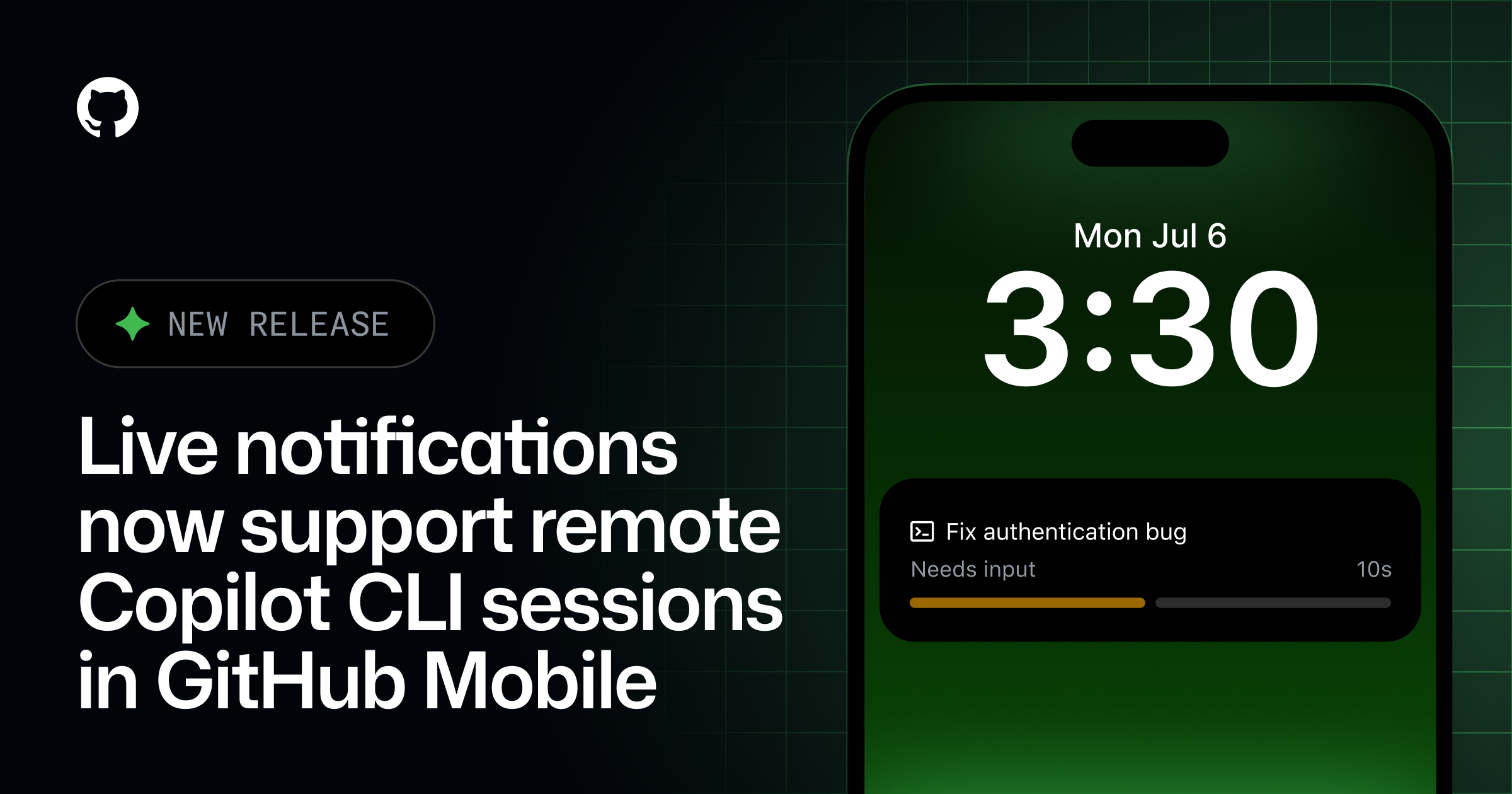
Live coding agent notifications on GitHub Mobile now support remote Copilot CLI sessions, making it easier to stay connected to agent work that starts outside of GitHub Mobile.
When a Copilot CLI session is running remotely, GitHub Mobile can surface real-time updates directly on your phone so you can track progress, know when the agent needs your input, and jump back into the session when needed.
Using live activities on iOS and live update notifications on Android, you’ll see key session details and the current session status. Tap the notification to open the corresponding session logs view in GitHub Mobile.

[Supported session states](#supported-session-states)
Live notifications for remote Copilot CLI sessions can show updates when a session is:
- In progress
- Waiting for user input
- Idle
- Finished
Availability Remote Copilot CLI session live notifications extends the existing experience beyond cloud-run coding agent sessions, helping you monitor remote sessions launched from Copilot CLI, VS Code, and other supported surfaces while you’re on the go.
- Supported iOS versions: Live activities require iOS 17.2+.
- Supported Android OS versions: Live update notifications require Android 16 or later. You will still receive progress notifications for your agents if you are using an older version.
[How to disable](#how-to-disable)

If you’d rather not use live notifications, you can disable them in your settings. The first live notification also includes a **Disable Live Updates** button for quick opt-out.
This is now available on the latest production build of GitHub Mobile on iOS and Android.
Join the discussion within GitHub Community.