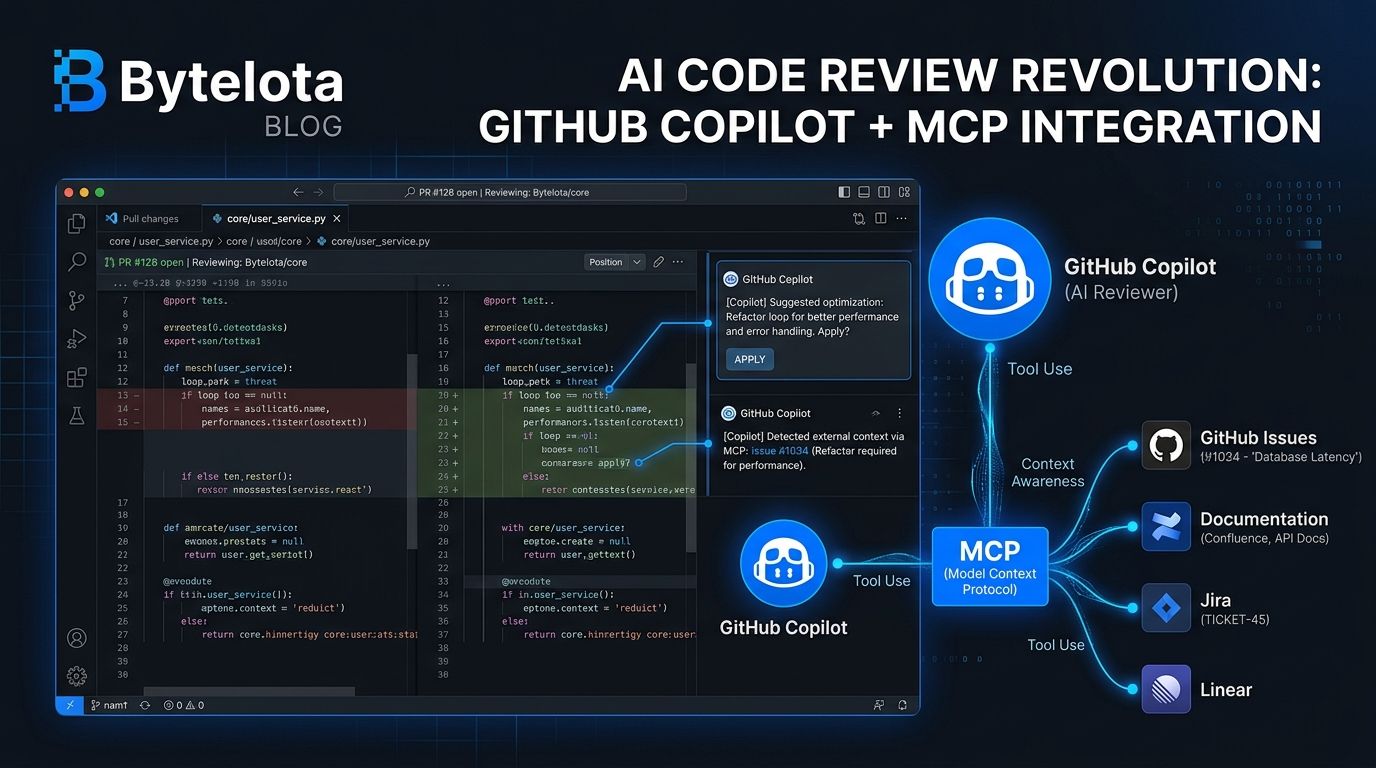
GitHub’s Copilot code review got a meaningful upgrade on July 29: agent skills and Model Context Protocol (MCP) integration are now generally available for all paid Copilot plans. You can teach Copilot your team’s coding standards via a simple Markdown file, and connect it to your issue tracker or documentation system without handing it write access to anything. Whether this changes your review workflow depends on how you set it up.
Agent Skills: Teach Copilot Your Standards #
The most practical addition is agent skills. Until now, Copilot reviewed pull requests using only its own training data and whatever context it could infer from the diff. Now you can encode your team’s actual standards in a SKILL.md
file under .github/skills/code-review/
, and Copilot will inject those instructions into every relevant review.
Setup takes about five minutes. First, create the directory:
mkdir -p .github/skills/code-review
Then create .github/skills/code-review/SKILL.md
:
---
name: "Code Review Standards"
description: "Team coding conventions for PR review"
---


- Prefer named exports over default exports
- All async functions must handle errors explicitly
- No console.log in production — use the logger utility
- Validate all API endpoint inputs
- Flag hardcoded secrets or environment values
Copilot picks up skills automatically when relevant. Using code-review
as your directory name signals explicitly that this skill applies to PR review. You can also include supplementary scripts or Markdown files that SKILL.md references — useful if your team’s standards are complex enough to warrant them. The official agent skills documentation covers the full file structure and supported YAML frontmatter fields.
The payoff: instead of generic feedback like “consider adding error handling,” Copilot now flags specific violations of your conventions. The difference in signal-to-noise is real.
MCP: Live Context From Your Existing Tools #
The MCP integration connects Copilot’s review to your external tooling — issue trackers, documentation systems, service catalogs. Critically, all MCP tool calls during review are read-only. Copilot can pull context; it cannot write back to anything.
The GitHub and Playwright MCP servers are enabled by default. Additional servers can be configured under repository settings → Copilot → MCP servers. Any MCP configuration already set up for Copilot cloud agent applies to code review automatically — no duplicate configuration needed.
The feature that makes this genuinely useful: attribution. Copilot now labels which review comments were generated using an agent skill and which used MCP-sourced context. You can see why it flagged something, not just what it flagged. For anyone who has tried to debug an AI reviewer’s reasoning, that attribution line matters more than it sounds.
The Limitations Worth Knowing #
Copilot code review works best on small, focused changes. The Microsoft .NET team measured 76–80% accuracy on PRs under 50 lines. That’s a solid number. Accuracy drops meaningfully on large refactors, and very large PRs (200+ files) can hit context limits while also burning 45–60 minutes of Actions compute per review.
Cross-file tracing is still limited. Copilot reviews diffs, not your full codebase. It cannot follow a function call across three files to determine whether your refactor broke a downstream consumer. A detailed third-party analysis of what Copilot code review catches and misses is worth reading before you change your team’s review process.
The instruction limit for custom standards sits at 4,000 characters — enough for most teams, tight for complex organizations. And do not treat this as a hard CI gate. Copilot’s probabilistic approach is inconsistent enough that using it as a blocking quality check will cause friction without providing the reliability gates require.
Watch Your Actions Minutes #
Since June 1, 2026, Copilot code review consumes GitHub Actions minutes in addition to AI credits. A typical review on a medium-sized PR burns 15–25 minutes of compute. Ten reviews at that size can eat 10–15% of a Team plan’s monthly 3,000-minute allocation.
Public repositories are unaffected — Actions minutes remain free there. But teams running Copilot review on private repositories should check usage in the billing dashboard now. The billing change caught a lot of teams off guard when it went live.
What to Do Today #
Write your SKILL.md
file. Add your team’s actual coding conventions, not a generic list you copied from a blog post. Commit it. This is an hour of work that pays dividends on every future PR. Connect the MCP servers your team already uses. Check your Actions minutes consumption in the billing dashboard before usage accumulates.
Keep your human reviewers. Copilot code review is a useful first pass on small, well-scoped changes — not a replacement for the kind of review that catches architectural missteps or spots a subtle race condition across a distributed system. The goal is a faster, higher-signal first pass, not a rubber stamp.