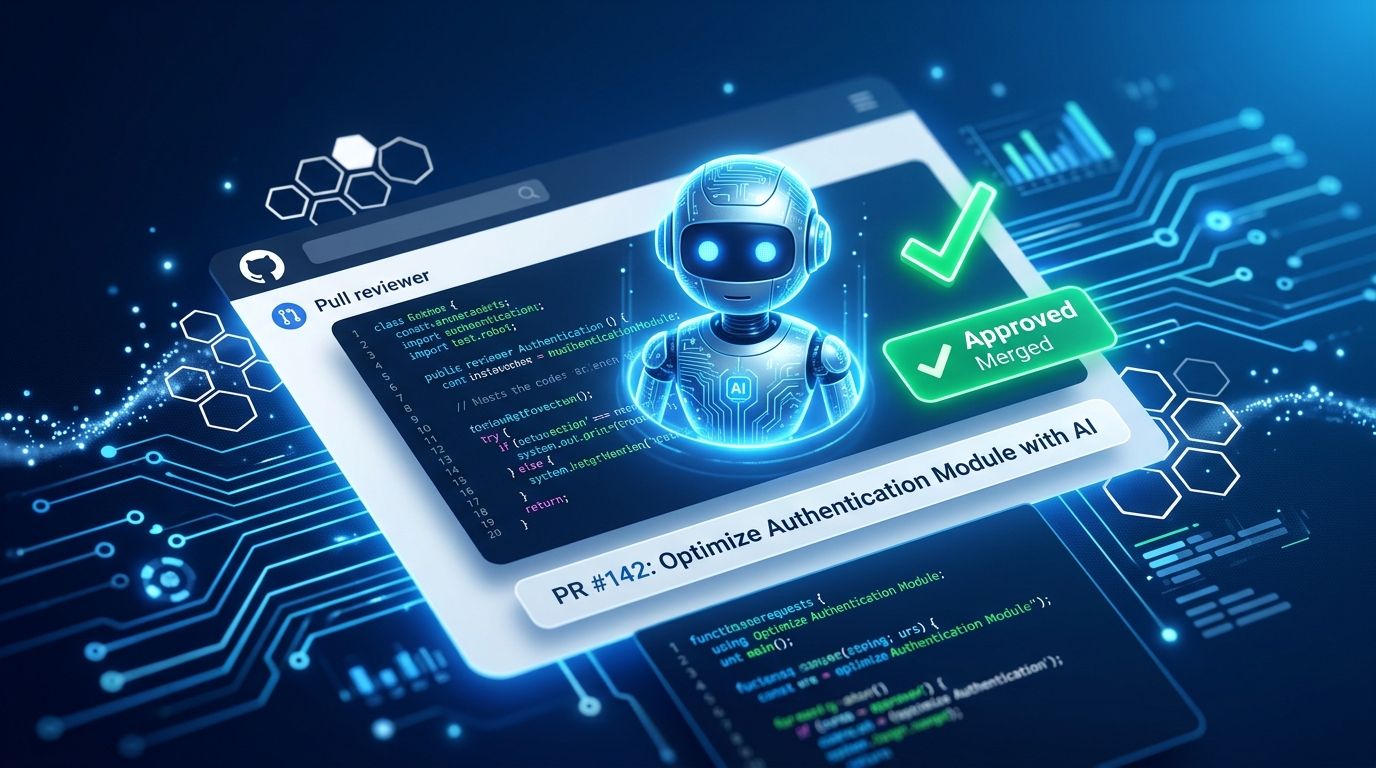
GitHub crossed a meaningful line on September 1: Copilot can now formally approve pull requests, and its sign-off counts toward your branch protection rules just like a teammate’s approval. The feature ships off by default, admin-controlled, and scoped to what paths you allow. But the structural shift is real — an AI tool just moved from advisor to authority. Here is what your team needs to understand before enabling it.
What Changed #
Previously, Copilot code review could comment, flag issues, and suggest changes. It could not approve. As of September 1, every Copilot review includes an “approval assessment” in its overview comment. Administrators can enable a setting that converts that assessment into a binding approval — one that satisfies your repo’s required-reviewers rule the same way a human teammate’s approval would.
One important guardrail: if you push new commits after Copilot approves, the approval is automatically dismissed. You have to re-request review. That is a deliberate design choice, not an oversight.
The feature is in public preview and available on Copilot Pro, Pro+, Max, Business, and Enterprise plans. You can read the official changelog entry for the full announcement.
The Governance Architecture #
GitHub built three levels of control into this feature, and the layering matters. At the enterprise level, administrators decide whether organizations can enable approvals at all. Organizations can then enable it site-wide, delegate the decision to individual repos, or lock it off entirely. Repositories get the most granular control: on/off toggle plus file-path restrictions.
That file-path restriction is the most important setting in the feature. You can tell Copilot that its approval only counts for specific directories — documentation, test files, configuration — while authentication code, payment flows, and security-sensitive paths still require a human reviewer. Start there.
GitHub treats Copilot as a separate bot identity with no inherent trust. The approval opt-in is explicit and scoped, not a blanket authority grant.
The Accountability Gap Nobody Is Talking About #
Mitch Ashley, VP at The Futurum Group, put it plainly: “Approval is where code review stops being advice and becomes authority, and GitHub just moved Copilot across that line.”
The framing matters. Copilot does not attend your retrospectives. It does not get paged at 2 AM when a bug ships. It does not carry the organizational accountability that a human reviewer carries. The engineer who merges a PR is still legally and professionally accountable for what lands in production — even if an AI signed off on it.
This is not a reason to avoid the feature. It is a reason to instrument it. GitLab found that 80% of organizations adopted AI tools faster than they updated their governance policies. The teams that run into trouble are the ones that enabled capabilities without building measurement alongside them.
Before you flip this setting on, you need a dashboard that tracks which PRs Copilot approved, which of those shipped bugs, and what your Copilot approval catch rate looks like over time. That data is what lets you expand Copilot’s approval authority responsibly — or pull it back. JetBrains’ analysis of AI code review ethics covers the audit trail requirements in detail.
How to Enable It #
For repository administrators, the path is: Repository Settings → Copilot → Code review → “Allow Copilot to approve pull requests.” At the organization level, find the same toggle under Organization Settings. Enterprise-level controls determine whether orgs can override the default. The practical recommendation: enable on a low-traffic internal repo first. Restrict approval authority to documentation and test files via path rules. Run it for 30 days. Review what Copilot approved, what it missed, and what the team’s sentiment is. Expand from there.
Do not enable it across your main production repo on day one. The feature is in public preview, which means behavior can still change. See the full configuration documentation for step-by-step setup instructions.
The Bigger Picture #
This is not a one-off feature. It is a step in Copilot’s deliberate march toward greater autonomy: code suggestions in 2021, chat and workspace in 2024–2025, agentic autofix earlier this year, and now formal approval authority. Each release adds permissions. Each release narrows the gap between AI as tool and AI as participant.
GitHub is the first major platform to bridge advisory role to binding authority on merge gates. Other tools — CodeRabbit, Qodana, and others — offer AI review commentary. None have made that review count toward required approvals.
CircleCI’s 2026 data is worth keeping in mind: feature branch throughput is up 59% year over year, but main branch throughput for the median team actually fell. AI tools are generating code faster than teams can safely review and merge it. Copilot’s PR approval feature is GitHub’s answer to that bottleneck. Whether it solves the problem or papers over it depends entirely on how teams govern it.
What to Do Now #
If you run a team on GitHub Copilot Business or Enterprise, read the official changelog and the configuration documentation today. Decide your rollout scope before someone on your team enables it without a plan. Set up file-path restrictions. Build your measurement layer before you need it. The feature is genuinely useful. The accountability gap is genuinely real. Both things are true, and handling them is your job, not GitHub’s.