Genially uses LogRocket’s MCP to test, launch, and improve features without watching sessions
Chema RoldánChema Roldán is CTO and Co-Founder of Genially, the collaborative platform that transforms any content into visual and interactive experiences.
See how LogRocket's Galileo AI surfaces the most severe issues for you
No signup required
Check it out
Chema Roldán is CTO and Co-Founder of Genially, the collaborative platform that transforms any content into visual and interactive experiences. This post has been adapted from a conversation between Chema and the LogRocket team. It has been edited for length and clarity.
Not too long ago, we’d watch session replays when we wanted to know something about the product experience.
The answers almost always lived in the recordings. But finding those answers used to mean someone on the team sitting down and watching them one by one.
We barely do that now.
Now, we can ask questions and get answers quickly. And sometimes, we don’t even have to ask at all; our agents do it for us.
Our teams have built Claude agents that review session replays of key flows on a schedule, and send us a report of the issues they’ve found.
When we have a question of our own, we ask Leia. She’s the AI agent we built, and she lives in a Slack channel. Anyone can ask Leia a question, whether they’re on the product, UX, or business teams.
Both the Claude agents and Leia work the same way under the hood. The agents query LogRocket through its MCP. Galileo, LogRocket’s AI, watches the sessions that matter and passes the context along. The agents turn this into an answer or a report.
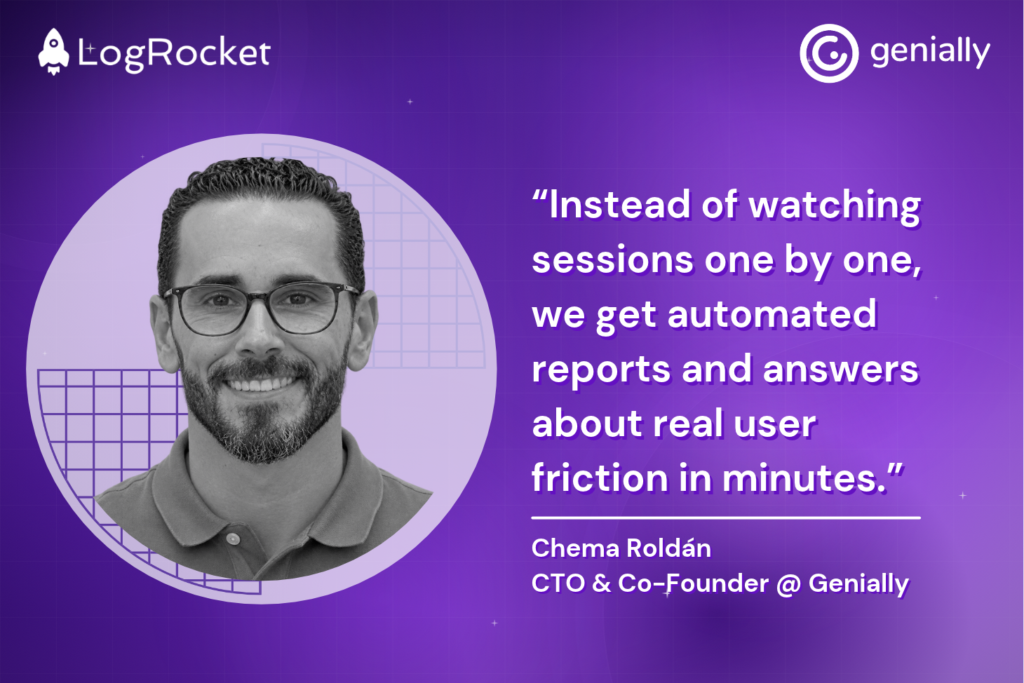
In short: the LogRocket MCP turned our session replays into something the whole company can ask questions to. Rather than watching sessions one by one, we get automated reports and answers about real user friction in minutes. Every finding links back to the sessions behind it.
We use LogRocket and its MCP at every stage: learning what users need, ensuring what we’re shipping meets those needs, and figuring out what to ship next.
Answering product experience questions via the LogRocket MCP
Most of the questions Leia gets relate to how our users experience Genially.
Which paths do they take through the product? What are the key interactions by product area? Where are users hitting friction: dead clicks, rage clicks, or errors?
Our teams are often asking about key areas like our pricing-to-checkout flow or our AI Builder. We can segment by role, sector, country, device, plan, or number of sessions, just by asking in plain language.
Nobody has to build a report to get an answer.
Over 200k developers use LogRocket to create better digital experiences
Learn more →
Automating periodic monitoring of key customer flows
In many cases, we don’t want to wait for someone to ask a question; we want to get these insights automatically.
I mentioned the Claude agents that query the LogRocket MCP. These agents periodically review recordings of specific flows, such as downloads, backed by custom LogRocket events. They produce reports with the issues found, each linked back to the relevant sessions.
Additionally, LogRocket’s Issues Digests are helping us on the engineering side. They arrive on a weekly or bi-weekly cadence, and the bugs they surface are sorted by severity and focus area. I can send them to the engineer who owns that part of the product.
A recent example: a digest flagged that users weren’t finishing an onboarding flow, and I sent it straight to an engineer to fix. Those are the kind of issues we want to address quickly; customers in learning and development who get through onboarding tend to stay longer and spend more.
Evaluating features post-launch
Everybody’s shipping features fast in today’s world. We need to make sure what we’re shipping is working for our users, and we need that feedback quickly.
When we ship a feature, product teams combine our analytics data with LogRocket recordings to confirm there’s no hidden friction. We’ve done this for our image editing sidebar, the AI image upscaler, and background-free image generation.
Analytics data tells you whether people are using a feature. The session replays allow us to see what users are actually experiencing as they interact with it.
Testing new features
We track specific experiments and AI features with LogRocket custom events. That way, they can be analyzed later by both people and agents.
That second audience, the agentic one, changes how we think about tracking. When we add a custom event, we assume an agent might query it, as well as a person.
Watching fewer sessions means more time to improve the user experience
LogRocket has helped us become faster and more proactive in building a better product experience.
When you don’t have to watch sessions one by one, there’s more time to think about the things that matter most: how to improve the experience and what to build next.
Join LogRocket’s Content Advisory Board. You’ll help inform the type of content we create and get access to exclusive meetups, social accreditation, and swag.