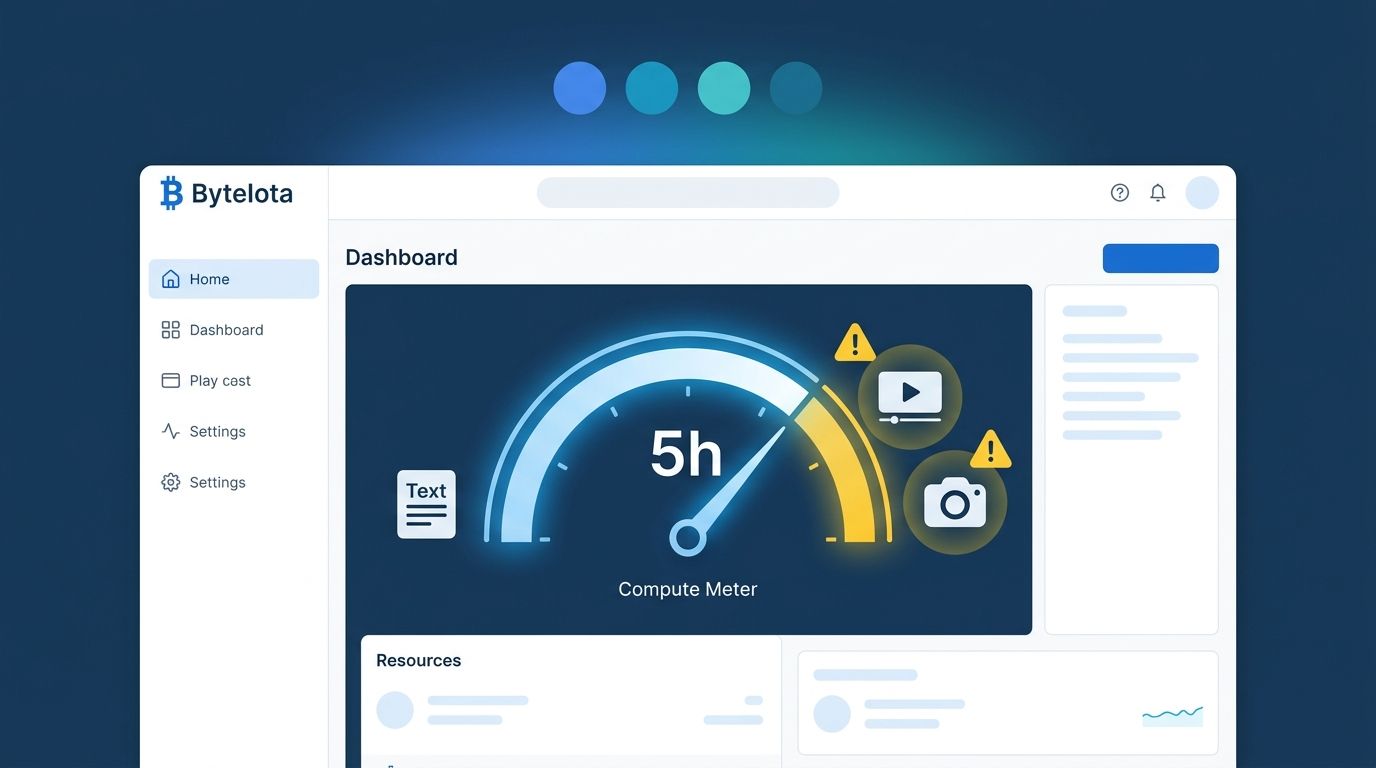
Google flipped the usage model for Gemini Notebook on September 2. The fixed daily caps — a predictable count of queries, audio overviews, and feature uses that reset every 24 hours — are gone. What replaced them is a compute-based budget that scales with the actual work each prompt demands. Limits now refresh every five hours, with a weekly ceiling. If you use Gemini Notebook as a research tool, a documentation assistant, or a RAG-style knowledge base, this change affects your workflow starting now.
What “Compute-Based” Actually Means #
The old system was easy to reason about: you had X queries per day, Y video overviews per day, and the counter reset at midnight. The new system measures how much compute each action consumes. Two requests that look identical on the surface can cost very different amounts depending on prompt complexity, the number of sources loaded, how long the conversation history is, and what type of output you are generating.
The practical upshot: short factual queries barely touch your budget. Generating a Video Overview from five sources can drain 17 to 19 percent of your entire five-hour compute pool in a single shot — that is the number Ultra subscribers are reporting. Three to five video generations per five-hour window is the realistic ceiling for paid power users, not the dozens that the old cap implied.
Google added two pieces of visibility. A live usage bar sits below the chat window and a pre-generation cost indicator appears in the Studio panel. Before you kick off a Video Overview or Slide Deck, you will see how much of your remaining budget it expects to consume. You can also defer heavy outputs — Gemini Notebook queues them and automatically generates when your quota resets, with optional push notifications. Google’s official announcement has the full details of the rollout.
Plan Multipliers: What Each Tier Gets You #
The new system runs on a multiplied compute pool. Google has not published the raw base number, but the tier multipliers are clear. For most developers doing research workflows — up docs, running targeted queries, occasionally generating an Audio Overview — AI Pro at 4x is the right tier. The 20x Ultra tier is priced for organizations doing continuous high-volume generation.
| Plan | Multiplier |
|---|---|
| Free (Standard) | 1x base pool |
| Google AI Plus | 2x | | Google AI Pro | 4x |
| Google AI Ultra ($100/mo) | 5x |
| Google AI Ultra ($200/mo) | 20x |
The 5x versus 20x gap inside the Ultra tier is not a typo. It is Google saying the $200 seat is a different product category entirely — one aimed at teams generating video and audio at scale, not individual developer research sessions. Check your actual usage patterns before upgrading; most developers will not get meaningful value from the $200 tier. The official Gemini Notebook limits documentation explains how each plan’s compute pool refreshes.
Five Things Developers Should Do Right Now #
If Gemini Notebook is part of your workflow, the adjustment is not complicated, but it is not optional either. Watch the usage bar like a budget meter. It is now the only real-time signal you have. The old daily cap was a blunt instrument; this one tells you what you have left in the current five-hour window.Defer Video Overviews and Slide Decks to off-peak windows. Do not generate them during your active research session. Queue them before you sign off; they will be ready when you return.Keep notebooks scoped and lean. Long conversation histories in large-source notebooks are expensive. Start fresh notebooks per project; do not let a single notebook accumulate months of chat history and hundreds of sources.Prefer targeted text queries over Studio outputs for daily work. Text answers are cheap. Audio and video outputs are not. Reserve Studio generation for the moments that genuinely need a polished artifact.Watch for Google’s adjustment cycle. When the Gemini app moved to compute-based limits in May, backlash prompted Google to cap the maximum quota impact per prompt and exempt failed requests from quota consumption. Expect the same adjustment for Notebook within two to four weeks.
This Is the Third AI Limit Restructure This Month #
Gemini Notebook is not an isolated change. Claude Code announced a 17 percent cut to weekly limits effective September 14. The Gemini app restructured limits in May, then adjusted again after complaints. The underlying cause is consistent: agentic AI features consume orders of magnitude more compute than simple chat queries. Providers built their pricing models for simple chat. They are still catching up to the infrastructure bill for everything else.
New data center capacity is not expected to close the gap until late 2026. That means tighter limits, more compute-based metering, and more of these announcements in the near term. Budget your AI tool usage the same way you budget cloud infrastructure: understand your actual consumption, pick the tier that matches it, and do not rely on “unlimited” language anywhere in a pricing page. 9to5Google’s coverage of the transition has additional detail on what changed under the hood.