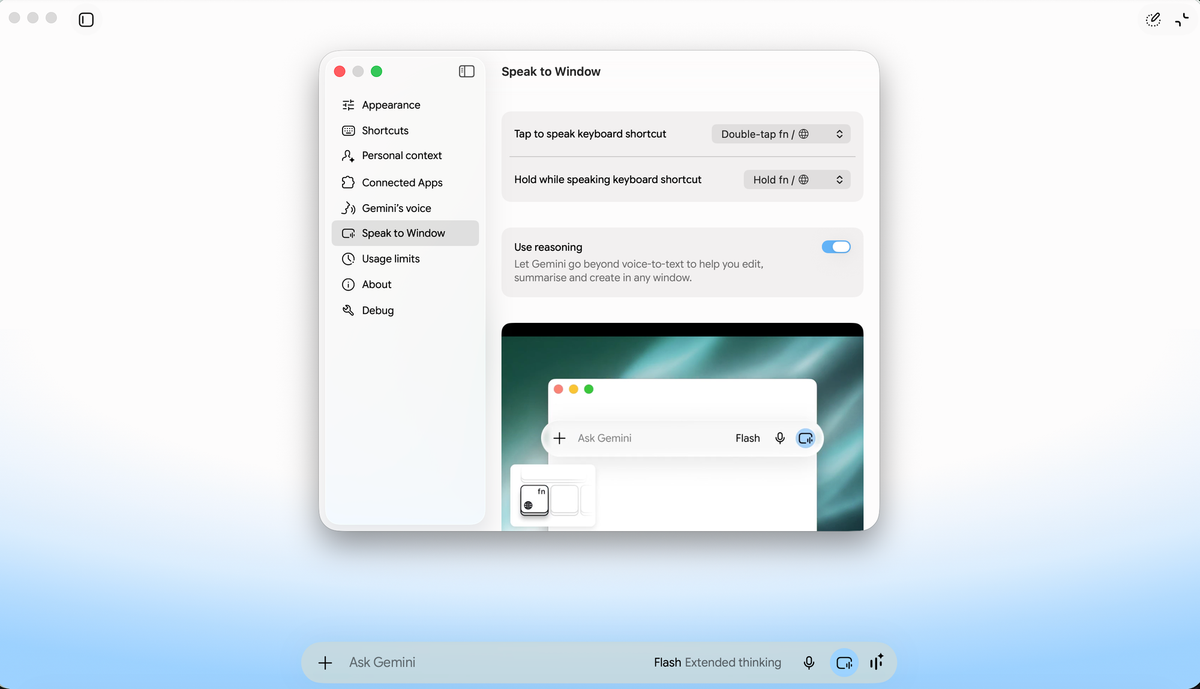
Google has begun rolling out a new voice capability for Gemini on macOS, allowing people to create, edit and summarize content while staying inside the app or desktop window already in use. The launch is global for all Gemini app users on Mac in English, with more languages due later. A long-press of the Fn key opens voice input in any desktop window and places the result at the cursor.
The default intelligent-dictation mode does more than produce a literal transcript. It turns speech into polished text, removes filler words, respects corrections made during a sentence and formats the final output. Because the text appears where the user is already working, drafting and revision can remain in the current window rather than requiring a switch to a separate Gemini conversation.
A separate option in Gemini settings enables reasoning. In this mode, Gemini uses visible on-screen context for more involved voice requests. A user can highlight local files, images or documents and ask for extraction or a summary, select text and request a rewrite or tone change, or create and edit images through spoken instructions that refer to content on the desktop.
The announcement comes from Michael Friedman, group product manager for the Gemini app, and Alvin Zhou, senior product manager at Google DeepMind. The Gemini app is available for macOS as the rollout reaches English-language users worldwide.