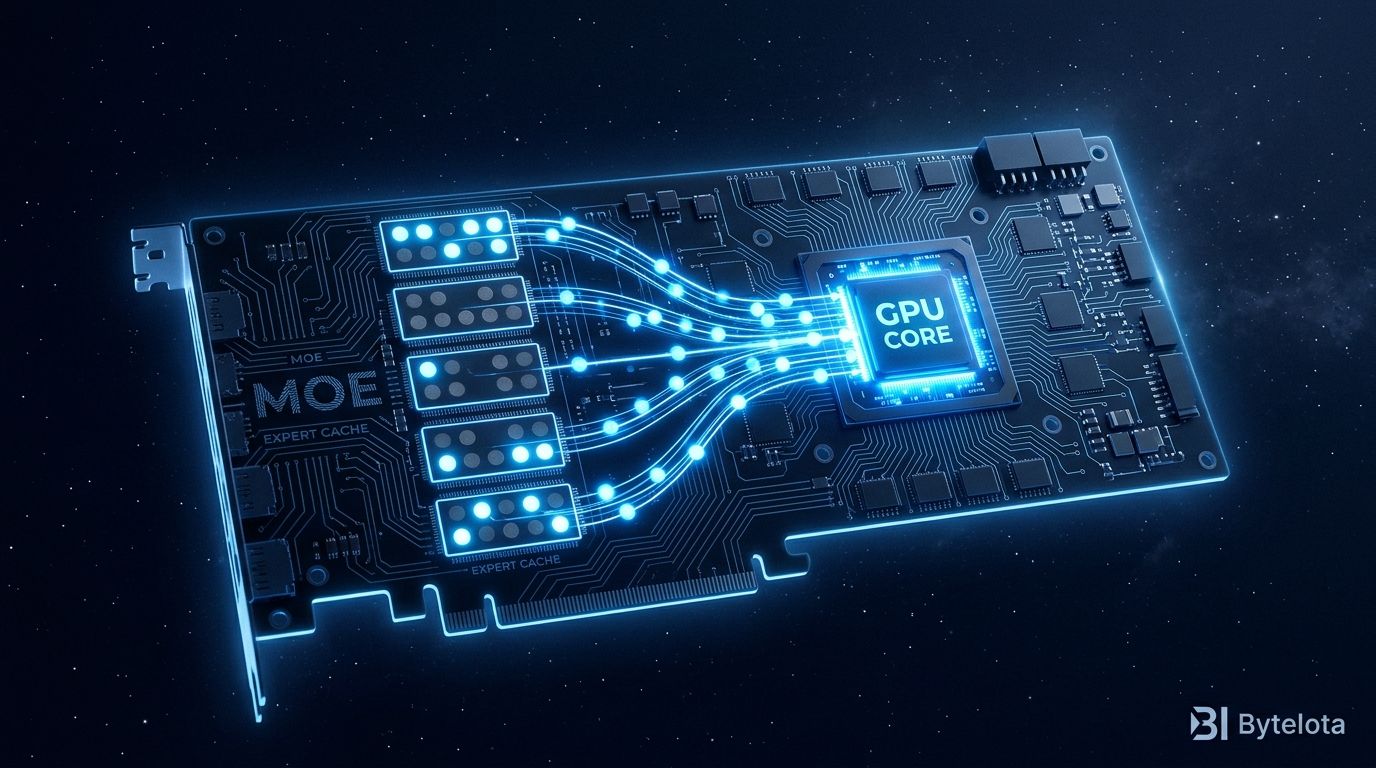
The RTX 4060 in your laptop shouldn’t be able to run a 35-billion-parameter model at 39 tokens per second. But FlashML-org/FreeToken manages it — because it doesn’t try to fit the whole model into VRAM. It only loads the experts each token actually uses.
FreeToken just crossed 16,000 GitHub stars after 73 consecutive days on the trending list. The open-source project from UC Berkeley and MIT researchers — including Matei Zaharia and Ion Stoica, the team behind Spark and Databricks — is quickly becoming the standard answer when developers ask why their gaming PC can’t run frontier-scale open-weight models.
VRAM Is Not the Bottleneck You Think It Is #
Most developers assume a 290B-parameter model needs 290B worth of VRAM. That’s true for dense models. Mixture-of-Experts models are different.
In a MoE architecture, the model stores many expert networks, but each token only activates a small subset of them. DeepSeek-V4-Flash has 284B parameters but only exercises roughly 37B per forward pass. The rest of the experts sit idle during that inference call.
Standard inference engines ignore this. They either require the full model to fit in VRAM, or they fall back to naive layer-by-layer off that hammers PCIe and stalls the GPU. FreeToken takes a different approach: treat the full expert pool as a cache problem.
The complete model lives in system RAM. GPU VRAM becomes an LRU cache for recently activated experts. The experts currently in use stay on GPU. The ones sitting idle stay in RAM until needed. The paper from UC Berkeley and MIT frames this as treating the personal machine “not as a small GPU, but as a unified, elastic inference platform.”
The Bandwidth-Adaptive Runtime #
What makes the approach work across different hardware is the runtime’s self-tuning. Before serving, FreeToken benchmarks your specific machine:
ft bench bw
It measures CPU compute speed against PCIe transfer bandwidth, then routes each expert cache miss to whichever path is faster. If streaming the weight over PCIe to the GPU is faster than computing on the CPU, it streams. If CPU compute is faster, it computes there. The decision is per-machine, not hardcoded — which is why the same software works on a laptop with 8GB VRAM and an RTX 5090 with 32GB.
What the Benchmarks Say #
These are project-authored numbers, not independently reproduced — but community threads corroborate the direction:
| Hardware | Model | Speed |
|---|---|---|
| RTX 4060 laptop (8GB VRAM, 32GB RAM) | Qwen3.6-35B-A3B | 39.3 tok/s |
| RTX 5090 (32GB VRAM, 192GB RAM) | DeepSeek-V4-Flash (284B) | 22–25 tok/s |
| RTX PRO 6000 (96GB VRAM, 512GB RAM) | GLM-5.2 (753B) | 14.9 tok/s |
For comparison: running Qwen3.8 on an RTX 5090, llama.cpp delivers around 22 tokens per second. FreeToken hits 53. The community benchmark thread on the llama.cpp repo shows a telling pattern: llama.cpp saturates the CPU at 1200% utilization while the GPU sits at 20%. FreeToken runs both at 100%.
Setup Is Four Commands #
uv venv && source .venv/bin/activate
uv pip install "freetoken[accel]"
ft bench bw
ft serve --model Qwen/Qwen3.6-35B-A3B
Once the server is running, it exposes OpenAI-compatible and Anthropic-compatible endpoints on port 1919. To attach a coding agent:
ft launch claude
FreeToken includes built-in harness configurations for Claude, Codex, Hermes, OpenClaw, and OpenCode. No manual API configuration — point the agent at http://localhost:1919/v1 and it connects. Supported models cover 20+ MoE architectures including Qwen3 MoE, DeepSeek-V4-Flash, GLM-5.2, Gemma-4, and MiniMax, with MXFP4, NVFP4, FP8, and BF16 quantization.
Who Should Use It, and Who Should Wait #
FreeToken is the right tool if you have an NVIDIA GPU (RTX 30/40/50 series), enough system RAM, and you’re running a supported MoE model. The hardware review at Wavect sums up the practical use cases well: sustained agent workloads, local data control, and maximizing existing NVIDIA hardware you already own.
If you’re running dense models — Llama, Phi, Mistral dense variants — stick with llama.cpp. FreeToken’s expert caching architecture requires sparsity to exploit. No MoE, no benefit.
AMD support is in the official Q4 2026 roadmap, and a community ROCm fork already reports around 57 tokens per second on an RX 9070 XT. Apple Silicon is roadmapped via a native Metal engine with no release date. That said, the lack of Mac support isn’t really a limitation of the tool — it’s a reflection of Apple’s architecture. M-series chips use unified memory: GPU and CPU share the same pool. The CPU-GPU boundary that FreeToken exploits simply doesn’t exist. Apple Silicon already handles large models efficiently for this exact reason.
One real constraint to plan around: system RAM. Running a 122B model requires roughly 64GB of pinned RAM. The 284B DeepSeek-V4-Flash benchmarks come from a machine with 192GB. On a 16GB or 32GB desktop, Qwen3.6-35B is the practical ceiling — which, at 39 tokens per second on a laptop GPU, is still remarkable.
FreeToken vs llama.cpp: Different Tools #
FreeToken is not a llama.cpp replacement. llama.cpp handles dense model inference across heterogeneous hardware, with broad architecture support and CPU fallback. FreeToken handles MoE inference when you have an NVIDIA GPU and sufficient RAM to host the expert pool.
The practical question is: which models are you running? If the answer includes DeepSeek-V4-Flash, Qwen3 MoE, GLM-5.2, or any sparse expert architecture — FreeToken is now the default choice. The 16,000 stars and 73 trending days suggest the developer community has already voted.