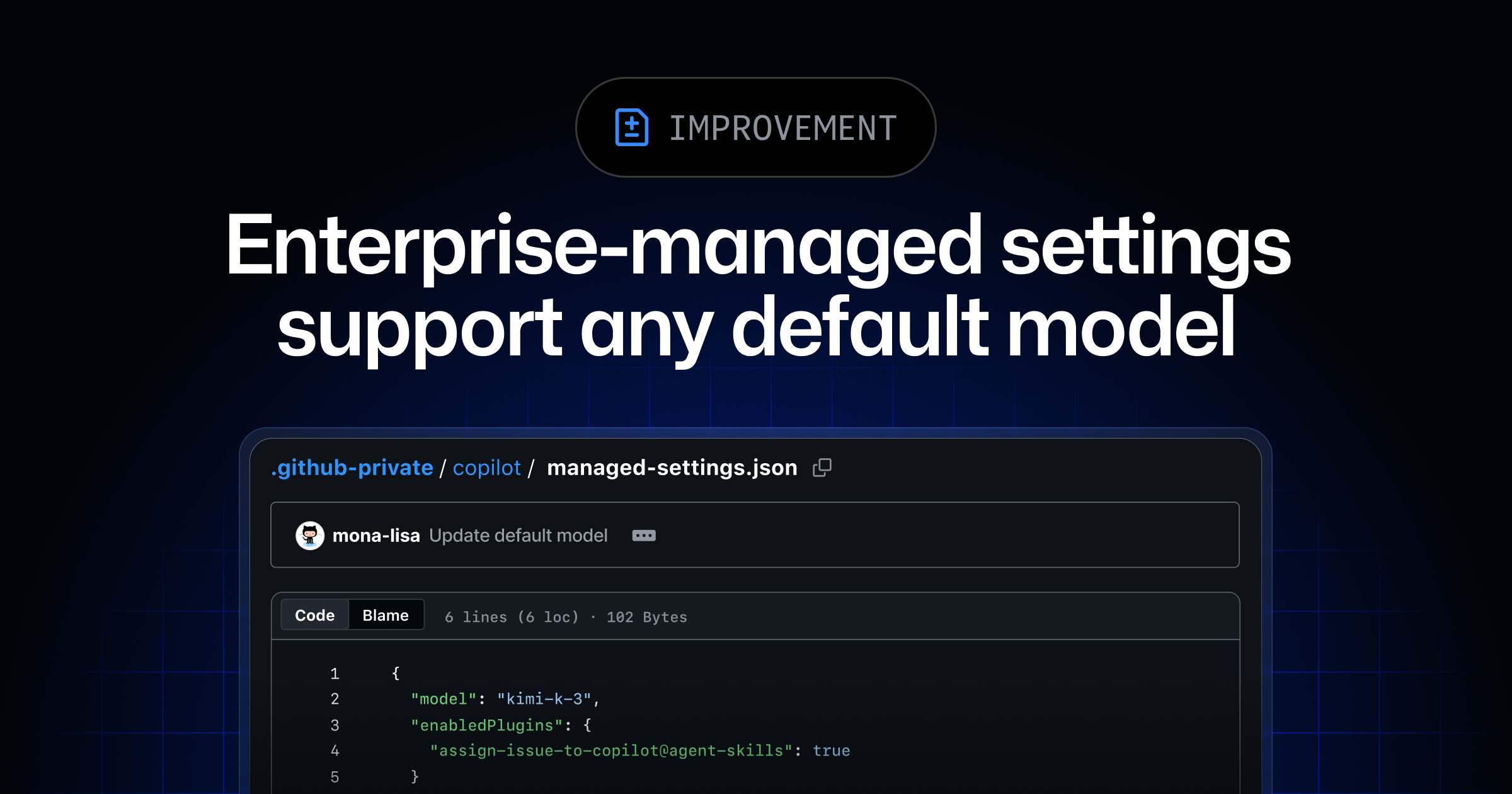
You can now set your preferred GitHub Copilot model as the default for new conversations through enterprise-managed settings. This lets you choose the default model that best fits your workflows.
You can also customize the default by enterprise team, assigning a different default model based on team membership. Set the model
key as overridable
and update team configuration files in team-mappings.json
so that enterprise teams can choose their own preferred default model. All other users inherit your enterprise default. Model defaults in managed settings are generally available with Copilot Business and Copilot Enterprise in the GitHub Copilot app, Copilot CLI, and Visual Studio Code.
Learn more in our docs about enterprise managed settings, or join the discussion in the GitHub Community.