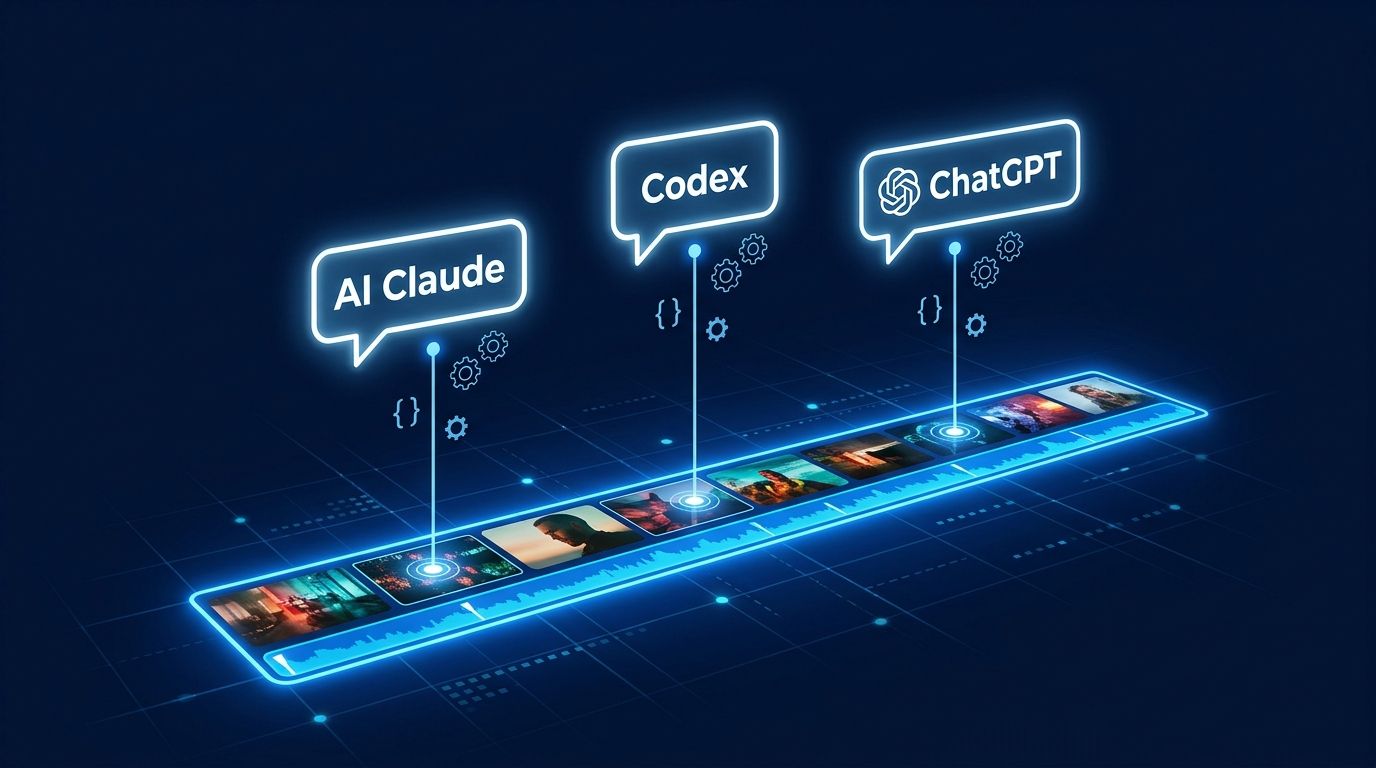
Blackmagic Design shipped DaVinci Resolve 21.1 on September 8, quietly dropping the most developer-relevant update the editor has ever seen: a native Model Context Protocol (MCP) server. Claude, Claude Code, and ChatGPT Codex can now issue natural-language commands directly into Resolve’s scripting API — opening projects, running transcriptions, applying grades, triggering renders. No third-party plugin, no reverse-engineered workaround. Built and maintained by Blackmagic itself.
What the MCP Server Actually Does #
The integration is genuinely broad. Resolve 21.1’s MCP server exposes 88 tools across every major workspace: project lifecycle management, timeline operations, media pool, color grading, Fairlight audio, render queue, and export. There are also 20 read-only resources covering live system state — current project details, timeline specs, render job status. And critically for AI-driven workflows, AI Analysis tools: transcription with speaker detection, audio classification, motion deblur, and Intellisearch face analysis.
In testing, Claude handled the full post-production sequence: opened a project, ran automatic subtitling, applied AI smart reframing for vertical video, applied a black-and-white grade, and exported the final file. That’s not a demo script — that’s a real workflow compressed into a conversation.
Code execution via Python and Lua remains available too. MCP is additive, not a replacement for scripting.
Setup: What You Actually Need #
There’s a paywall. DaVinci Resolve’s external scripting API is locked to Resolve Studio ($295 one-time, no subscription). The free edition doesn’t expose the scripting layer that MCP sits on top of. That’s the first thing to know.
If you have Studio, setup is straightforward:
- Open Preferences > System > General and set “External scripting” to “Local”
- Run
npx davinci-resolve-mcp setup— the wizard auto-configures Claude Desktop or Cursor’s MCP client - Test with: “List all timelines in my current project and tell me their frame rates.”
If you’re on the free edition, the community project davinci-resolve-mcp-free runs an in-app bridge via Workspace > Scripts, using FCPXML export and macOS UI automation. It works, but it’s a workaround — and macOS-only.
What Developers Can Build Now #
The use cases that weren’t viable before Resolve 21.1:
- Automated dailies pipelines: ingest camera rolls, transcribe, apply grades, generate dailies — fully unattended
- AI-assisted rough cuts: analyze transcripts, identify highlight segments, sync multicam angles — driven by natural language prompts to Claude
- Batch metadata workflows: rename clips using token patterns, apply color tags, extract QC notes across entire media libraries
- Export automation: configure render presets, manage job queues, trigger format-specific exports — all without touching the UI
The underlying shift is treating video production as a software pipeline. Ingestion, editorial, color, export — each stage is now scriptable through the same interface you’d use to query a database or call an API.
Honest Limits #
The Hacker News community flagged a real gap: clip repositioning in timelines isn’t supported in the current MCP implementation. Some Python APIs simply haven’t been wired up yet. Blackmagic will close these gaps in future releases, but if timeline rearrangement is core to your workflow, you’re still writing Python scripts for now.
MCP is also not a replacement for deterministic scripting. Complex conditional logic, multi-step operations with rollback, or performance-sensitive batch jobs should still use the scripting API directly. Think of MCP as the layer that orchestrates and sequences — not the layer that executes precision operations.
The Bigger Signal #
Resolve 21.1 didn’t ship MCP in isolation. At SIGGRAPH 2026, Blender, Unreal Engine, Adobe Creative Cloud, SideFX Houdini, Boris FX Silhouette, and Foundry Griptape all announced MCP server integrations. Adobe announced it — Blackmagic shipped it. That gap matters.
MCP now has 97 million monthly SDK downloads, backed by OpenAI, Google, Microsoft, and AWS. It’s not a protocol anymore. It’s infrastructure. And professional creative software is adopting it faster than most developers expected.
For developers building video and media automation, this is the integration you’ve been waiting for. The full API reference is available at DigitalWorkflowCompany/resolve-mcp — 88 tools, 20 resources, and growing. Start there, understand what’s wired and what isn’t, and build accordingly. Blackmagic doesn’t charge subscriptions for this. That alone sets the pace.