cd /news/ai-tools/customize-github-copilot-for-your-te… · home › topics › ai-tools › article
[ARTICLE · art-172080] src=github.blog ↗ pub= topic=ai-tools verified=true sentiment=↑ positive

Customize GitHub Copilot for your team

GitHub made team customizations for GitHub Copilot generally available for organization teams, letting team maintainers and organization owners set approved Agent Plugins as team defaults. Selected plugins are enabled by default for a team's direct members in VS Code, the GitHub Copilot app, and Copilot CLI, while child-team members do not inherit them and enterprise and organization policies still take precedence. The feature is available for Copilot Business and Copilot Enterprise.

key takeaway

Team maintainers and org owners can now set approved Agent Plugins as team defaults via the Customize Copilot tab, auto-enabling them for direct members in VS Code, the Copilot app and Copilot CLI without overriding enterprise or organization policy.

by read1 min views6 publishedNov 18, 2026
Customize GitHub Copilot for your team
Image: GitHub Changelog

You can now share the GitHub Copilot plugins your team relies on without asking every member to repeat the same setup. Team customizations are generally available for organization teams.

Team maintainers and organization owners can select approved Agent Plugins as team defaults. This gives your team a shared starting point between individual customization and organization-wide policy.

### [Set up plugins for a team](#set-up-plugins-for-a-team)

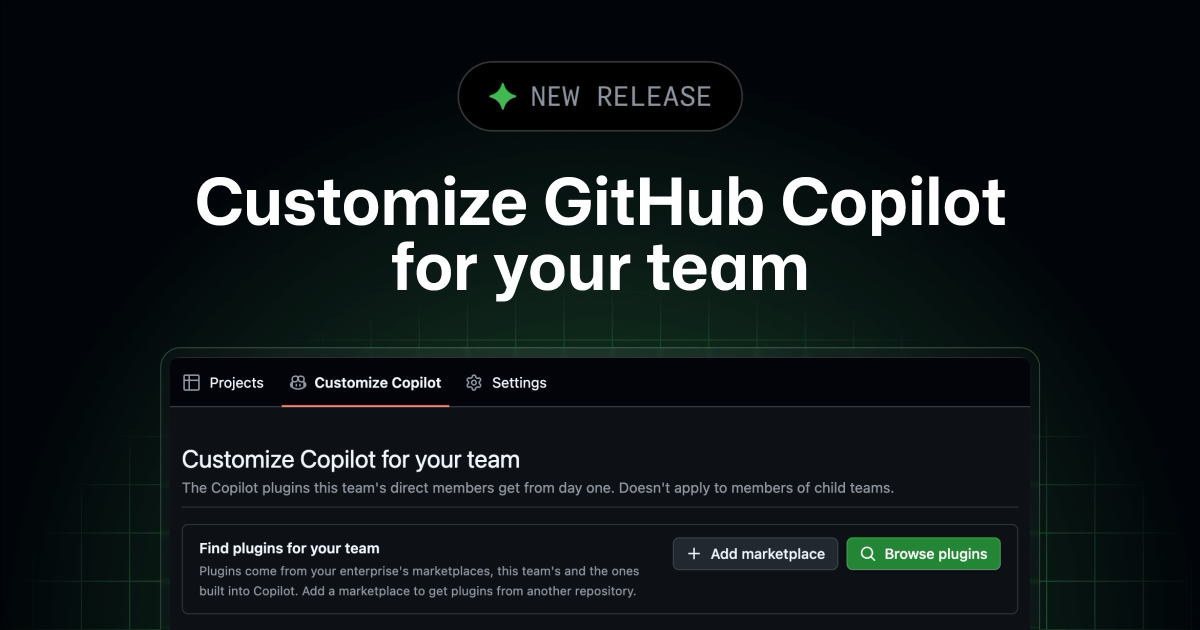
If you’re a team maintainer or organization owner, open your organization team on github.com and select the **Customize Copilot** tab. From there, you can:
  • Browse plugins from the marketplaces built into Copilot, your enterprise’s marketplaces, and any marketplaces the team adds. You can then add individual plugins to the team.
  • Add a marketplace from a GitHub repository that contains a plugin marketplace. This makes its plugins available to browse. You can add individual plugins to the team to enable them.

Selected plugins are enabled by default for the team’s direct members in VS Code, the GitHub Copilot app, and Copilot CLI. Members of child teams don’t inherit them. Team defaults are optional. Members can turn a team plugin off in their Copilot client where policy permits.

Your policies still apply

Enterprise and organization policies take precedence over team choices. Copilot clients continue to enforce which marketplaces are allowed and which plugins are required or blocked. Team defaults don’t override those controls.

Team customizations are available for Copilot Business and Copilot Enterprise.

Learn more about plugins for GitHub Copilot and join the discussion in GitHub Community.

── more in #ai-tools 4 stories · sorted by recency
── more on @github 3 stories trending now
sponsored brought to you by zahid.host 4,200+ EU-deployed projects
reading about agents? ship yours in a single git push.

Run your AI side-project on zahid.host

EU-based hosting, git-push deploys, automatic HTTPS, no cold starts. Free tier with a custom domain — perfect for shipping the agent you just read about.

$git push zahid main
→ Live at https://your-agent.zahid.host ✓
Get free account → Pricing
from €0/mo · no card required
LIVE [news/customize-github-cop…] indexed:0 read:1min 2026-11-18 · —