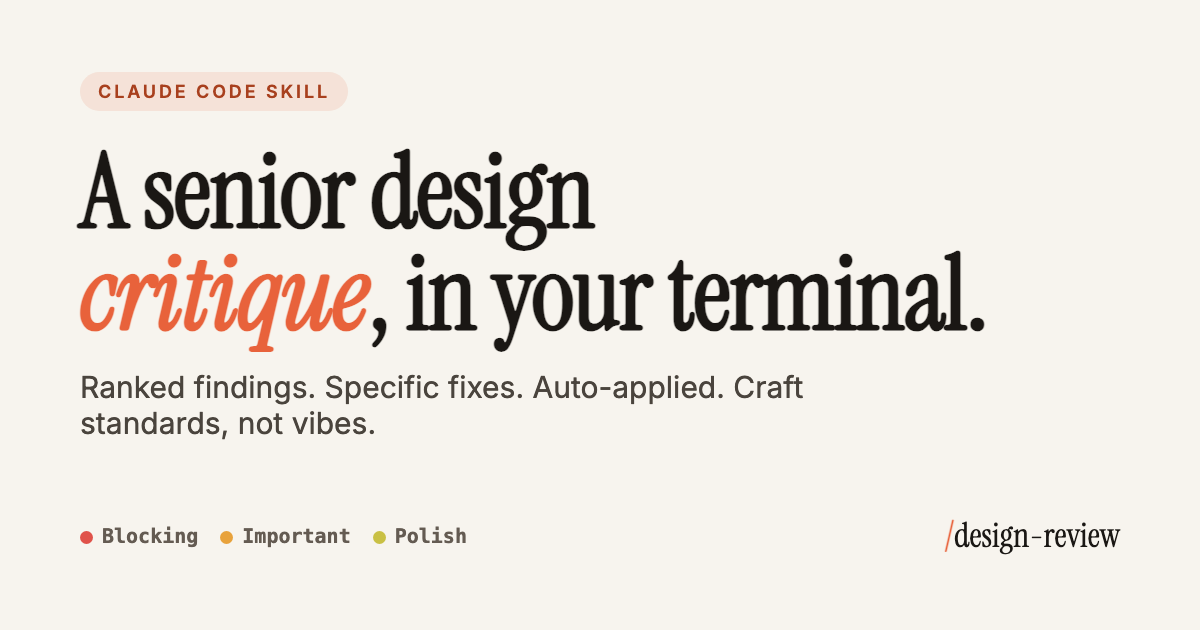
Point it at a URL, a screenshot, or a component. Get ranked, specific findings, then let it apply the fixes.
Craft standards, not vibes.
Every finding ranked blocking → important → polish, so you ship the critical stuff and skip the bikeshedding.
Real numbers behind every call: WCAG contrast, 45–75ch line length, 44px tap targets. Never "make it pop."
A live URL, a screenshot, or a raw component. It reads the code and cites the exact line.
Run --apply
and watch it rewrite contrast, focus states, alt text and motion, in place.
Contrast, semantics, focus order, labels, and reduced-motion. Caught automatically, not bolted on later.
Closes every review with your strengths and the one change that moves the needle most.
Clear focal point, sensible scan path, grouping, alignment to a grid, whitespace as structure.
Limited type scale, line-height, 45–75ch measure, font pairing, no widows or orphans.
Consistent 4/8px scale, even vertical rhythm, symmetric padding. No arbitrary gaps.
WCAG AA (4.5:1 text, 3:1 large/UI), restrained palette, never color alone for meaning.
Purposeful, fast timings, natural easing, and a prefers-reduced-motion
variant.
Hover, focus-visible, active, disabled, , empty, error, plus ≥44px tap targets.
Semantic HTML, labels, alt text, logical focus order, full keyboard operability.
Fluid type and spacing, no overflow or clipping from 320px up, touch-appropriate.
Clear headlines, scannable structure, descriptive CTAs, human microcopy and errors.
Reused design tokens, consistent radii, shadows, and icon style across screens.
Add the marketplace and install the plugin:
/plugin marketplace add Superfuture/design-review
/plugin install design-review@superfuture

git clone https://github.com/Superfuture/design-review /tmp/dr
cp -r /tmp/dr/design-review/skills/design-review ~/.claude/skills/
Then just ask: "design review officialjp.com" or "critique this paywall screenshot."
A Claude Code skill that runs a senior-level design critique of any URL, screenshot, or component, ranked from blocking to polish, each finding with a specific fix you can auto-apply.
Free is the full skill and rubric, run locally in your terminal. Pro adds depth the free tier doesn't cover: an expanded mobile & SwiftUI rubric and brand-token consistency checks, generated server-side so it stays current.
After checkout you get a license key on the activation page. In Claude Code run /design-review:activate <your-key>
, or paste the key when Crit first asks on a Pro review. Your Pro reviews then include the extra depth.
No. Pro is a one-time $12 unlock. Team is a separate plan, currently by waitlist.
It's tied to your email. Get in touch and we'll resend it.
If Pro isn't earning its place, contact us within 14 days for a refund.