I enjoy preparing for presentations: the part where I write the demo, where I outline what I want to talk about and what I want to say. I also like giving the talk. However, I haven’t enjoyed creating slides in a very long time. Neither PowerPoint nor Google Slides allows me to express my ideas on slides in the way I envision it. Or, more likely, I lack the skills to do so, as there are people out there who do magic with those tools.
So, even pre-AI, I tried to find alternative tools that allow me to build presentations in a way that suits me, not in a WYSIWYG style but in code. Of course, I tried LaTeX and some JavaScript-based solutions and at some point I tried to build my own. Yet it was still not the experience I was looking for …
But then, I gave it a try with an LLM for the first time. After some fine-tuning I was delighted to see that I finally found my way to build slides! Now I have presentations I am satisfied with, visualizations for my talks that are much closer to the ideas I have in my head!
The first talk I did this way was Reliability from Manual to Autopilot at the Cloud Native Karlsruhe meetup in July. I was able to build all the animations I wanted, including some small interactive “games”. You can click through the slides yourself here to see what I mean:
Over the last few months I gave a few talks with slides created that way, and since people asked me about my workflow, in this blog post I share my secret ingredients:
Let me give some more details for each one so you can see why I chose them:
Sli.dev is one of many JS frameworks that allow the creation of presentations. The key point is that it not only allows me to write the content of slides in Markdown but that it is able to leverage all the power that JavaScript in the browser gives you: it can be used to not only show text and images but also to have small animations or even interactive elements as part of the presentation. This ranges from a checkbox on slide 6 that changes behavior on slides 8-18, an animation of a system that takes smilies in, makes them bigger, cooler and more square to a whole Frogger-like game you can drive or ask an “LLM” to run for you.
What Slidev does not have out of the box is a framework that helps to draw those animations. So the LLM, when asked to create such a component, vibes it together with whatever is in its training data. It might use a library it prefers, giving the whole thing a classic “made with AI” look, or it builds it from scratch, which leads to most things just looking bad. So I forced it to use Rough.js with a preset style, so that the animations get a consistent look and feel: in this case a “hand-drawn” aesthetic.
The third ingredient is that I pointed the LLM to the Bronto website and to a local copy of a brand folder, instructing it to use this for the visual identity of the slides. This way the overall look and feel of the slides moves from that darkish standard AI theme to something that represents the company I am working for. This means, if you replicate this, you can do the same with what your organization provides or what theme you might have on your website.
With these things in place you can get started. Ask your LLM to give you a set of slides, for example:
Create a slide deck that explains the concept of context propagation.
Use sli.dev as framework, use rough.js for animations.
Take a look at opentelemetry.io for the overall look and feel of the slides.
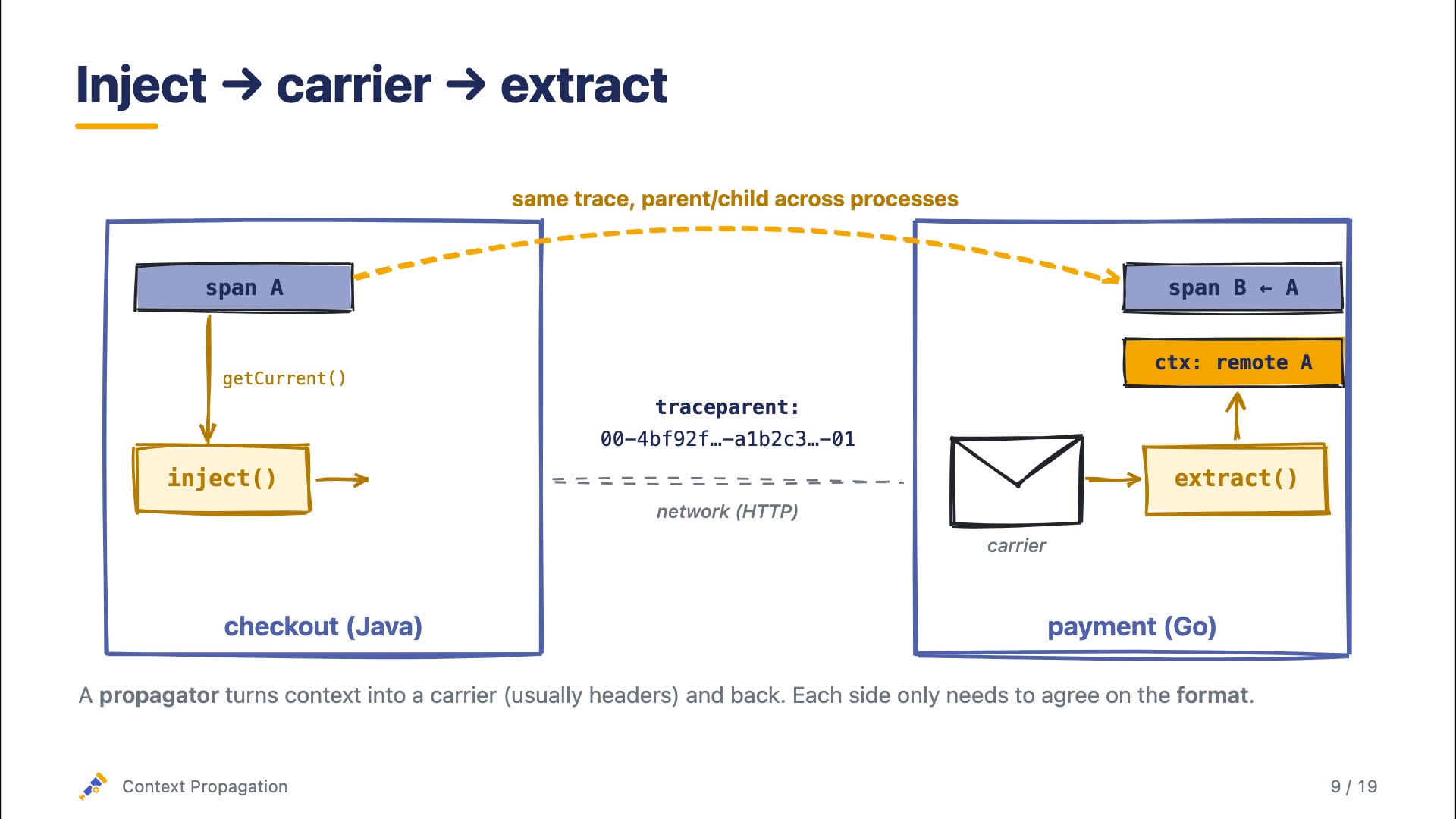
After around 10 minutes, the output of this prompt is the slide deck below. You can either click through it or watch a walkthrough video I also asked the LLM to generate for me.
This slide deck is the result of a single prompt. As you go through it, you may notice that it is far from perfect. The text is obviously 100% AI-generated, not everything is 100% accurate, and the animations are OK, but not exactly how I would want to have them. This is a starting point that, if this were a real presentation, would allow me to slowly build out the deck the way I want it. You will learn over time that for the visual components you need to get super specific about how you want them to look, which can become time-intensive. However, you are able to get what you want without being an expert on PowerPoint or similar tools. You might not reach the level of a trained graphic designer, but your slides will get so much better compared to what you had before.
Give it a try and let me know how it works for you! And, most importantly, share your slides with me and your improvements on top of this process!