Improvement
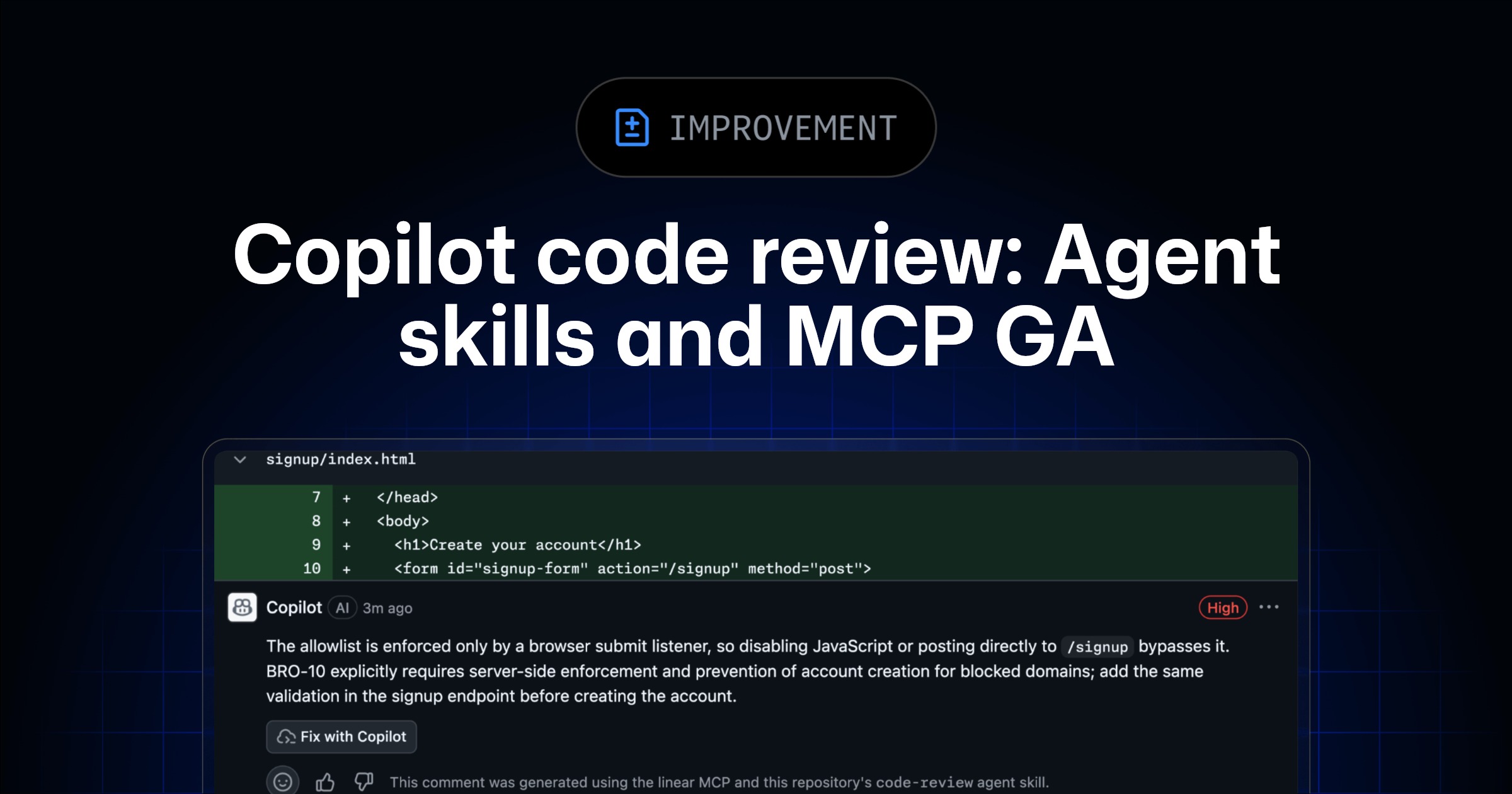
Copilot code review support for agent skills and MCP servers is now generally available for all Copilot Pro, Pro+, Business, and Enterprise users. Previously announced in public preview, these capabilities let you bring your team’s tools, standards, and external context directly into every code review.
What’s included
Agent skills let Copilot code review invoke your team’s internal tools and coding standards during a review. Add aSKILL.md
file under a skill subdirectory in.github/skills
to extend Copilot’s analysis with context and instructions specific to your repository or organization.MCP server connections pull context from third-party platforms your team already uses (e.g., issue trackers, documentation systems, service catalogs) directly into the review.- All MCP tool calls performed by Copilot code review will be limited to read-only.
- Any MCP configurations you’ve already set up for Copilot cloud agent automatically apply to Copilot code review. Note that the GitHub and Playwright MCP will be turned on by default.
What’s new Attribution on skills and MCP comments: Copilot code review now indicates when a comment was generated using agent skills or MCP context, so you can see your skills and MCP servers in action.
[Getting started](#getting-started)

If you configured agent skills or MCP servers during the public preview, no changes are needed. Your existing setup continues to work now that these features are generally available.

For new users:
MCP servers: Add your MCP configuration under repository settings →** Copilot→ MCP servers**. Store authentication tokens under repository settings →** Secrets and variables→ Agents**. Seeexample MCP configurationsto get started.Agent skills: Under.github/skills
, create a skill-specific directory, then add aSKILL.md
file to that directory with the context and instructions you want Copilot code review to use. For more details, see theagent skills documentation.