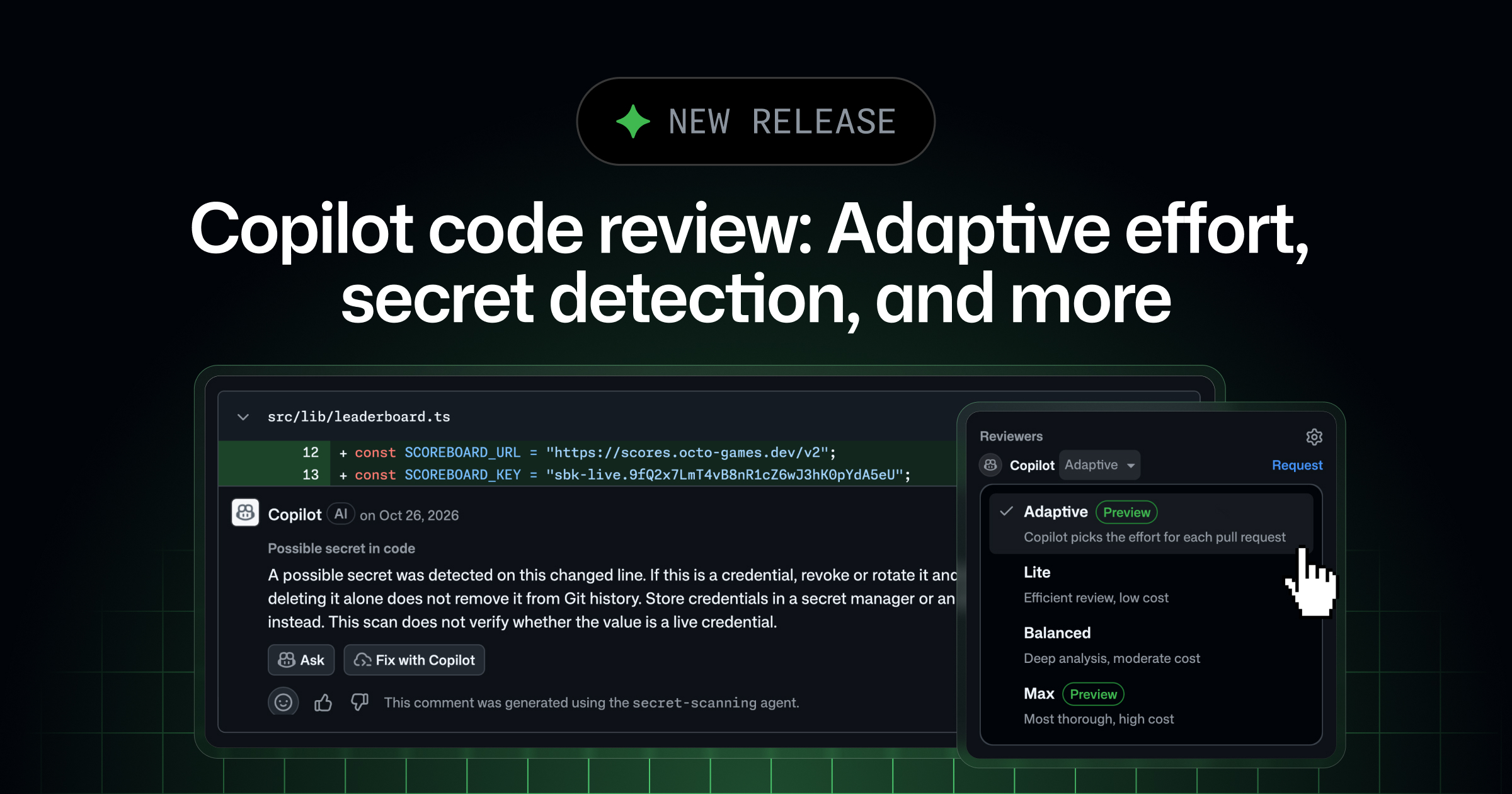
GitHub Copilot code review now helps you catch more issues earlier, with less effort. Adaptive matches review depth to each pull request, so routine changes get a quick pass and risky changes get a deeper look. Reviews can also draw on related repositories and flag exposed secrets before they reach your main branch. Features in public preview are subject to change.
Adaptive, cross-repository context, and secret detection are available to Copilot Pro, Pro+, Max, Business, and Enterprise plans.
🎯 Adaptive: The right review effort for each pull request #
Today, someone has to decide in settings or when requesting a review, what review effort level each pull request needs. A documentation update may only need Lite, while a change to authentication logic benefits from Max. Adaptive makes that choice for you. Copilot looks at each pull request’s complexity and risk, then reviews it with Lite, Balanced, or Max. Each review shows which effort level Adaptive picked. Adaptive is now in public preview.
⚙️ Configure Adaptive
You can select Adaptive for a single pull request from the “Reviewers” bar, or set it as your default review effort in personal, repository, organization, or enterprise settings. Balanced remains the default review effort level.
Adaptive never picks a level above the maximum review effort level set for your enterprise, organization, or repository. To learn more, see Configuring code review by GitHub Copilot.
⚠️ The maximum review effort level configured in Copilot code review settings determines which levels Adaptive can choose from.
🔗 Cross-repository context #
Changes often affect code outside the repository you’re working in. With cross-repository context, Copilot code review can read related public repositories during a review, so it can find code in other repositories that depends on your change. It can also find relevant context from documentation stored in other repositories, custom instructions and skills, and more.
Cross-repository context is now in public preview for public repositories.
🔐 Secret detection in reviews #
Copilot code review can now flag exposed secrets in your pull requests. Using both deterministic and non-deterministic approaches, Copilot code review points out exposed credentials in review comments, so you can remove them before you merge. Secret detection in Copilot code review is now in public preview.
Secret detection is supported for the following types:
- Known formats. GitHub collaborates with 150+ technical partners through GitHub’ssecret scanning partnership program in order to build out high-confidence secret detectors. These 500+ secret types use deterministic methods like regex to find secrets.
- AI/ML-detected secrets. Copilot code review also detects secrets without recognizable format. It uses LLMs and GitHub’s purpose-built model for secret to find exposed secrets.
To turn on secret detection, go to your repository or organization settings and select Copilot, then Code review. To learn more, see Secret scanning.
📊 Track review outcomes by repository #
You can now see how Copilot code review feedback is addressed and utilized in each repository. To get started, navigate to the Insights tab of any repository you have read access to, then click Repository insights. For details, see Track Copilot code review outcomes by repository with Repo Insights.
☁️ Copilot code review for Azure DevOps #
Copilot code review for Azure Repos, previously in public preview, is now generally available. Teams that host code in Azure DevOps can get Copilot reviews on their pull requests, with comments and suggested changes on the lines that need attention.
- Flexible setup: Administrators turn on Copilot code review at the organization, project, and repository level. Add a branch policy to request a Copilot review automatically on pull requests that target a branch, or request one manually from theReviewers list.
- Review effort levels: Set a default ofLite orBalanced for a project or repository, or choose a different effort level for a single review.
- Custom instructions and skills: Tailor Copilot’s feedback to your team’s standards with custom instructions and agent skills.
- Faster follow-up: Apply and commit Copilot’s suggestions and resolve the related comments at the same time.
- Admin visibility: Audit log events record when Copilot code review is turned on or off and when its settings change.
- Azure billing: Usage is billed in GitHub AI credits to the Azure subscription linked to your Azure DevOps organization, so you can track costs and set budget alerts in Azure Cost Management.
To get started, see Get started with Copilot code review for pull requests in the Azure DevOps documentation.