"We're running lakebase_text and lakebase_vector across three different parts of our product. Query latency improved 1,000x and we don't need a separate search stack sitting next to our Postgres"
Srijit Ghosh, Co-founder and CTO at CommSync
CommSync gives business owners one inbox for every conversation, threading SMS and email from every channel into a single view. It makes life simple for professionals that need to keep an eye on different people and operations all at once, e.g. wedding planners, brokers, med-spas...
The nature of the CommSync product means there's a need for search across a high volume of messages in different formats - search is a core product surface for them. To build this, CommSync chose Neon's new Lakebase Search extensions, lakebase_text and lakebase_vector.
Three search boxes, all powered by Postgres #
"Using Lakebase Search, we clocked around 18.6ms warm, versus around 19.5 seconds on our old cold-start GIN approach. That's a 1,000x improvement"
Srijit Ghosh, Co-founder and CTO at CommSync
CommSync runs search in three different features, each one with different requirements:
Main inbox search: pure text search, highest traffic
This is the highest-traffic search path in the product by far, encompassing both the fast typeahead and the full results page.
This path runs BM25 via lakebase_text over message and attachment text. CommSync's old GIN/tsquery implementation is still in place as an automatic fallback for any compute where the extension isn't available
*[Editor's note: Lakebase Search*.

[launched recently on Neon](https://neon.com/blog/lakebase-search-on-neon)]### AI assistant: vector search end-to-end
CommSync's in-app AI assistant can also search the inbox by meaning instead of keyword, handling queries like "find the thread where someone complained about pricing".
This path runs lakebase_vector end to end, with cosine similarity over 1024-dimension embeddings,
qwen3-embedding-8b
as the primary model, and bge-m3
as a same-dimension fallback.### Command palette: hybrid search
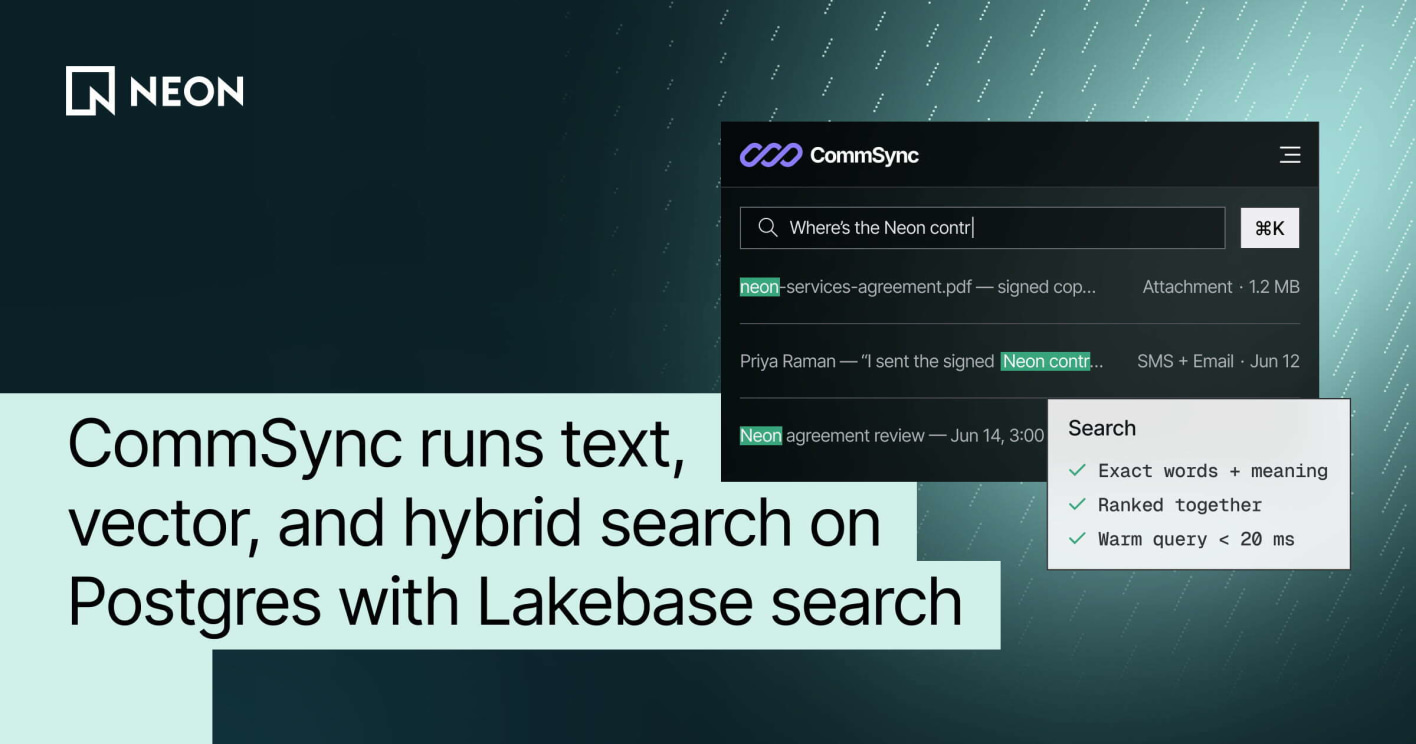
This new feature just shipped: CommSync's cmd+k command. Here, the two previous search paths meet:
CommSync built this feature on the standard shape of Reciprocal Rank Fusion (RRF):
- Each keystroke fans out to a lexical arm (
lakebase_text
/BM25) and a semantic arm (lakebase_vector
), each returning its own ranked list of matching conversations. - The two lists are fused with the textbook RRF formula:
score = sum of 1/(k + rank)
across arms, withk=60
. - The one deviation from vanilla RRF is weighting: lexical gets 1.0, semantic gets 0.8, so an exact keyword match still wins ties against a conceptually-similar-but-not-literal semantic hit. Given how much traffic the fast lexical path above carries, that felt like the right default.
- A third, unfused arm handles attachment matches, using trigram plus text search over extracted file text.
- The semantic arm only engages once a query is past 3 characters, to avoid burning embedding calls on noise.
To keep the command responsive, CommSync runs this in two tiers:
- A fast lexical-only pass on every keystroke (around 110ms latency),
- Followed by a debounced deeper pass that folds in the semantic arm and replaces the list once it lands (around 420ms latency). Staleness guards make sure a slow response never overwrites a newer one.
Beyond search boxes: CommSync Agents run RAG on lakebase_vector #
CommSync also recently shipped CommSync Agents: AI responders a business configures to automatically answer inbound texts and emails on chosen lines - with draft, supervised, and fully autonomous modes, and human takeover at any moment.
Before an agent answers a customer, it retrieves from an org-level knowledge base: uploaded documents and crawled website pages, chunked and embedded into the same Postgres database that holds the rest of CommSync's data. This knowledge base runs entirely on lakebase_vector
: the same 1024-dimension embeddings and cosine-distance operators as the inbox's semantic search, reused wholesale.
"Our agents' knowledge base is just another table. Retrieval is a cosine top-K where tenancy and each agent's document whitelist are WHERE clauses in the same query. There's no second vector database to mirror our permission model into"
Srijit Ghosh, Co-founder and CTO at CommSync
Because everything is pgvector-compatible SQL on one database, CommSync gets to pick the right retrieval strategy per corpus: the shared inbox index (hundreds of thousands of message chunks) uses the lakebase_ann
index for approximate nearest-neighbor speed, while each organization's knowledge base (capped at a handful of documents) runs exact nearest-neighbor with no index at all, trading nothing for perfect recall. One extension, two strategies, chosen table by table.
Behind it all: Lakebase Search #
CommSync could build all three search features directly in Postgres thanks to Lakebase Search. Running on Neon, the team turned to Lakebase Search for a performance boost, rather than wiring up separate search and vector databases or relying on Postgres' native GIN/pgvector implementations. Lakebase Search bundles two Postgres extensions, lakebase_vector
and lakebase_text
:
lakebase_vector
adds thelakebase_ann
index type for approximate nearest-neighbor vector search. It's a drop-in for pgvector: same types, distance operators, and query syntax, so existing queries work unchanged.lakebase_text
adds thelakebase_bm25
index type for BM25 full-text search. It works with standardtsvector
types and operators, adding true BM25 relevance scoring and top-K pushdown that native GIN indexes don't support.
"The auto-detection of lakebase_text in shared_preload_libraries at boot made rollout painless. We didn't have to hardcode a feature flag per environment"
Srijit Ghosh, Co-founder and CTO at CommSync
Used separately, the two extensions cover text search and vector search. Used together, they support hybrid search, combining exact-term precision with conceptual recall in a single query path on the same Postgres database that already holds the rest of the application's data.
Get started #
If your app needs both keyword and semantic search and you'd rather not run a separate search cluster to get it, Lakebase Search is available now on Neon. Open a free account and enable the extensions on your existing project, or even better, tell your agent to do it for you. A big thank you to Srijit Ghosh and the CommSync team for building on Neon and sharing their experience with Lakebase Search. You can try CommSync for free.