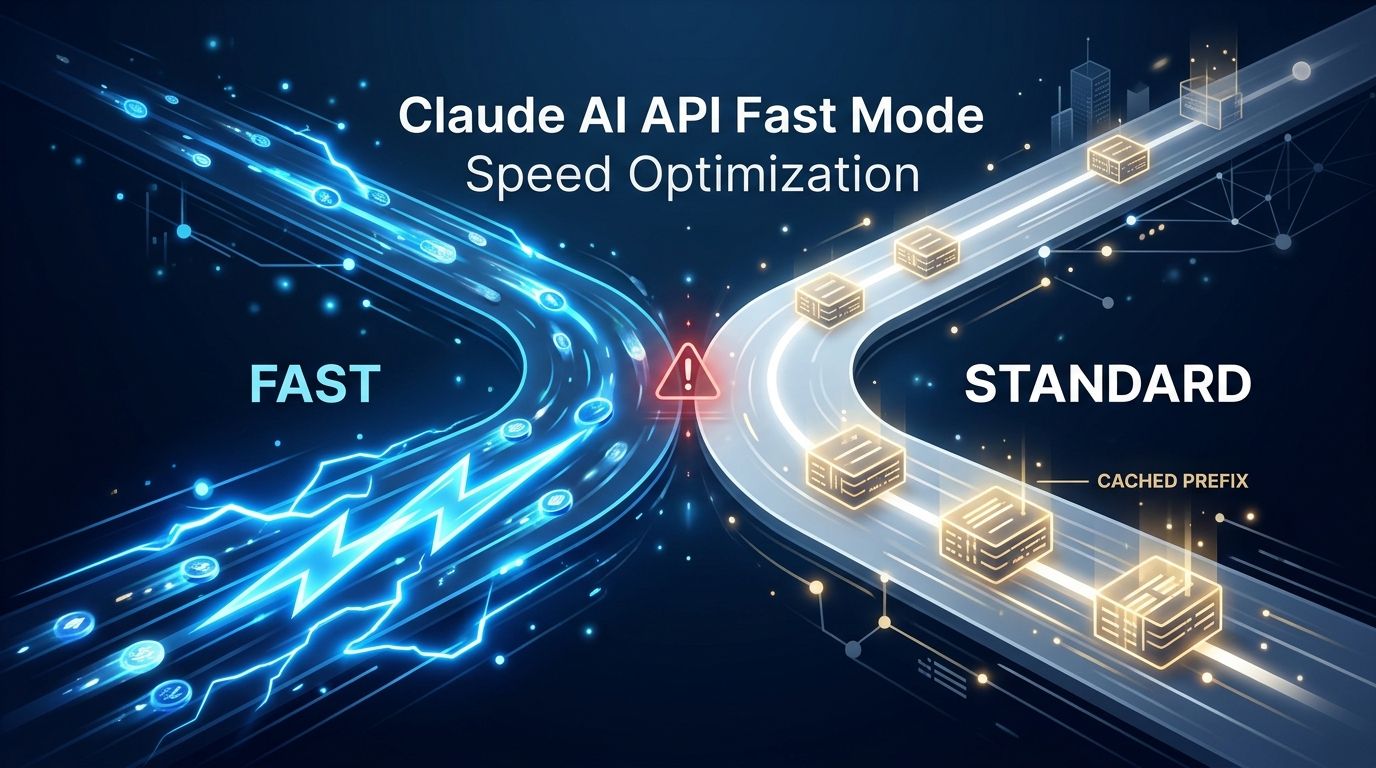
Anthropic made fast mode generally available for Claude Opus 5.5 on October 15. Drop the old beta header, add "speed": "fast" to your payload, and you get up to 2.5x faster output throughput. Before you flip that switch across your agent fleet, there is one behavior buried in the official docs that will cost you real money if you skip it: fast mode and standard speed run separate prompt caches, and falling back between them is a full cache miss.
What Changed at GA #
During the research preview, you needed to join a waitlist and pass anthropic-beta: fast-mode-2026-02-01 in every request. Both are gone. Since October 15, fast mode on Opus 5.5 is one field in the payload:
response = client.messages.create(
    model="claude-opus-5-5",
    max_tokens=4096,
    speed="fast",
    messages=[{"role": "user", "content": "Refactor this module"}]
)
Requests that still send the old beta header continue to work. Rate limits for fast mode are now active by default across Start, Build, and Scale usage tiers — no access request required. Teams that applied for preview and got rejected can ship now.
The Cache Miss Trap #
This is the part most coverage skips. Fast mode and standard speed maintain separate prompt caches. Switch between them — for any reason — and your cached prefix is gone.
The scenario that hurts: your agent sends requests with speed: "fast", the cache warms up, and then you hit the fast-mode rate limit. You catch the 429, retry without the speed field, and now you are paying full input price for every token you had cached. On a coding agent with a 100K-token context, that is not a rounding error.
Anthropic’s recommended pattern is to set max_retries=0 on the fast request and decide explicitly what to do on failure — either wait for fast capacity to recover or retry at standard speed knowing you are paying cold-cache prices:
client = anthropic.Anthropic(max_retries=0)  # fail immediately on rate limit

try:
    response = client.messages.create(
        model="claude-opus-5-5",
        speed="fast",
        messages=[...]
    )
except anthropic.RateLimitError:
    pass
If your system prompt and conversation history are short, a cache miss on fallback is acceptable. If you are running long coding sessions with large context windows, design for one speed and stay there.
What Fast Mode Actually Improves #
Fast mode raises output tokens per second. It does not reduce time to first token. It does nothing for time spent executing tools.
That matters because most agent latency is not streaming time. A turn that calls a terminal command and waits 40 seconds for it to finish, then writes two lines, gains almost nothing from fast mode. A turn that generates 3,000 tokens of refactored code benefits substantially. Anthropic claims up to 2.5x higher output throughput; independent benchmarks put real-world gains at 1.8–2.2x on sustained streaming.
Pricing and Rate Limit Mechanics #
Fast mode costs $8 per million input tokens and $40 per million output tokens — exactly 2x the standard $4/$20 rate. The rate limit is separate from the standard Opus 5.5 pool, which means exhausting fast-mode allocation does not touch your standard capacity.
Six new response headers track fast capacity: limits, remaining tokens, and reset times for both input and output. The response usage object now includes a speed field — log it. You want to know whether your fast-mode requests are actually landing at fast speed, especially in early production.
Where It Works #
Fast mode is available on the Anthropic API directly, in Claude Code, and on Microsoft Foundry deployments on Azure. It is not available on AWS Bedrock. If your infrastructure runs on AWS, you will need to route directly to the Anthropic API or wait for Bedrock support. Opus 5 and Opus 4.8 have fast mode in research preview; Opus 5.5 is the only GA target today.
The Bottom Line #
Fast mode is worth it for high-throughput streaming workloads — code generation, long document drafting, real-time interactive output. It is not worth it for tool-heavy agentic loops where generation is a small fraction of total latency. The cache-miss behavior on fallback is a genuine gotcha: decide on one speed per agent, set max_retries=0, and build your retry logic around staying at that speed rather than switching under pressure. The community deep-dive on DEV.to goes into more detail on the rate-limit arithmetic if you want to model the cost impact before committing.