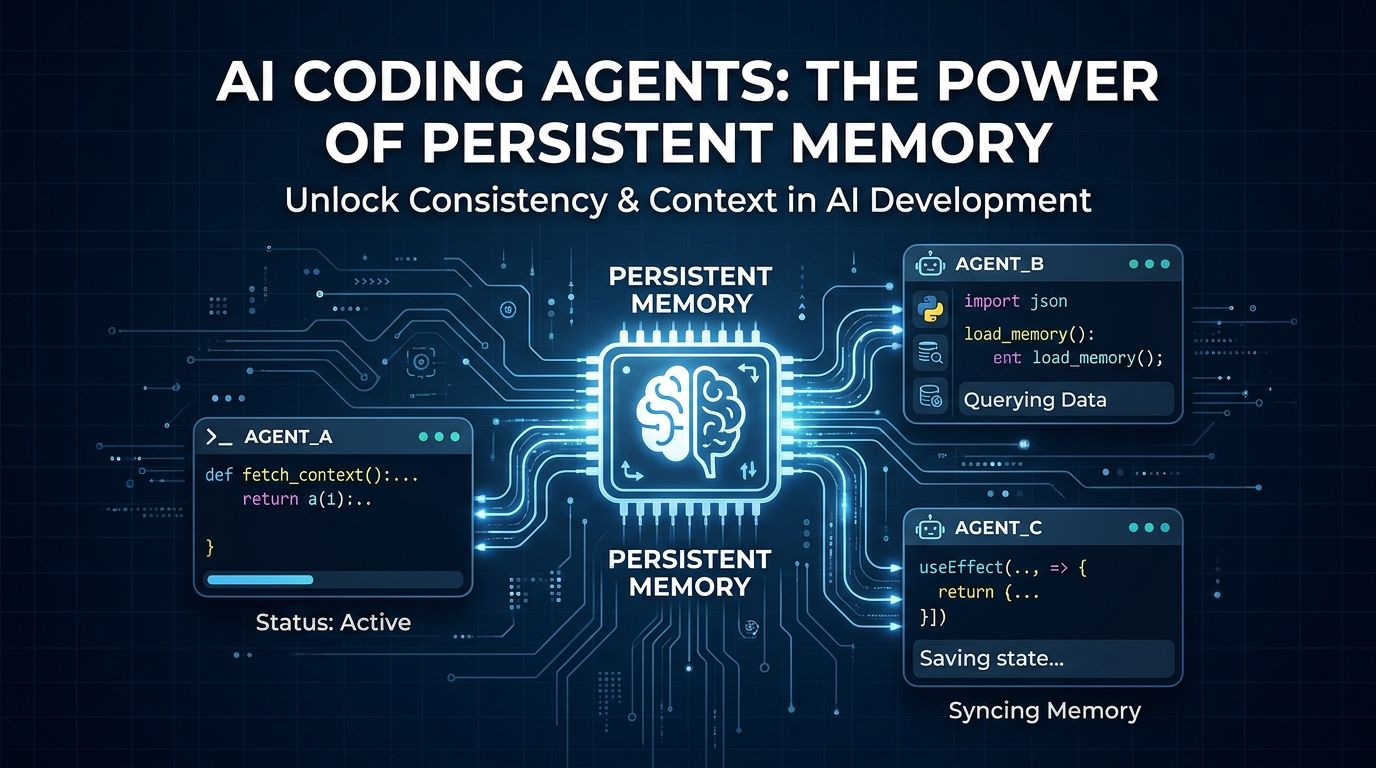
CLAUDE.md is a sticky note. It loads its full contents into your context window every single session — stale instructions, expired decisions, contradictions you forgot to clean up. At 240 accumulated observations, that’s 22,000 tokens of dead weight on every message you send. claude-mem solves this differently: it captures what your agent does, compresses it semantically, and injects only what’s relevant the next time you pick up the project. It hit 109,000 GitHub stars in a matter of weeks. Install takes ten seconds.
Why CLAUDE.md Stops Working #
CLAUDE.md was designed as a project context file, not a memory system. It has no expiration, no compression, no relevance filtering. Every line you add gets loaded in full on every session, whether you need it or not. A 2,000-token CLAUDE.md costs 2,000 tokens whether you send two messages or two hundred.
The real cost is at scale. Community benchmarks show that at 240 observations — a project you’ve worked on for a few weeks — CLAUDE.md dumps over 22,000 tokens into context. claude-mem handles the same history in under 1,900 tokens. That’s a 92% reduction. The difference shows up in your bill and in the quality of responses, since a bloated context degrades coherence.
How claude-mem Works #
claude-mem hooks into your agent’s lifecycle at five points: SessionStart, UserPromptSubmit, PostToolUse, Stop, and SessionEnd. It doesn’t interrupt anything you do — it observes from the outside.
The compression happens at PostToolUse. When your agent reads a file or runs a command, the raw tool output (typically 1,000–10,000 tokens) gets compressed into a ~500-token semantic observation. Something like: “converted /pages/dashboard to /app/dashboard/page.tsx using server components for data fetching.” The original is discarded; the insight is kept.
At SessionEnd, a session summary is generated and stored in SQLite at ~/.claude-mem/claude-mem.db, with ChromaDB embeddings for vector similarity search. Everything stays on your machine — nothing is uploaded. When you start a new session, SessionStart queries that store for observations relevant to your current task, injects them, and gets out of the way.
Install It #
Two methods. The fast one:
npx claude-mem install
Then restart Claude Code. Hooks activate only on sessions started after install.
Alternatively, through the plugin marketplace:
/plugin marketplace add thedotmack/claude-mem
/plugin install claude-mem
The common mistake is running npm install -g claude-mem, which installs the SDK library but does not register the lifecycle hooks. Your sessions will look identical to before. Use npx claude-mem install.
claude-mem supports 12+ agents out of the box: Claude Code, Cursor, Codex CLI, Gemini CLI, GitHub Copilot, OpenCode, Windsurf, Hermes, Cline, Goose, Roo Code, and any agent with MCP support.
The Security Issue Nobody Is Mentioning #
A February 2026 community security audit rated claude-mem’s local HTTP API HIGH risk. The worker service runs on port 37700 (plus a uid offset) with no authentication. Any process running on your machine can read your stored observations — which contain descriptions of files you’ve edited, decisions you’ve made, possibly partial code snippets.
This matters if you’re on a shared development machine, in a CI environment, or running other people’s scripts. For solo developers on personal machines, the practical risk is low. But the project hasn’t shipped an auth layer as of November 2026, and you should know that before you install it. See the full installation guide for firewall configuration workarounds.
claude-mem vs. agentmemory: Pick One #
If you search for persistent agent memory tools, you’ll hit two projects. Here’s the difference:
| claude-mem | agentmemory | CLAUDE.md | |
|---|---|---|---|
| Setup time | 10 seconds | ~5 minutes | Manual |
| Token cost | 92% less than baseline | Optimized | Fixed (full file) |
| Team memory | v13.1+ beta | Native | No |
| Git snapshots | No | Yes | No |
| Agent support | 12+ agents | 10+ agents | Claude Code only |
| Local only | Yes | Yes | Yes |
agentmemory is the better choice if you’re working on a team or need Git-integrated memory versioning. It supports citation provenance — you can trace any stored memory back to the source observation — and a bi-directional MEMORY.md sync that layers on top of existing workflows rather than replacing them.
claude-mem wins on speed of adoption and breadth of agent support. If you want something working before your next coffee, install claude-mem. Check the DataCamp claude-mem guide for a full walkthrough including team deployment options.
The Verdict #
109,000 stars in a few weeks isn’t just hype — it’s developers hitting the same wall and finding the same fix. CLAUDE.md was always a workaround for a problem the agents themselves needed to solve. claude-mem solves it without asking you to change how you work.
Install it if you use an AI coding agent daily and have noticed it forgetting your project stack, re-asking questions you’ve answered before, or reverting decisions it already made. The 10-second install and 92% token reduction make it a straightforward call.
Skip it if you’re on a shared machine without a firewall, running untrusted local processes, or working on a single short-lived project where session continuity doesn’t matter.
For everything else: docs.claude-mem.ai has the full setup guide, including privacy tags for sensitive content and the MCP server configuration for non-hook agents.