The Claude in Chrome extension has always been useful for reading pages, clicking links, and filling forms using your existing browser logins. What it couldn’t do was remember anything. Close the tab and the conversation was gone — not in your account history, not resumable from your phone. Each session was isolated. That changes with an update Anthropic shipped on August 12.
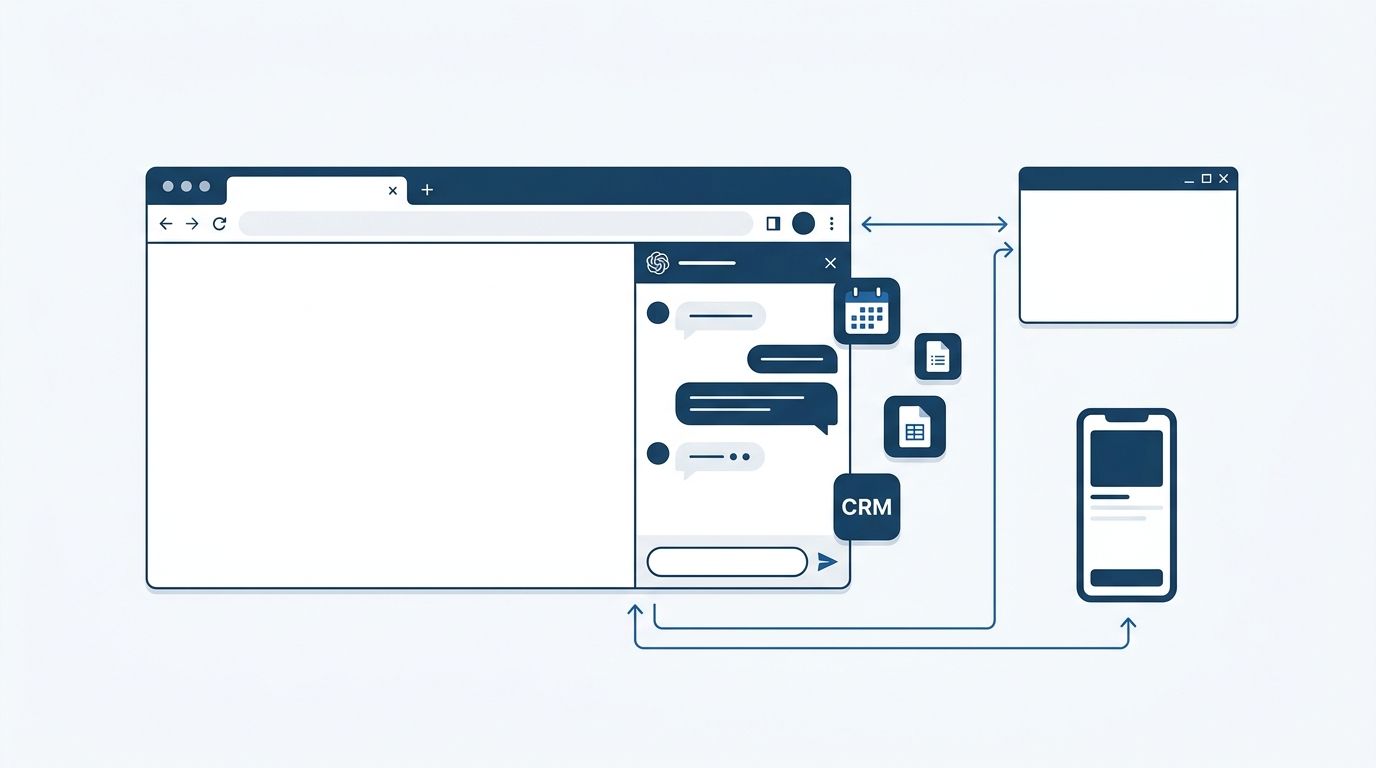
The Chrome side panel is now a full Claude Cowork session. Conversations save to your account history and carry over to the Claude desktop app, claude.ai, and the Claude mobile app — same thread, same Skills, same Connectors. No re-setup, no re-explaining context. The session follows your account, not the browser tab.
The Side Panel Used to Be an Island #
Before this update, Claude in Chrome and Claude Cowork were parallel but separate products. You could use both, but work in one didn’t reach the other. A research thread you started in Chrome would never appear on your desktop app. A Connector you’d configured for Salesforce in Cowork wasn’t available in the browser.
That gap is now closed. Skills and Connectors already linked to your Claude account work in the Chrome side panel without additional configuration. According to Anthropic’s official announcement, users can “start a task in a Claude app and continue them in Chrome, or move work in the other direction.” The practical result: any multi-step task that touches both the browser and your local files — research, CRM updates, vendor portal workflows — can now run as a single continuous thread.
What Developers Actually Get #
The clearest example Anthropic gives is a multi-portal invoice workflow: use Chrome to pull invoice details from several vendor portals (clicking through, reading tables, using your existing logins), then continue the same Cowork session on desktop to pull in local files and build a comparison spreadsheet. The intermediate step — down a CSV, importing it manually, re-explaining what you were doing — is gone.
For developers, the more useful version is browser testing continuity. Start a session that spans browser testing in Chrome and code edits on desktop. The context travels. You’re not switching between two separate AI conversations with no shared memory — it’s one thread.
Who Has Access Right Now #
Max and Team plan subscribers have access as of August 12. The Pro plan rollout is described as happening “over the coming weeks” — a non-answer that will frustrate Pro subscribers, who represent most of Claude’s paying user base. Enterprise accounts require admin action: enable Cowork under Organization Settings > Cowork, then separately enable Claude in Chrome under Organization Settings > Claude in Chrome. Free plan users are not supported.
To start, install the Claude extension from the Chrome Web Store setup guide, sign in with a qualifying account, and open the side panel. No new permissions are required — the existing extension handles the Cowork upgrade automatically once your account is enrolled.
The Security Note Worth Reading #
Anthropic is explicit that this update doesn’t change the extension’s permission model. That’s reassuring on one level — no new access granted. On another level, browser-based AI agents remain a real attack surface. Anthropic self-reports roughly 1% prompt injection success rate even after current mitigations. Security researchers found a six-lines-of-JavaScript bypass was still functional post-update.
For most individual developers, the daily risk is low. For enterprise deployments, it’s worth knowing that Claude Cowork’s RBAC controls don’t currently cover the Chrome extension — a documented gap. Review the Chrome permissions guide before rolling out broadly. The 9to5Mac writeup has additional context on what changed.
The Bigger Picture #
Every major AI lab is building ambient presence in 2026. Gemini Spark runs in Chrome and controls the browser. OpenAI’s Work integrates Codex into a unified app. The race is for the context window that spans your entire working environment — browser, desktop, phone, IDE. Claude’s answer is Cowork: a session layer that already spans desktop and mobile, now extended to Chrome.
The extension update isn’t a new product. It’s an infrastructure extension that closes the last obvious gap in Claude’s cross-surface story. Whether that matters to you depends on how much of your workflow runs through the browser — but for anyone already using Cowork seriously, it’s the upgrade that makes the desktop app optional for browser-heavy tasks.