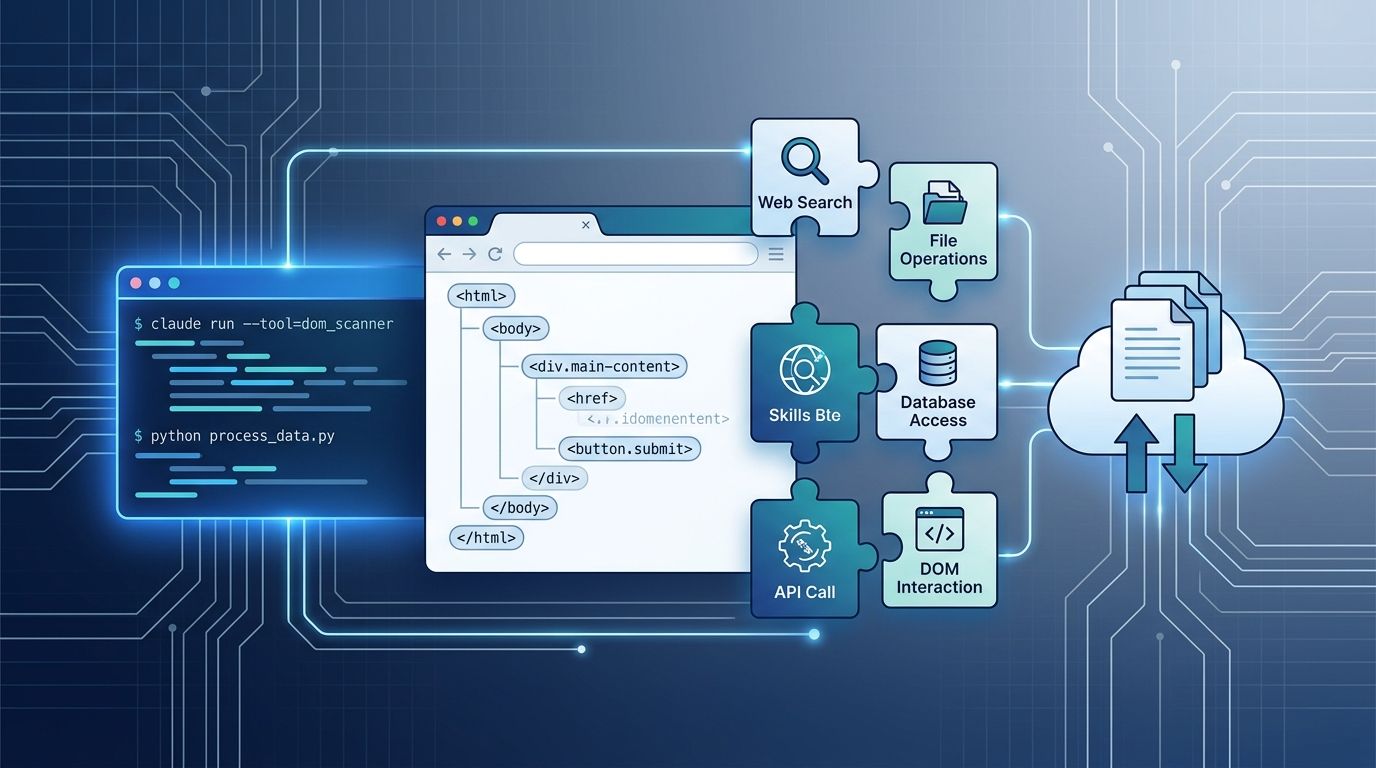
On August 20, Anthropic quietly shipped something more durable than a model release. Computer use, browser use, the Skills API, and the Files API all moved from beta to generally available on the same day. No benchmark drops, no new reasoning scores to argue about — just four production primitives landing together, each covering a piece of the agent stack that most teams have been building from scratch. If you have been waiting for the “it’s actually ready for production” signal before committing, this is it. Anthropic’s official announcement has the full details.
Multi-Action Turns: The Part That Changes Your Bill Immediately #
The most immediately impactful change is baked into the new computer_toolset_20260801
toolset. Claude now takes several actions per turn — clicking, typing, scrolling, taking screenshots — instead of one per model call. Early-access customers reported 20 to 40 percent fewer round trips per task and roughly 30 percent lower cost per completed workflow. That is real money if you are running computer use at any meaningful volume.
The migration is minimal. Drop the beta header, swap in the new toolset name:
response = client.beta.messages.create(
    model="claude-opus-5",
    betas=["computer-use-2024-10-22"],
    ...
)

response = client.messages.create(
    model="claude-opus-5",
    tools=[{"type": "computer_toolset_20260801", ...}],
    ...
)
Browser Use vs. Computer Use: The Decision Is Now Clear #
Shipping alongside the GA announcement is a genuinely useful new tool: browser use (browser_toolset_20260801
). Where computer use operates on pixels — taking screenshots and clicking based on what it sees — browser use reads the DOM directly. It targets fields and buttons by their structure, not their coordinates. The practical result: it’s faster, more reliable, and less brittle for web applications with clean markup. On the WebVoyager benchmark, browser use scores 89.1 percent across 586 live web tasks.
The decision rule is straightforward: reach for browser use first when the target is a web application. Fall back to computer use when you need a desktop application, a legacy system with no API, or a page where the DOM is too messy to trust. Browser use cannot see your desktop — it is browser-scoped. Computer use covers everything, but at the cost of relying on pixels rather than structure.
| Task | Recommended Tool |
|---|---|
| Web app with clean DOM | Browser Use |
| Desktop application | Computer Use |
| Legacy system, no API | Computer Use |
| Web page, unreliable DOM | Computer Use |
| Repeated team procedure | Skills API |
| Large shared inputs/outputs | Files API |
Skills API: Your Team’s Procedures, Versioned Like Code #
The Skills API solves a problem that every team building multi-agent workflows eventually hits: how do you share expertise across agents without copy-pasting the same prompt into every session? The answer is a SKILL.md file — a structured folder that packages instructions, context, and guardrails into a reusable, versionable unit. Agents discover and load skills on demand. Pin each API request to a version_id
in production, use latest
in development, and treat your procedures like the code they effectively are.
The practical starting point: take the workflow your team runs every week. Package it into a SKILL.md with clear trigger conditions, test it with a tool like Promptfoo, and commit it alongside the codebase it serves. The days of maintaining “the good system prompt” in a shared document are over.
Files API: The Rate Limit That Was Blocking You Just Got Fixed #
The Files API updates are less flashy but directly solve what was holding teams back. Upload a file once, reuse the file_id
across requests. GA brings three meaningful changes: rate limits increased five times to 500 RPM, organization storage expanded to 1 TB, and a new expires_in_seconds
parameter lets you set automatic expiration between one hour and 90 days.
One gotcha worth noting: expiration is set once at upload and cannot be changed afterward. If you upload a file and decide later it should live longer, you re-upload. Plan expiry before upload, not after. The old beta header (files-api-2025-04-14
) is also gone — drop it from your requests.
Computer Use Is Now HIPAA-Eligible #
For developers in regulated industries, this is meaningful: the computer use API is now eligible for HIPAA-regulated workloads under Anthropic’s BAA. It was previously excluded. Files API and Skills API remain outside the BAA — the HIPAA coverage is scoped to the Computer Use API specifically — but the door has opened for healthcare use cases that genuinely require desktop automation.
GA Means You Can Ship It. Not That It’s Trivial. #
Generally available does not mean zero-engineering. Computer use on complex desktop UIs still demands careful prompt engineering and robust error handling. A poorly constructed SKILL.md will misbehave consistently at scale. As some in the developer community have pointed out, Anthropic provides the primitives — the runtime is still yours.
But the beta-to-GA move matters for the teams who were waiting for the stability signal before committing production infrastructure. The beta headers are gone, the rate limits are credible, the pricing has settled, and the toolset names are versioned. That is the green light most teams were waiting for.