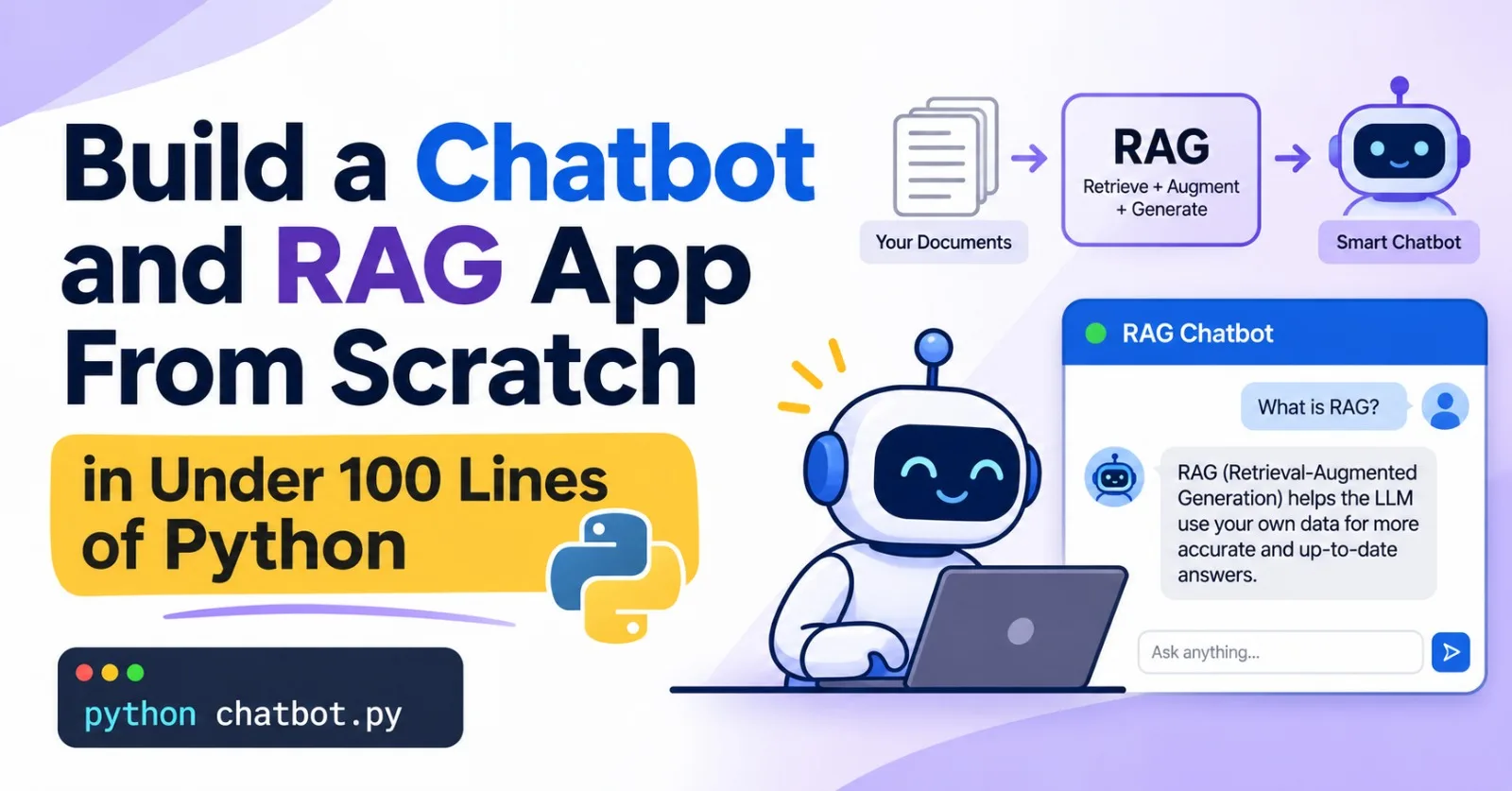
No LangChain, no vector database, no framework. Just Python, a small embedding model, and the Claude API.
Retrieval-augmented generation (RAG) has a reputation for being complicated, with tutorials that start by installing five frameworks and a database. The core idea is much simpler: find the pieces of your documents that are relevant to a question, paste them into the prompt, and ask the model to answer from them. That’s it.
In this post we’ll build it in two steps. First, a plain chatbot in about a dozen lines. Then a complete RAG app, with streaming answers, source citations and conversation memory, in under 100 lines.
What you’ll build #
A terminal app that:
- reads every
.txtand.mdfile in a folder - splits the files into chunks and indexes them with a local embedding model
- finds the most relevant chunks for each question
- streams an answer from Claude that cites the source files
- remembers the conversation
Setup #
pip install anthropic sentence-transformers numpy
export ANTHROPIC_API_KEY="your-key-here"
On Windows PowerShell, set the key with $env:ANTHROPIC_API_KEY="your-key-here" instead.
The embedding model runs on your own machine (it downloads about 90 MB on first run), so the only thing that calls an API is the final answer. You’ll need a recent Python 3; version 3.10 or newer is a safe choice.
Step 1: A chatbot in a dozen lines #
import anthropic

MODEL = "claude-sonnet-5-5"
client = anthropic.Anthropic()
history = []

while True:
    user = input("You: ")
    history.append({"role": "user", "content": user})
    reply = client.messages.create(model=MODEL, max_tokens=1000, messages=history)
    text = reply.content[0].text
    print("Bot:", text)
    history.append({"role": "assistant", "content": text})
Press Ctrl+C to quit. Two things to notice. First, the API is stateless: the model remembers nothing between calls, so we resend the entire history every turn. Second, the model only knows what it learned in training. It has never seen your documents. Ask it about your company handbook or last month’s meeting notes and it will either say it doesn’t know or, worse, make something up.
Step 2: Add retrieval #
RAG fixes that by adding a search step before the model answers:
- Chunk: split your documents into small, overlapping passages.
- Embed: turn each chunk into a vector, a list of numbers that captures its meaning. Texts with similar meanings end up with similar vectors.
- Retrieve: embed the question, then pick the chunks whose vectors are closest to it.
- Generate: give those chunks to the model as context and ask it to answer from them.
Each step becomes one small function in the code below.
The full code #
Save this as rag_chat.py:
import sys
from pathlib import Path

import anthropic
import numpy as np
from sentence_transformers import SentenceTransformer

MODEL = "claude-sonnet-5-5"
CHUNK_WORDS = 150  # words per chunk
OVERLAP = 30       # words shared between neighbouring chunks
TOP_K = 4          # chunks sent to the model

client = anthropic.Anthropic()  # reads ANTHROPIC_API_KEY from the environment
embedder = SentenceTransformer("all-MiniLM-L6-v2")  # small, fast, runs locally

def chunk_text(text: str) -> list[str]:
    """Split text into overlapping windows of words."""
    words = text.split()
    step = CHUNK_WORDS - OVERLAP
    return [" ".join(words[i:i + CHUNK_WORDS]) for i in range(0, len(words), step)]

def load_chunks(folder: str) -> list[dict]:
    """Read every .txt/.md file and return chunks tagged with their source."""
    chunks = []
    for path in sorted(Path(folder).rglob("*")):
        if path.suffix in {".txt", ".md"}:
            for piece in chunk_text(path.read_text(encoding="utf-8")):
                chunks.append({"source": path.name, "text": piece})
    return chunks

def build_index(chunks: list[dict]) -> np.ndarray:
    """Embed all chunks. Normalised vectors make cosine similarity a dot product."""
    return embedder.encode([c["text"] for c in chunks], normalize_embeddings=True)

def retrieve(question: str, chunks: list[dict], index: np.ndarray, k: int = TOP_K) -> list[dict]:
    q = embedder.encode([question], normalize_embeddings=True)[0]
    scores = index @ q  # similarity of the question to every chunk
    return [chunks[i] for i in np.argsort(scores)[::-1][:k]]

SYSTEM = (
    "You answer questions using ONLY the context provided in each message. "
    "After each claim, cite the source file name in square brackets, e.g. [guide.md]. "
    "If the context does not contain the answer, say you don't know."
)

def ask(question: str, history: list[dict], chunks: list[dict], index: np.ndarray) -> None:
    context = "\n\n".join(f"[{c['source']}]\n{c['text']}" for c in retrieve(question, chunks, index))
    prompt = f"Context:\n{context}\n\nQuestion: {question}"
    messages = history + [{"role": "user", "content": prompt}]
    reply = ""
    with client.messages.stream(model=MODEL, max_tokens=1000, system=SYSTEM, messages=messages) as stream:
        for text in stream.text_stream:
            print(text, end="", flush=True)
            reply += text
    print()
    history.extend([{"role": "user", "content": question},
                    {"role": "assistant", "content": reply}])

def main():
    folder = sys.argv[1] if len(sys.argv) > 1 else "docs"
    chunks = load_chunks(folder)
    if not chunks:
        sys.exit(f"No .txt or .md files found in '{folder}/'")
    index = build_index(chunks)
    print(f"Indexed {len(chunks)} chunks from {folder}/. Type 'quit' to exit.\n")
    history = []
    while True:
        question = input("You: ").strip()
        if question.lower() in {"quit", "exit"}:
            break
        if question:
            print("Bot: ", end="")
            ask(question, history, chunks, index)

if __name__ == "__main__":
    main()
How it works #
Chunking. chunk_text slides a 150-word window across each file, stepping forward 120 words at a time, so neighbouring chunks share 30 words. The overlap reduces the chance of an answer being cut in half at a chunk boundary. Word-based chunks are crude, but they’re easy to understand and good enough to start with.
Embeddings and search. all-MiniLM-L6-v2 is a small model that turns text into 384-number vectors. We pass normalize_embeddings=True, which scales every vector to length 1. That makes cosine similarity just a dot product, so the whole search is index @ q: one matrix multiplication scores every chunk, and argsort picks the best four. For a few thousand chunks this is fast, so no vector database is needed.
The prompt. Each question is sent along with the retrieved chunks, each labelled with its file name. The system prompt does the important work: it tells the model to use only the provided context, to cite its sources, and to say it doesn’t know when the context doesn’t contain the answer. That last rule helps cut down on made-up answers, though it doesn’t eliminate them.
Memory. After each turn we save the plain question and the answer in history, not the bulky retrieved context. That keeps the conversation small, and every new question brings its own fresh context anyway.
Streaming. client.messages.stream yields text as it’s generated, so answers appear word by word instead of after a long .
Try it #
mkdir docs
python rag_chat.py docs
Ask a few questions whose answers are in your files, then ask one that isn’t. The bot should name the source files for the first kind and admit it doesn’t know for the second.
Where this breaks (and what to improve) #
Fitting in under 100 lines means taking shortcuts. These are the ones worth fixing first:
- Follow-up questions. A message like “what about the second option?” retrieves poorly, because search only sees the latest message. The fix is to ask the model to rewrite the question into a standalone query, using the history, before searching.
- Re-indexing on every launch. Save the embeddings with
np.saveand reload them, or move to FAISS, Chroma or sqlite-vec once your collection grows. - Crude chunking. Split on headings or paragraphs instead of word counts, so chunks follow the structure of the document.
- Weak retrieval. Combine keyword search (BM25) with embeddings, and add a reranker to reorder the top results.
- No way to measure quality. Write 20 questions along with the file each answer should come from, then check how often the right file lands in the top four. It’s the most useful thing you can add.
Wrapping up #
RAG is just search plus prompting. Once you see it that way, the frameworks stop being mysterious, and you can decide for yourself when they’re worth adding. From here, a natural next step is wrapping ask in a FastAPI endpoint or a Streamlit chat page so other people can use it.