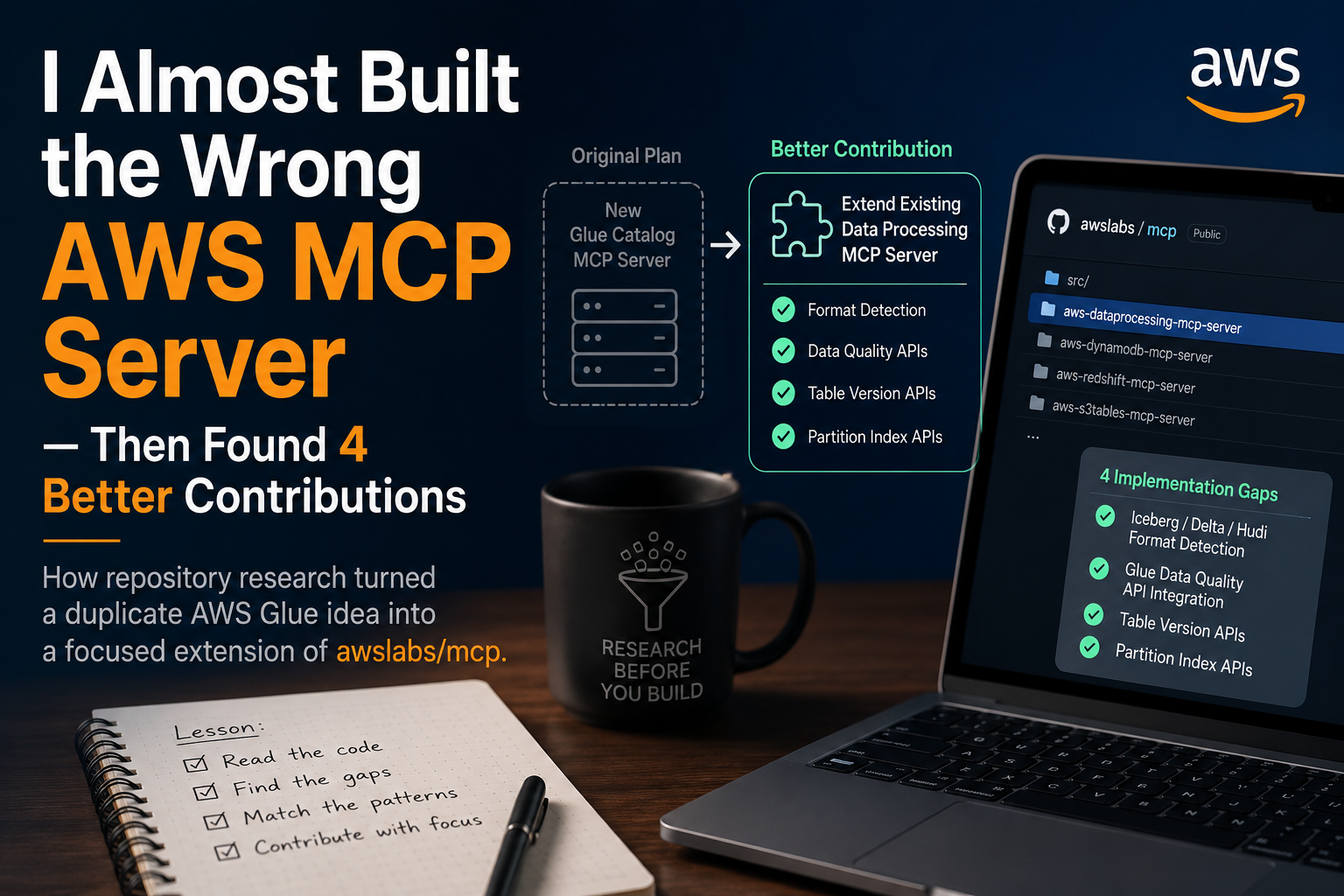
MCPserver for AWS Glue seemed like a gap in the current ecosystem until I spent an afternoon digging through the
awslabs/mcp
repository. It turns out that instead of starting from scratch, the move is to extend the official lab implementations.If you are trying to integrate AWS services into an LLM agent, don't waste time on boilerplate. The existing contributions in the awslabs repo already handle the heavy lifting for authentication and basic resource mapping. My original plan was to build a standalone Glue server, but seeing how the official tools are structured made me realize that a focused extension is far more maintainable than a separate project.
For anyone looking for a practical tutorial on how to get these running, the general deployment workflow follows this pattern:
-
Clone the official MCP server repository.
-
Configure your AWS credentials via environment variables or
~/.aws/config
.
- Add the server to your
claude_desktop_config.json
(or equivalent LLM agent config). 4. Restart the client to initialize the tools.
The real value here is in the prompt engineering required to make the agent actually use these tools effectively. Once the server is linked, the agent can query your infrastructure directly, but you'll need to be specific about the resource ARNs in your prompts to avoid timeouts or permission errors.
The awslabs/mcp
project is essentially the gold standard for this right now. Rather than risking a fragmented setup, sticking to this ecosystem ensures your AI workflow stays compatible with future updates.
Next AI Anime Finder: Semantic Search for AniList →