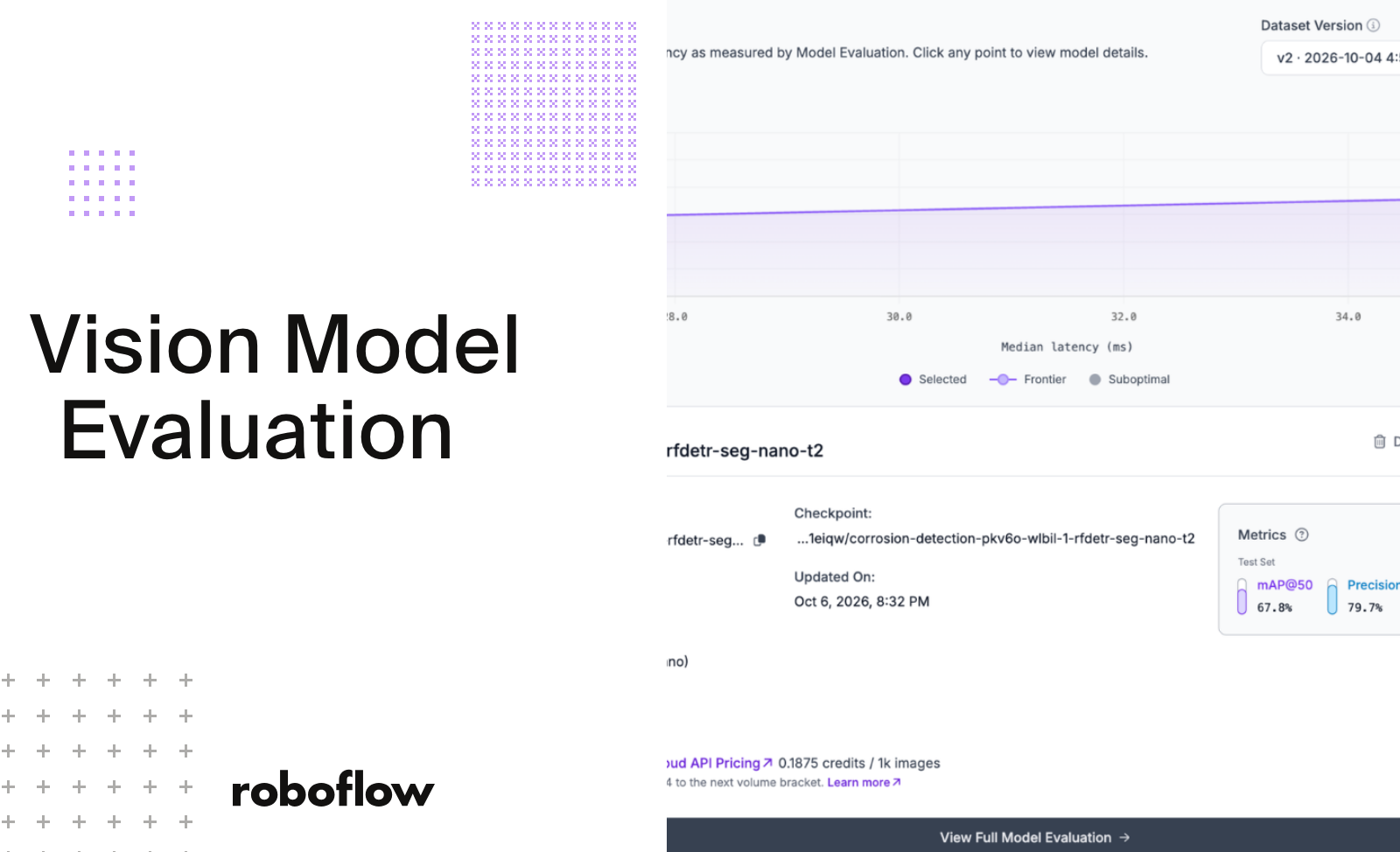
Evaluate inference latency alongside accuracy to choose a computer vision model that returns reliable predictions fast enough for your application. Use Roboflow’s Model Evaluation to automatically benchmark both on your test data and find the right balance of speed and accuracy before deployment.
Choosing a computer vision model (opens in a new tab) takes more than comparing accuracy scores. A model that detects defects on a production line also needs to return predictions in time to act. Inference latency - the time it takes to process an image and return a prediction - helps determine whether that model can meet your application’s requirements.
Roboflow’s Model Evaluation (opens in a new tab) feature makes that decision easier. After training, Roboflow automatically benchmarks accuracy and latency on your test data using the Serverless API. You can compare models side by side to find the right balance of accuracy and speed for your application, without writing a benchmark script.
In this guide, I’ll explain what impacts inference latency, then train and compare RF-DETR Seg Nano and Large on a corrosion detection dataset as a concrete example. The results will show why measuring matters, so let's get started!
What Is Trained Model Comparison?
Trained model comparison measures how well a computer vision model performs on images it did not see during training. It compares predictions against ground truth: the annotations that identify what the model should find, to measure performance and reveal errors such as missed objects, false positives, and inaccurate segmentation masks.
For object detection and instance segmentation, common evaluation metrics include mean average precision (mAP), precision, recall, and F1 score. Inference latency adds another dimension: how quickly the model returns predictions under the measured conditions. Together, these metrics help you assess whether a model meets your application’s accuracy and speed requirements. Vision model comparison uses those measurements to evaluate multiple models on the same test data. With Model Evaluation (opens in a new tab) in Roboflow, you can inspect performance metrics and individual prediction errors. Model Comparison (opens in a new tab) brings accuracy and latency into one view, helping you compare models trained on the same dataset version and decide which to test for deployment.
Which Metrics Matter for Comparing Trained Models?
Evaluate vision models on prediction quality and inference speed. For object detection and instance segmentation, the metrics below help you understand whether a model finds the right objects, identifies their locations accurately, and returns predictions fast enough for your application.
Metric
What it measures
Why it matters
mAP@50
Mean average precision at an Intersection over Union (IoU) threshold of 0.50.
Summarizes prediction quality across classes at one overlap threshold.
mAP@50:95
Mean average precision averaged across IoU thresholds from 0.50 to 0.95 in steps of 0.05.
Provides a stricter assessment of how precisely predictions match annotations.
Precision
The proportion of predicted detections that are correct.
Helps assess false alarms, such as flagging an undamaged surface as corroded.
Recall
The proportion of labeled objects the model correctly detects.
Helps assess missed detections, such as corrosion that goes unnoticed.
F1 score
The harmonic mean of precision and recall.
Summarizes the balance between false positives and missed detections.
Median inference latency
The median time required to process an image and return predictions.
Helps assess typical response time under the benchmark conditions.
IoU measures the overlap between a prediction and its ground-truth annotation. For segmentation models, check whether the reported mAP uses bounding boxes or segmentation masks: finding an object’s location and accurately outlining its shape are different evaluation goals.
Precision, recall, and F1 depend on the confidence threshold used to accept predictions. Record that threshold when comparing models, and inspect how changing it affects false positives and missed objects.
Roboflow’s latency measurement (opens in a new tab) includes preprocessing, model execution, and postprocessing on the Serverless Cloud API, but excludes network time. Use it to compare cloud performance, then benchmark your selected model in its intended deployment environment.
Choose the metrics that reflect the cost of errors in your application. For corrosion inspection, that means examining missed corrosion and unnecessary inspection alerts alongside latency, rather than choosing a model from its mAP score alone.
What Is Inference Latency?
Inference latency is the time a model takes to process one input and return a prediction, measured in milliseconds. It covers the whole prediction path: preprocessing such as decoding and resizing the image, the model's forward pass, and post-processing of the raw output. Network time is separate, so the round trip to a cloud endpoint comes on top of whatever latency a model reports.
This number sets a ceiling on speed. A model that takes 200 ms per frame, as sequential processing with one image at a time, tops out at about 5 frames per second, so it can't keep up with a 30 FPS camera, however accurate it is.
What Impacts Inference Latency?
Several factors set how long a prediction takes, and they tend to compound.
Model size: larger models tend to run more computation per forward pass, which raises latency.
Input resolution: more pixels means more to process. RF-DETR Seg (opens in a new tab) Nano takes a 312x312 input, while RF-DETR Seg Large takes 504x504.
Hardware: the same model runs at different speeds on a GPU, a CPU, or an edge device, and on dedicated versus shared hardware.
Preprocessing: images much larger than the model's input still need decoding and resizing before inference starts.
Because these stack, a large model on a high-resolution input on a CPU tends to be the slowest combination. They also interact, so model size is only one of the things that sets speed.
The Accuracy vs. Latency Tradeoff
Larger models tend to be more accurate and slower, and smaller models tend to be faster and less accurate. That tension sits behind most model selection decisions.
Where the balance lands depends on the deployment. A safety-critical inspection line may accept higher latency for fewer missed defects, while a real-time counting camera needs sufficient throughput and acceptable missed and duplicate detections. A slightly less accurate model that keeps up with the feed can beat a more accurate one that drops frames.
Model size gives a rough guide to accuracy and speed, and the gap between two models shifts with the dataset and the hardware. Measuring both on your own data is worth more than reading a benchmark table built on someone else's.
How to Compare Trained Models
Use the same held-out images and annotations for both models. Keep duplicate or closely related images from leaking across training and test splits.
Record training settings, model input resolutions, and evaluation conditions.
Report the confidence thresholds used for precision, recall, and F1.
Include representative production conditions, such as small corrosion patches, glare, and different surfaces.
Confirm performance on the intended deployment hardware before making the final choice
A clear accuracy gap between model sizes tends to require a large, difficult dataset, which is beyond the scale of this demonstration. On a dataset this size, the models can land close together on accuracy, so latency and the other numbers in the comparison carry more of the decision.
Train Two Models on the Same Version
Generate one dataset version and train both models on it: RF-DETR Seg Nano and RF-DETR Seg Large. Using the same version gives both models an identical train, validation, and test split, to control for differences in the dataset split.
Nano and Large sit far apart in the RF-DETR lineup, which gives the comparison a wide spread in model size. You should have two models trained on the same version as follows:
Evaluate Trained Models with Model Comparison
Open Model Comparison (opens in a new tab) for the dataset version both models were trained on. It's under Models > Compare in the project sidebar. The Model Explorer chart plots each model's test-set accuracy against its median latency, so both numbers show up in one view. Latency is benchmarked on the Serverless Cloud API (opens in a new tab) using your test images, so no manual timing tests are needed.
In this comparison, RF-DETR Seg Large has the lowest latency at 27.0 ms. RF-DETR Seg Nano has the highest mAP@50 at 67.8%, against 67.4% for Large, but takes 36.1 ms. The line between the two is almost flat, so moving along it shifts latency by about 9 ms while accuracy barely changes. Clicking a point opens that model's details. Precision, recall, and F1 also come out within about 2.5 points of each other, with Nano ahead on each.
Read the Results
Each model wins on one axis, so the right pick depends on what your deployment needs. Here is how the numbers from this comparison map to common decisions:
If your deployment needs... Pick
Why
Latency under the 33 ms budget of a 30 FPS feed
RF-DETR Seg Large
27.0 ms, against 36.1 ms for Nano
The highest accuracy or the fewest missed detections
RF-DETR Seg Nano
Ahead on all four metrics, with the biggest gap in recall (67.1% vs 64.7%)
A close call between the two
Run both on your own data
A small test set can't separate models this close
In this run, Large was the faster model, and Nano was slightly ahead on accuracy. Differences this small on a small test set are closer to a tie than a win, so in our case latency becomes the deciding factor.
The latency figure is the median Serverless Cloud API time across your test images. It includes preprocessing and postprocessing, and the server decodes and resizes each full test image, which can outweigh the difference between model sizes. It excludes network time, so it reflects what you would see on the same infrastructure and will differ on other hardware.
Evaluate Trained Vision Models with Roboflow
Inference latency depends on model size, input resolution, and hardware together. In this comparison, the Large model was the faster one and the Nano model was slightly ahead on accuracy. Where the balance lands depends on the deployment, so the answer comes from measuring both on your own data.
Start by training two model sizes on the same dataset version, then opening Model Comparison to see which one fits the latency budget of your deployment.