Googlebook OS ships tomorrow — October 4 — and the question developers are actually asking is not “what specs does it have?” but “what do I use to build for it?” Google’s answer is Antigravity 2.0, the agent-first IDE that just landed on the Googlebook Play Store. It is not a new product — Antigravity 2.0 launched at Google I/O 2026 in May — but running natively on the hardware you are targeting changes the workflow in ways worth understanding before devices start landing on doorsteps.
What Antigravity 2.0 Actually Is #
First: Antigravity is not Firebase Studio with a new logo. It is a heavily modified VS Code fork that has grown into a full developer platform — a desktop IDE, a Go-built CLI, an SDK for custom agents, and managed agent infrastructure backed by the Gemini API. The original version launched in November 2025 as a single-agent coding assistant comparable to Cursor. Version 2.0 expanded that into a multi-agent orchestration layer.
The default model is Gemini 3.5 Flash — not 3.1 Pro. Flash outperforms 3.1 Pro on coding and agentic benchmarks while running four times faster, which matters when multiple agents are firing in parallel. Antigravity also supports Claude Sonnet 4.6, Claude Opus 4.6, and GPT-OSS-120B, so you are not locked into Gemini. The desktop app is free in public preview; the AI Ultra plan ($100/month) provides 5x the usage quota.
The Manager View: Where Antigravity Separates Itself #
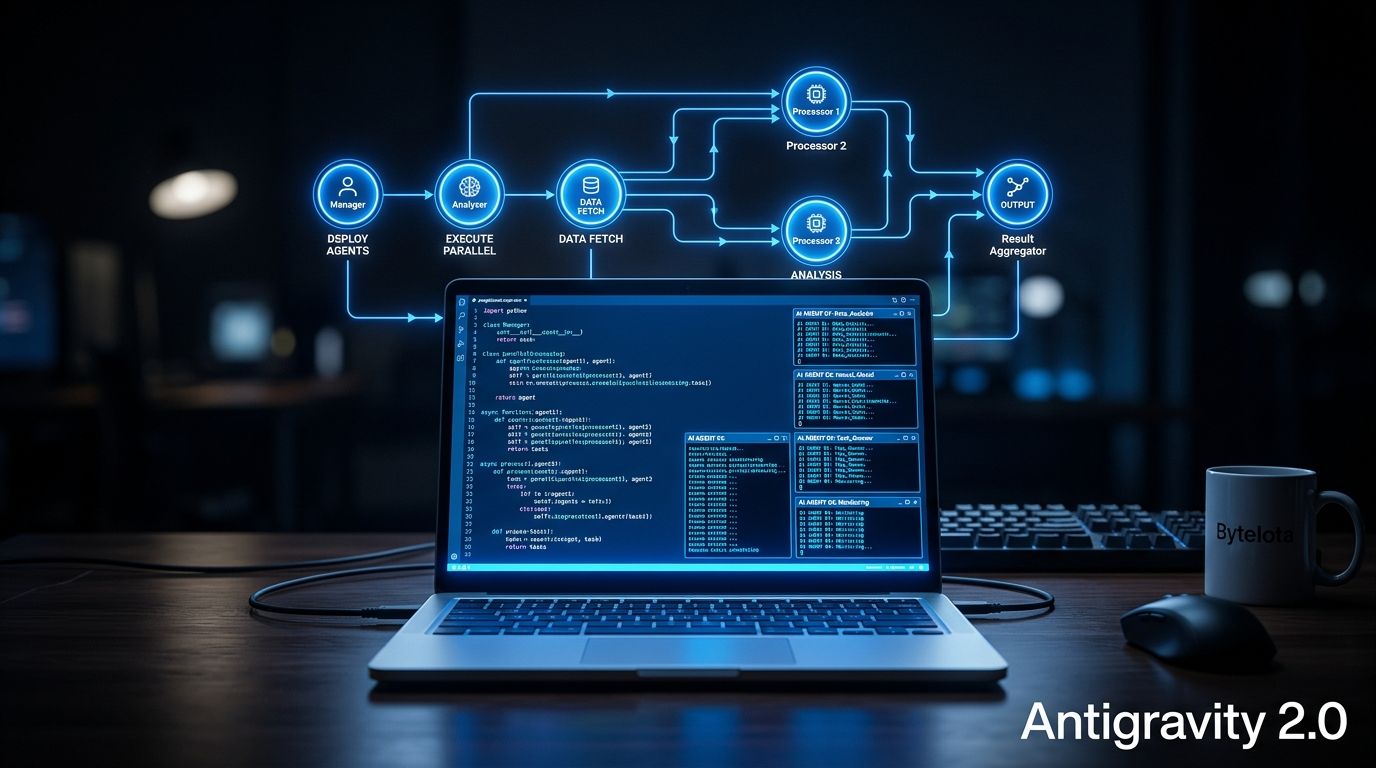
Antigravity has two primary views. The Editor View looks like Cursor — an IDE with an agent sidebar. The Manager View is something different: a control center for running multiple agents in parallel across workspaces. You assign tasks, agents spin up dynamic subagents for focused parallel work, and you can schedule background tasks that run without your involvement. This is not assisted coding — it is closer to delegating a sprint backlog to a small team of specialized agents.
One developer who built an Android app entirely in Antigravity 2.0 reported reaching a working MVP in roughly one hour, with processing speeds approaching 300 tokens per second. The honest caveat: there is no native code editor, which means verbose chat instructions when you need to change three lines. Conversation tracking also gets cluttered fast on complex projects. Antigravity is better for broad exploration and fast iteration. Surgical debugging is still what Android Studio does best.
The Adaptive Skill: Googlebook Migration Without Starting Over #
Googlebook does not run stretched mobile UIs. It expects multi-pane adaptive layouts that reflow as window boundaries change — multi-pane navigation, dynamic content groupings, and desktop-class input handling including right-click menus, hover states, and keyboard shortcuts. For most Android developers, this means updating existing apps rather than rewriting them.
Antigravity 2.0 ships an Android adaptive skill as part of its Android CLI bundle. Run it against your codebase and it analyzes your layouts, identifies inflexible patterns, and refactors toward Navigation 3 primitives — ListDetailSceneStrategy, SupportingPaneSceneStrategy, window size classes. It also covers CameraX migration, AppFunctions, and Compose Styles updates. For standard Compose-based apps it is a meaningful shortcut over a manual refactor. Testing requires the new Desktop Emulator, available in Android Studio Canary, and you can deploy directly from Antigravity to close the loop.
Apps that pass the optimization check receive Play Store badging and featured placement on the Googlebook setup screen — a real discoverability advantage in a new ecosystem where the app catalog is thin on day one.
Android Studio Users Are Not Left Out #
If you are not ready to leave Android Studio, you do not have to. Android Studio Rabbit 2 Canary added Bring Your Own Agent (BYOA) support — Antigravity, Claude, and Codex all work as first-class agents with codebase awareness, build diagnostics, Jetpack Compose Previews, and emulator controls. You get Android Studio’s debugger and Antigravity’s model capacity in the same session. The tradeoff: the Manager View’s multi-agent orchestration only lives in the standalone Antigravity app.
The Bigger Picture #
Googlebook is the first platform where the OS vendor controls the canonical developer tool and that tool is agent-first. Apple’s Xcode coupling is about compilers and simulators. Google’s Antigravity coupling is about agents that plan, execute, and verify tasks autonomously on the same hardware you are targeting. Whether that bet pays off depends on Googlebook’s adoption curve — the ecosystem is thin on day one, and the adaptive skill is only useful if there are apps worth adapting.
For Android developers, the practical path is clear: download Antigravity 2.0, run the adaptive skill on your existing apps, test in the Desktop Emulator, and get that Play Store badge before the platform picks up momentum. The agent IDE pitch is worth exploring on its own merits. The Googlebook timing makes it urgent — devices ship tomorrow.