Blog November 27, 2026·Product
Shahed Nasser
Shahed Nasser
Allow your agent to create products, add translations, handle support issues, and more, based on the access you give your agent.
The Medusa MCP now has write tools. Agents connected to your store can create, update and delete commerce data, where until now they could only read it. Write access is available on all Medusa Cloud plans.
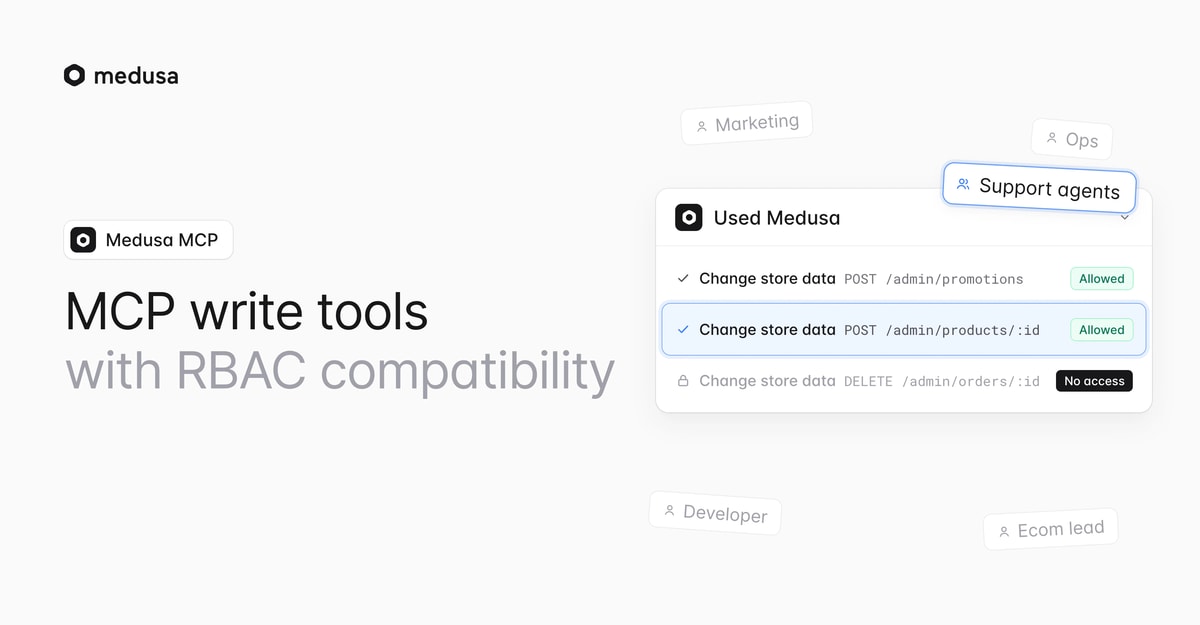
You decide which environments an agent can change. With role-based access control (RBAC), you also decide exactly what it can change.
What agents can do with write access #
With write access, your agent can call the Admin API routes that change data in your store. It finds the right route, reads its parameters, and sends the request as your admin user.
You ask for changes in plain language:
- "Create a 10% off promotion with the code Copy to clipboard
WINTER10in my staging store." - "Set the price of the Copy to clipboard
SHIRT-S-BLACKvariant to $25." - "Cancel the orders from yesterday that failed the fraud check."
Similar to read operations, the write tool works with your store's custom data like subscriptions or digital products.
Write access per environment #
All existing connections keep their read-access. To enable write access, you'll have to re-authenticate your agent or edit its connection details from the Medusa Cloud dashboard.
When you connect an AI tool or re-authenticate, you choose the access for each environment:
- Read only: The agent can retrieve the environment's data, but cannot change it.
- Read and write: The agent can also create, update and delete data.
You can change this at any time in the MCP and Connectors settings in Cloud. A common setup is read and write on staging, and read only on production.
On production environments, the agent first tells you exactly what will change and waits for you to confirm. The agent's mode, such as auto or manual, will also ask for your permission or hold-off from performing operations as you configure it.
Granular permissions with RBAC #
Choosing environments answers where an agent can write. RBAC answers what it can write.
The agent acts as your admin user in the store. It can only retrieve or change what your user's roles allow. This makes RBAC the permission model for your agents as well as your team.
For example, consider a merchandiser a role with policies for products and promotions only. If they connect with their agent to the MCP server, their agent can update prices and create discount codes. It cannot refund an order or edit a customer, because the store rejects those requests. The same applies to Cloud operations, such as reading environment logs. Medusa checks your organization role and the environment's access before every tool call. If someone's role changes, their agent's access changes with it.
RBAC for commerce applications is included in the Scale and Enterprise plans on Medusa Cloud.
Get started #
To give an existing connection write access, open the MCP and Connectors settings in your Cloud organization. To connect a new AI tool, follow the Medusa MCP documentation.