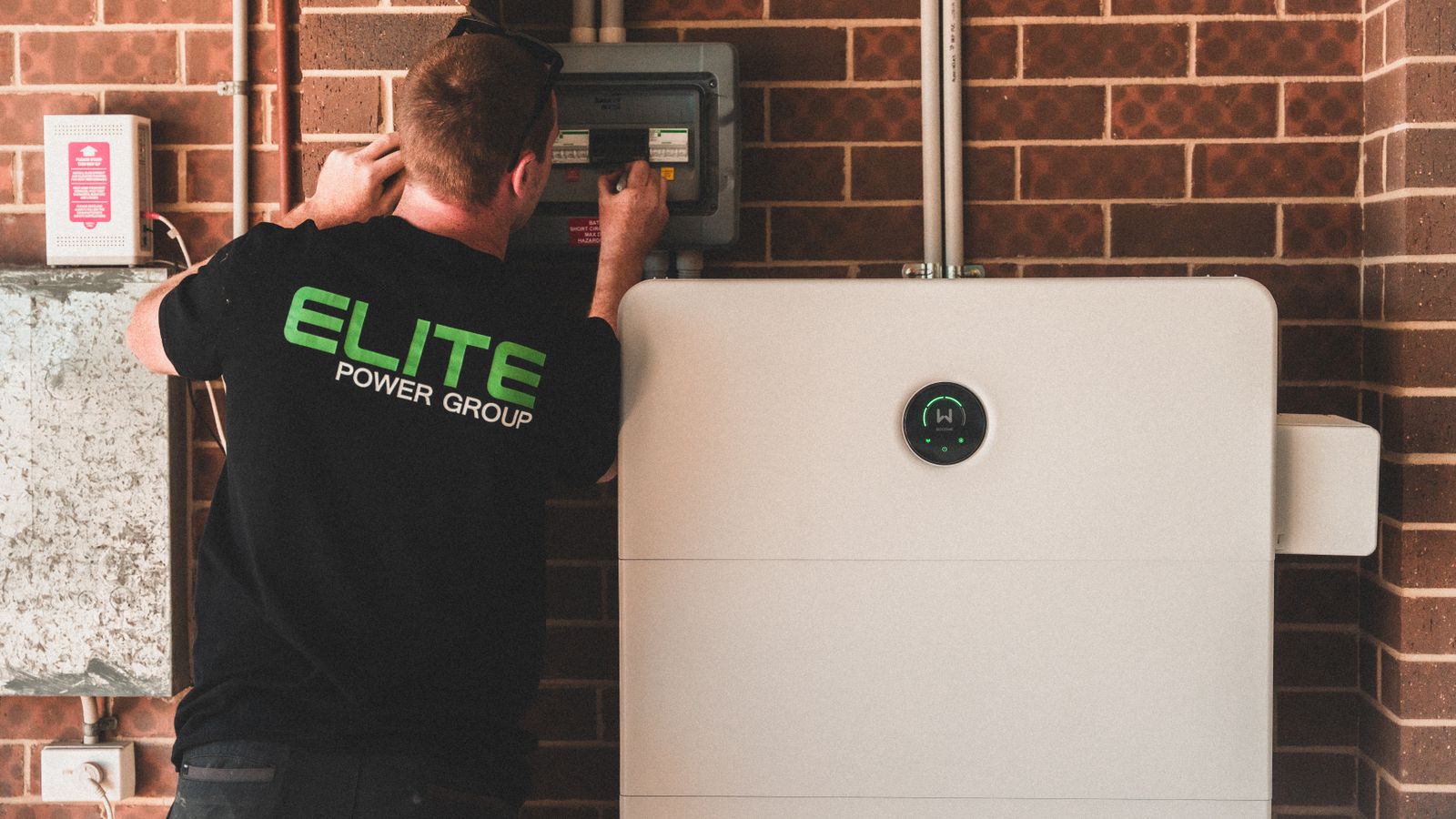
Photo by Elite Power Group on Pexels. A solar installer is checking a job when the phone rings. One caller wants a battery quote; another says their existing system has stopped working; a third wants to know when the crew will return to finish an installation. Those calls need different questions and different next steps.
An AI receptionist for solar energy should help sort those requests and give the team a useful handover—not diagnose equipment, promise a repair or treat every caller as a new sales lead. Here’s a practical workflow for small Australian solar installation and service businesses.
Map the calls before writing the script #
Start with the paths your team will actually support. A useful first version might separate:
- New system or battery enquiry: A prospective customer wants information, a quote or an assessment.
- Existing-system service: The caller reports a problem, requests maintenance or asks about a repair.
- Active installation: The caller already has a job underway and wants an update, change or follow-up.
- General question: The request does not fit the other paths and needs a team member to review it.
Keep these categories distinct in the call summary and in the person or team responsible for follow-up. A caller reporting a fault should not disappear into the sales queue simply because they mention a battery or inverter.
For a new enquiry, ask what they are interested in—solar, a battery, or both—and their suburb or postcode. For a service request, establish whether the system is already installed and whether the caller knows your business as the installer. For an active job, ask for the name and address associated with the job or an existing reference number, if available. The Australian Government advises customers whose solar system is not working as expected to contact their solar retailer or installer, and says potential faults should be handled by an accredited installer or electrician. That makes clear routing more useful than a receptionist trying to interpret a technical symptom. (Australian Government: Look after your solar system)
Keep first-call intake short and accurate #
Collect only what the next person needs to decide what happens next. A practical starting record could include:
- Caller’s name and a callback number, read back for confirmation.
- Suburb or postcode and property type, if relevant to the request.
- Whether there is already a solar or battery system at the property.
- The request in the caller’s own words.
- Whether the call concerns a new enquiry, existing system or active job.
- A safe, agreed way to return the call.
Let the caller say “I’m not sure” rather than pushing them to guess. Record technical details—such as an error message or a component name—as **caller-reported**, not as a diagnosis. If they do not know the make or model, don’t make it a barrier to taking a message.

For example, a useful note might read: “Existing system; caller reports the inverter display is blank; suburb provided; caller is unsure of model; callback number confirmed; service team to review.” It gives the qualified person context without declaring what is wrong.
Route reported faults without giving technical advice #
Agree in advance which calls go to the service coordinator, an on-call person or another qualified staff member. Write down what the receptionist may say, what information it may collect and what must be handed over. Electrical and system advice, fault diagnosis and decisions about safety belong with qualified staff under your business’s procedures.
An existing-system call could sound like this:
“The solar stopped working yesterday. Can you tell me how to reset it?”
A safe intake response is to acknowledge the report, capture the caller’s words and route the request for qualified review. Don’t provide reset steps, ask the caller to open equipment or suggest that a repair has been approved. Ausgrid likewise advises people with problems involving panels, inverters or batteries to contact their original installer or a qualified electrician, and warns against attempting electrical repairs themselves. (Ausgrid: Support for an existing solar system)
If a caller describes something that sounds urgent or unsafe, follow the business’s approved escalation procedure. Don’t have the receptionist decide that an electrical situation is safe, diagnose the cause or improvise emergency instructions. Queensland’s Electrical Safety Office says electrical work must be performed by a licensed electrician and directs customers to their electrician or solar installer for maintenance or damage. (Electrical Safety Queensland: Solar PV systems)
Separate a request from a confirmed booking #
A caller may ask for a site assessment, a callback or a technician visit. Those are requests—not proof that someone has accepted the job or that a time is available.
Set explicit rules for each next step:
- Callback requested: Record a preferred time or timeframe, then have an owner confirm whether they can call then.
- Assessment requested: Capture the location and enquiry details; explain that the team will review availability and confirm the appointment.
- Repair requested: Route the report to the service owner for assessment and any required arrangements.
- Active-job update: Send the question to the person responsible for that installation rather than guessing from an old note.
A solar business may have different responsibilities for equipment faults and network-related questions. Jemena’s guidance, for example, directs customers to their installer about equipment faults, repairs and maintenance, while distinguishing those issues from network responsibilities. Use the relevant network provider’s guidance for your own service area rather than asking a receptionist to decide responsibility from incomplete information. (Jemena: Who to contact when)
Give every path an owner and a backup #
Name a primary owner and backup for sales, service and active-job calls. Define what happens if the primary person is on site, unavailable or does not acknowledge the handover. The backup should know when to act and when to escalate to someone qualified.
Keep the handover brief but useful: call category, caller’s words, confirmed contact details, location, any existing job reference and the action requested. If a live transfer is part of your process, decide what happens when no one answers. A clear message and callback owner are better than leaving the caller with the impression that a person has accepted the call.
For more on trade enquiry capture, see Wattle’s contractor phone answering guide. Its quote-intake advice is a useful starting point, but solar businesses should add separate service and active-installation paths.
Check integrations and test the awkward calls #
Before relying on a CRM, calendar or service system for job status or availability, verify that the specific connection is supported and that the information stays current. Test what happens when a job record is missing, a time slot has changed or a handoff fails. Don’t let a receptionist present an old status or an unverified calendar opening as confirmed.
Rehearse at least these calls before relying on the workflow:
- A new customer enquires about a battery but does not know their roof details.
- An existing customer reports a fault and asks for repair instructions.
- A caller gives a wrong callback number, then corrects it.
- A customer with an active installation asks whether the crew is coming tomorrow.
- A report sounds urgent, or the intended handoff receives no answer.
Review the resulting notes. Check that corrections replaced the earlier detail, technical statements stayed attributed to the caller, the right owner received the call and no assessment, repair or visit was described as confirmed without approval.
Where Wattle can fit #
Wattle may be worth assessing as one part of this reception workflow, but do not assume a solar-specific setup, integration or live job-status connection without checking it. Start with Wattle’s features and integrations, then ask how your separate sales, service and active-job paths would be configured. Test your own scripts, correction cases and failed handoffs before relying on the system for availability or job updates. You can contact Wattle to discuss the workflow.
Common questions #
Can an AI receptionist diagnose a solar fault?
It should not diagnose equipment or give electrical instructions. It can capture what the caller reports and pass it to a qualified person. Australian Government guidance says potential faults should be handled by an accredited installer or electrician. (Look after your solar system)
What details should it collect from a new solar or battery enquiry?
Start with the caller’s name, confirmed callback number, suburb or postcode, property type if useful, whether they have an existing system, and what they want in their own words. Let the sales team decide what further information is needed.
Can it book a site assessment or repair visit?
Only if your business has defined what can be booked and how availability is verified. Otherwise, record the request and have the responsible person confirm the appointment. A request is not a confirmed visit or repair.
What if the caller already has an installation underway?
Route the call to the person responsible for that job, using an existing reference if the caller has one. Don’t infer the crew’s schedule or promise a return visit unless the relevant team has confirmed it.
Is an AI receptionist for tradies automatically suitable for solar work?
No. Check whether the workflow can keep prospective sales enquiries separate from existing-system service and active-job questions, and whether it respects your technical and safety boundaries. Test the actual handovers before putting it into use.