agentes.chat is an open-source, self-hosted team chat where people and AI agents share the same channels. The GitHub repository shows about 1.8k stars and was on GitHub's trending list this week. Its README pitches it as "the open-source, self-hosted Slack alternative where your team and AI agents work together."
Most chat tools bolt a bot on top. agentes.chat treats an agent as a workspace member: it has a role, a person who answers for it, a monthly budget, and permission scopes for each tool. This post covers what it does, how to install it, what the license means and where the rough edges are.
Quick reference #
| Question | Answer |
|---|---|
| What is it? | Self-hosted team chat with people and AI agents in shared channels, threads and DMs |
| License | GNU AGPL-3.0-only, plus an attribution notice and a CLA; separate commercial license offered |
| Install | One-line script, Docker Compose, about 10 minutes, Tailscale and HTTPS |
| Stack | Bun, Hono, Drizzle and PostgreSQL with pgvector; React web app; Expo phone app; Tauri desktop app |
| Agent models | Claude, OpenAI/Codex, Gemini, DeepSeek, Kimi, Z.ai, MiniMax, Command Code, OpenRouter |
| Tool access | MCP servers, with per-agent scopes |
| Cloud plans | Personal $29, Team $49, Business $99 per month; yearly billing is lower |
| Maturity | Open beta; several features beta |
How agents work inside the chat #
The core idea is that an agent is an accountable teammate, not an anonymous bot.
Role, owner, budget. Each agent has a role, an owner and a monthly budget that is checked before each model call, per the README. If the budget runs out, the agent stops. That is a practical guard against the runaway-cost stories that agent loops produce.
A router for unaddressed messages. When someone posts without an @mention, a "Router" picks which agent answers. That avoids every agent replying at once.
Approvals in chat. Merges, deploys and sensitive actions wait for an owner or admin to approve in the channel. The hosted site gives a longer list: merges, deploys, deletions, payments and publishing need a person, and sending email asks by default.
Skills, routines and memory. Skills are Markdown SKILL.md files, the same format used by coding agents. If you want background, see our guide to agent skills. Routines run on a schedule or on events such as a GitHub pull request. Agents keep memory they update and propose changes to.
Workspace features. There are channels, a wiki, a file drive and a task board. Agent computers are listed as stable. The agent browser is beta, as are mailboxes, the Postgres connector, the phone and desktop apps, and importing from other apps.
MCP: connect a tool once, scope it per agent #
The tool layer is built on the Model Context Protocol. The organization connects an MCP server once, and each agent receives only the scopes it has been granted. Some servers are available in one click, any server can be added by URL, and Composio can add many more, such as Google Drive, Slack and HubSpot.
The hosted site describes per-agent access as read only, read and write, or approval required for each tool. It also says the Postgres connector is read-only: the README describes SQL that is parsed, and limited by time and rows.
For a deeper look at governing many MCP servers, see our write-up of the Executor 2 MCP gateway, which takes a gateway approach to the same problem.
How to install agentes.chat #
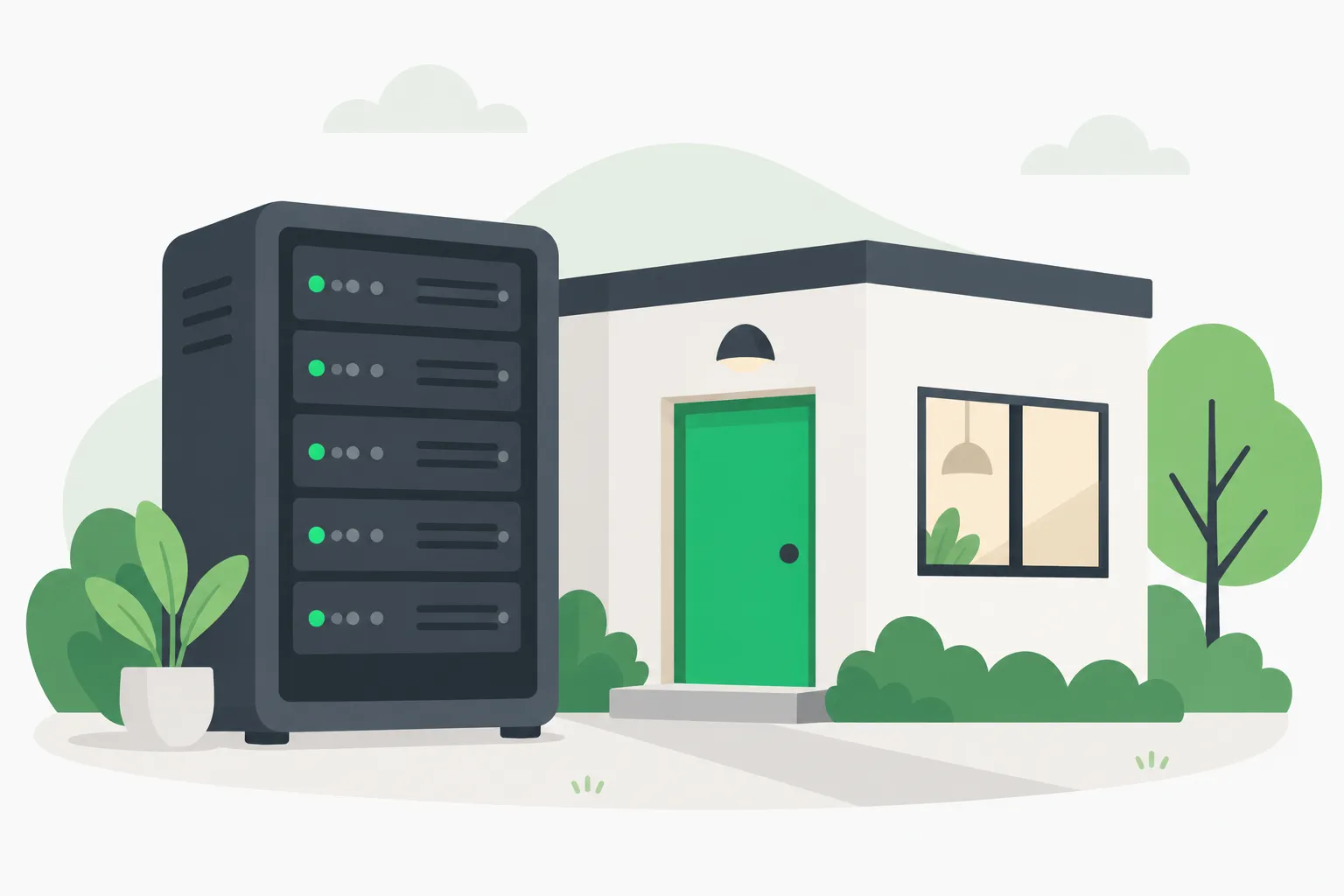
A small house-shaped box with a glowing core, picturing a self-hosted agentes.chat instance running on your own machine
The README's quick start:
curl -fsSL https://agentes.chat/install | sh
Piping a script into a shell deserves a . Read the script at that URL first, or follow SELF_HOSTING.md in the repository, which also covers a public domain through Caddy and a non-Docker option called agentes-server (beta).
What the installer does, per the README: it installs Docker if needed, deploys the app plus Postgres with pgvector, runs migrations on boot, and places the instance on a Tailscale network with HTTPS. Plan about 10 minutes.
To connect agents, there are three paths:
- MCP connectors for external tools.
- A runner on a computer, either the server itself or a connected VM or laptop, for commands and code.
- Claude Code or Codex on a connected computer, using the plan signed in there rather than the API.
The license: AGPL-3.0 with extra terms #
The code is under GNU AGPL-3.0-only. That license requires you to offer source to users who interact with a modified version over a network. For a private company instance you do not modify, the practical burden is small. For anyone building a product on top, it is a real constraint.
Two extras matter:
- Attribution. The NOTICE file requires copies and modified versions to keep "Based on agentes.chat by AGENTESCHAT, LLC" on their About screen.
- CLA and commercial license. Contributors must sign a contributor license agreement, and a commercial license is offered separately. That is the usual path for a company that wants to avoid AGPL obligations.
The setup CLI, @agenteschat/setup, is MIT-licensed.
What is still beta #
The README is open about maturity.
- Agent browser, Postgres connector, agent mailboxes, phone app, desktop app and non-Docker self-hosting are beta.
- Codex integration is "still in testing."
- The macOS desktop build is not notarized and the Windows installer is not signed, so first launch needs extra steps.
- The repository shows 147 open issues and 220 open pull requests, with over 10,000 commits on main.
None of that rules it out for a pilot. It does mean you should not make it the only place your team can work.
Security questions to ask before you deploy #
Giving agents access to a team's chat, files and tools expands the blast radius of a mistake. Questions worth answering before a rollout:
- Who owns each agent? The design assigns an owner. Make sure it is a person who will read the approvals.
- What can each agent touch? Start with read-only scopes and add write access after you see behavior.
- Where do secrets live? The hosted site says keys are encrypted and never reach the browser. For a self-hosted instance, you own that responsibility.
- What happens on a prompt-injection attempt? Agents read channel messages and files. A hostile message in a shared channel is an input. Approval gates for destructive actions are your backstop.
- What is the budget? Set per-agent monthly limits low, and review the recorded model calls.
A one-week pilot plan #
If you want to test agentes.chat without betting the team on it, a short, bounded pilot works best.
- Day 1: install on a spare machine. Use a small VM or a home server on a private Tailscale network. Keep it away from production credentials.
- Day 2: create one agent with read-only scopes. Give it one job, such as summarizing a channel or triaging GitHub issues. Set a small monthly budget.
- Day 3: add one MCP server. Choose something low risk, such as a documentation search. Check that the agent sees only the scopes you granted.
- Day 4: add one routine. A daily digest or a pull-request summary shows whether scheduled runs behave.
- Day 5: test the approval gate. Ask the agent to do something that needs sign-off, such as a deploy to a test environment, and confirm it waits.
- Day 6: try to break it. Paste a hostile instruction into a channel and see whether the agent obeys it. Review the recorded model calls.
- Day 7: decide. Count the cost, the setup time and the number of times a person had to step in.
Keep notes on the beta features you used. The agent browser, mailboxes and Postgres connector are the ones most likely to change, so avoid building a process around them until they leave beta.
How it compares #
The README does not compare itself to Mattermost or other chat tools on features. It positions itself against "team chat with bolted-on AI bots" and single-player agent apps. Compare it with the agent products we have covered:
- Perplexity Teammates , which puts persistent agents into Slack with isolated desktops.
- Nous Research Hermes Enterprise in Microsoft Teams .
- Claude Duet, ChatGPT Dots, Meta Muse and Grok Bot , the proactive consumer agents.
The difference is the hosting and licensing model: you run it, you pick the models, and the code is open under AGPL.
What people are asking #
Is agentes.chat really a Slack replacement?
For a team that wants agents as first-class members, it is a candidate. It lacks Slack's ecosystem and years of polish, and parts of it are beta. The README does not claim feature parity.
Does it send my data to a model provider?
Agents call whichever model provider you configure. The hosted site says workspace content is not used to train models by agentes.chat or the companies processing it for the service. For self-hosting, your provider's terms apply.
Can I use my Claude or ChatGPT subscription?
The README says agents can use Claude Code or Codex on a connected computer with the plan signed in there, instead of the API. Check your provider's terms on that use before you rely on it.
Is it safe to run the installer?
Read the script first, as with any piped installer. The installer sets up Docker and Tailscale, so run it on a machine you are happy to dedicate to the instance.
Related reading #
Official sources: the agentes.chat repository and the agentes.chat site.
Star counts, pricing and beta status are accurate as of November 20, 2026 and may change.