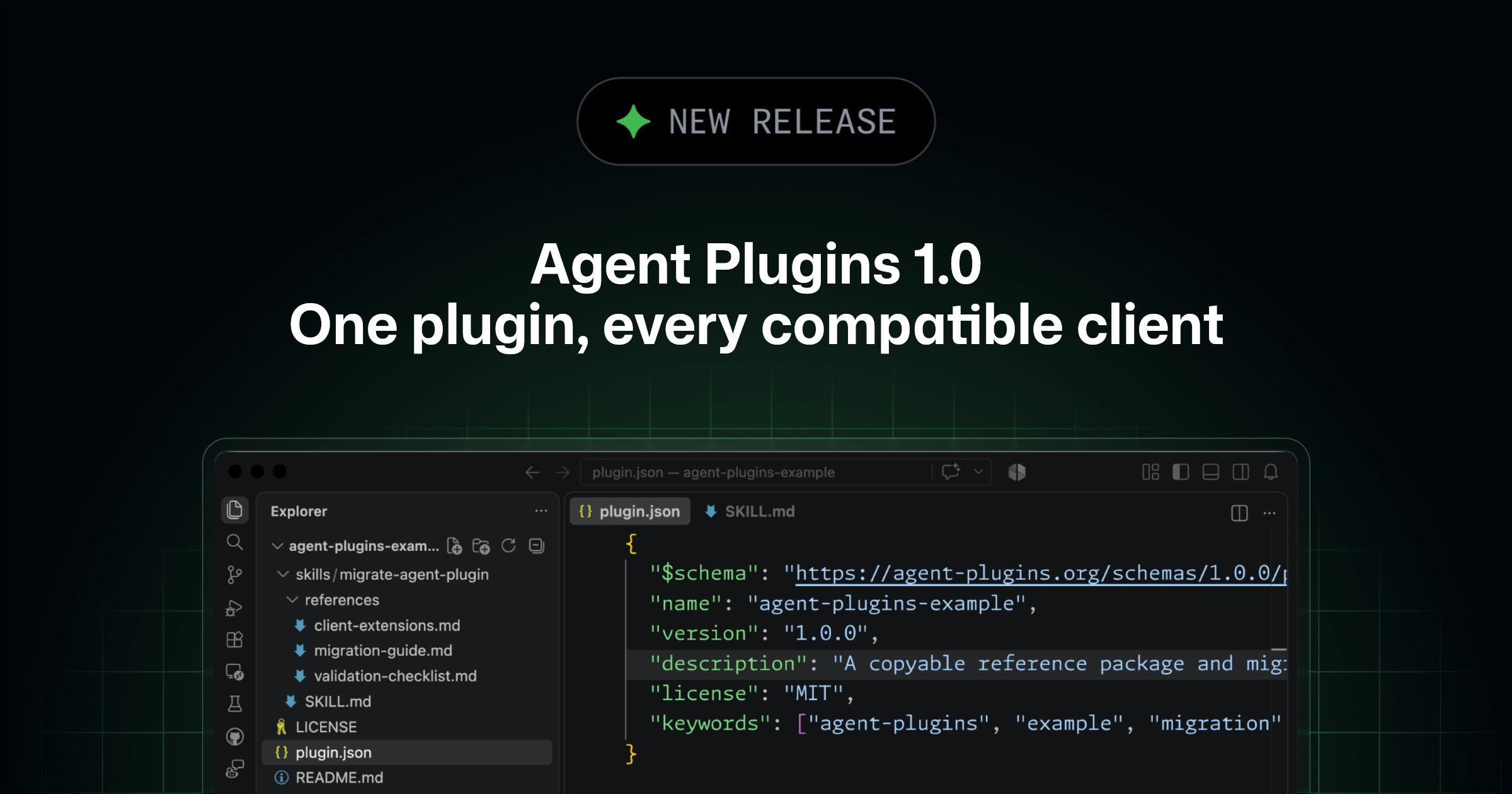
You can now build a plugin once and use it across all compatible agent clients. We published Agent Plugins 1.0 on August 6 with AWS, Anysphere, Microsoft, OpenAI, and Vercel. Google also joined as a core maintainer on the same day. Agent Plugins 1.0 is an open standard that packages agent skills and MCP servers into one installable plugin that is governed independently of any single vendor.
Publishing a plugin for several agents was already possible, but it cost you duplication. A plugin can bundle a skill with an MCP server, such as a deployment runbook and its tool integration. While the skill and the server underneath were the same for every client, the packaging around them wasn’t, so you maintained a separate manifest and directory layout for each one.
Support is generally available in VS Code, Copilot CLI, the GitHub Copilot SDK, and the GitHub Copilot app, on all Copilot plans.
What you can do Install spec plugins from a marketplace. You can find plugins in theAwesome Copilot marketplace, available by default in VS Code, Copilot CLI, and the Copilot app.Share one plugin across tools. Compatible clients can discover the skills and MCP server configuration they support from the same package.Keep your existing plugins. Existing GitHub Copilot plugins that don’t target Agent Plugins 1.0 remain supported, with no migration required.
[Building or migrating a plugin](#building-or-migrating-a-plugin)

If you maintain a plugin, adopting the spec is mostly manifest work:
- Add
$schema
toplugin.json
- Keep skills under
skills/
and MCP configuration inmcp.json
- Move Copilot-specific files into the
com.github.copilot/
directory, which other clients ignore
That last step is what keeps a plugin portable without giving anything up. The spec standardizes skills and MCP servers, so Copilot capabilities beyond those live in the namespaced directory. Custom agents, commands, rules, and hooks load from there across VS Code, Copilot CLI, and the Copilot app, and the CLI and app also load extensions such as canvases. One package stays portable and keeps its Copilot behavior.
See Build an Agent Plugin for the minimal package and where each component goes, or start from the example plugin and migration guide.
Govern plugins with the settings you already use As plugins become portable across tools, organizations need a consistent way to manage which plugins are available to developers. Copilot Business and Enterprise customers can use existing enterprise managed settings across VS Code, Copilot CLI, the GitHub Copilot app, and Copilot cloud agent.
In managed-settings.json
, use enabledPlugins
to automatically install or block specific plugins, extraKnownMarketplaces
to add marketplaces available to developers, and strictKnownMarketplaces
to restrict installation to managed marketplaces. Enterprise values establish a baseline, and plugin and marketplace settings combine additively with approved team-specific overrides. To learn more, see our docs on setting overrides for specific teams.
If you already manage these plugin settings for supported Copilot clients, they also apply to Agent Plugins 1.0. No separate Agent Plugins policy is required. Plugins can also carry MCP server configurations, so pair this with MCP allowlists, which approve or block individual servers by URL, command, or name.